37
1
Select the target camera to control.
For details about selection, see “Selecting a
Camera” (page 34).
2
Press the ACTIVE button, turning it on
(button is lit), on the joystick control block.
3
Turn the ZOOM ring on the top of the
joystick counterclockwise/clockwise.
Release the joystick to stop zooming.
Note
When you perform pan/tilt operation while the
camera is in telephoto mode, the speed of
movement of the image on the screen may
appear erratic.
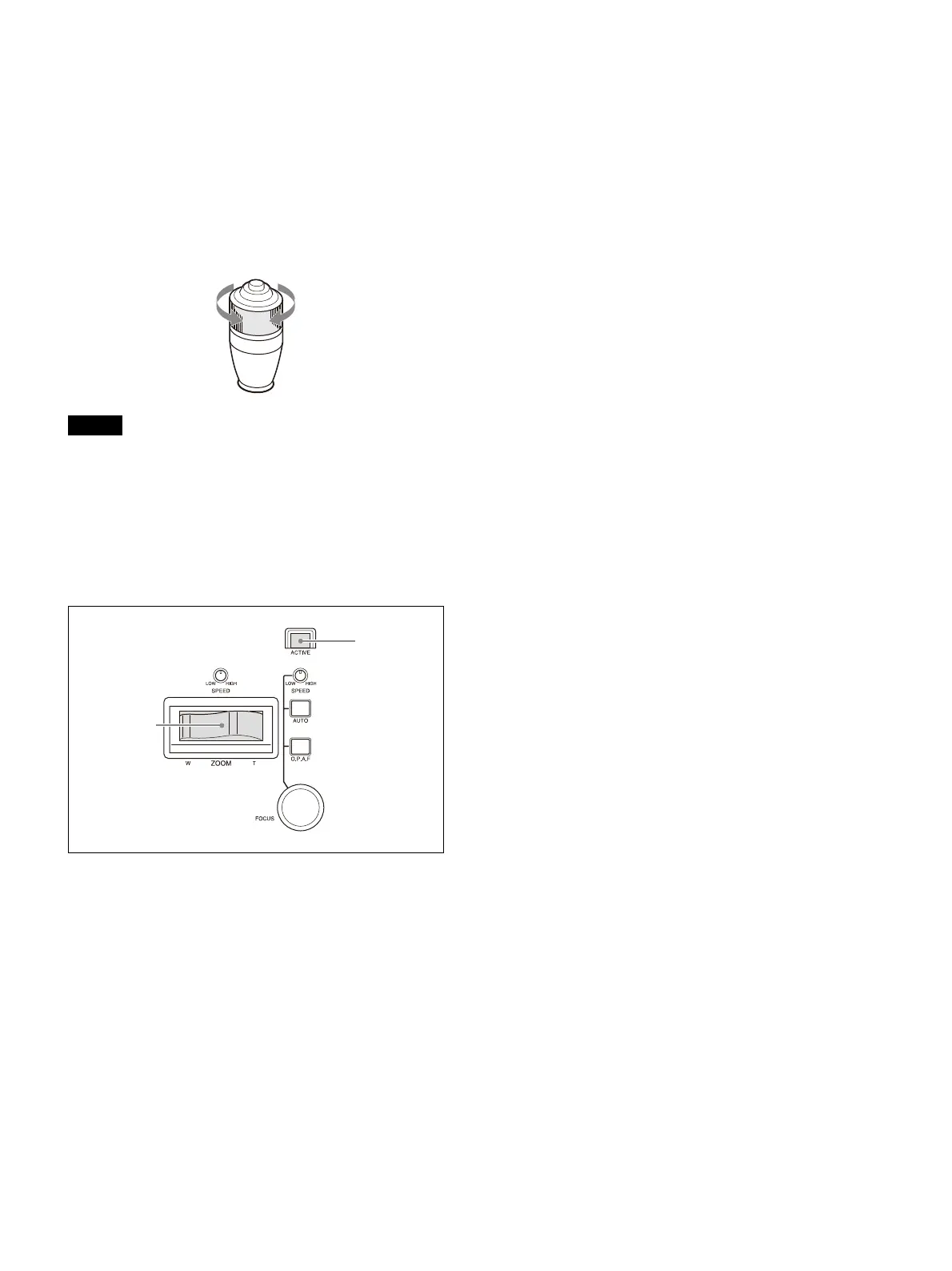
To control the zoom using the ZOOM
lever on the lens control block
1
Select the target camera to control.
For details about selection, see “Selecting a
Camera” (page 34).
2
Press the ACTIVE button, turning it on
(button is lit), on the lens control block.
3
Move the ZOOM lever left/right.
Moving the lever to the left makes the
su
bject appear smaller (Wide angle).
Moving the lever to the right makes the
s
ubject appear larger (Telephoto).
The zoom speed changes depending on the
p
ressure applied to the lever and the setting
of the ZOOM SPEED knob.
Turning the ZOOM SPEED knob clockwise
i
ncreases the zoom speed, and turning
counterclockwise decreases the zoom
speed.
You can change the direction of the zoom
le
ver using CONFIG >DIRECTION in the RM
menu (page 74).
Subject appears
smaller.
(Wide angle)
Subject appears
larger.
(Telephoto)












 To Next Page