49
1
Select the target camera to control.
For details about selection, see “Selecting a
Camera” (page 34).
2
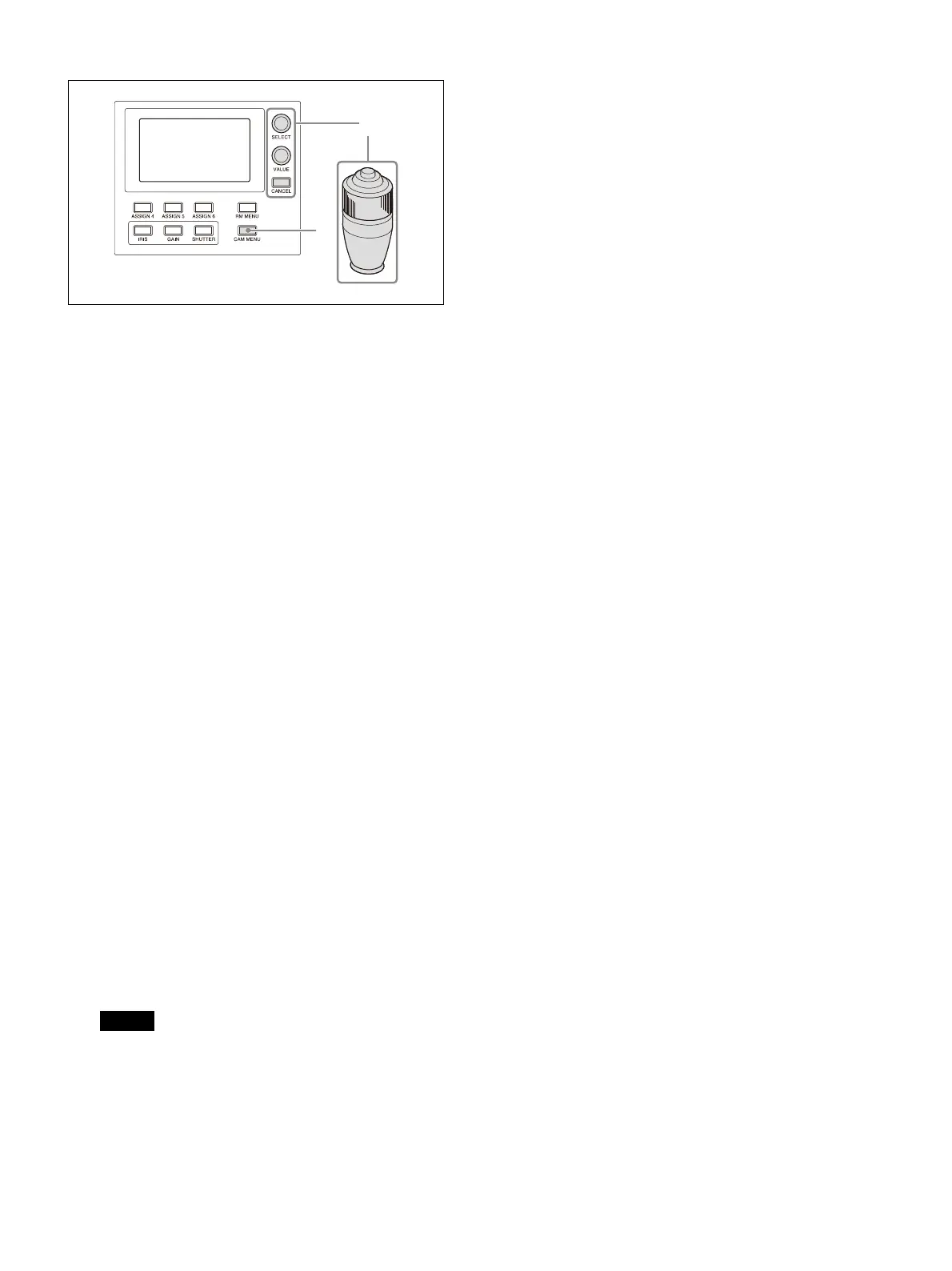
Press and hold the CAM MENU button,
turning it on (button is lit yellow).
Camera menu operation mode is activated.
The camera setup menu is displayed on the
ou
tput video monitor for the camera on-
screen display.
3
Operate the camera setup menu using the
SELECT knob/button, VALUE knob, CANCEL
button, and joystick.
SELECT knob
Selects menu items.
The cursor moves up/down as the SELECT
k
nob is turned counterclockwise/clockwise.
SELECT button (or VALUE button)
Press this button to confirm the selection of
men
u items.
If a menu item has sub items, those sub
i
tems are displayed.
VALUE knob
Selects settings.
The setting changes as the VALUE knob is
tu
rned counterclockwise/clockwise.
CANCEL button
Press this button to go back one level in the
me
nu and to exit the setup menu.
Note
On the SRG series and BRC-X400/X401,
pressing the CANCEL button during menu
operation will exit menu mode. To go up one
level in the menu, press and hold the CAM
MENU button.
Operation using the joystick
Select a setup menu item using tilt
o
peration, and select the setting using pan
operation.
Press the joystick button to confirm the
se
lection of items and settings.
4
Exit camera setup menu mode.
Press the CANCEL button repeatedly until the
me
nu disappears.












 To Next Page