13
Using the List s
VIDEO1
VIDEO2
.
.
.
.
.
.
TAPE
CD
TUNER
PHONO
USER1
USER2
M ACRO1
M ACRO2
IR SET
AUTO POWER
BACK LIGHT
CONTRAST
COM M AND M ODE
ALL CLEAR
2ND AV/2ND AUDIO
LEARNING
DOWNLOAD
FUNCTION
TUNER INFO
CD DISC NAM E
EXIT
BUTTON list
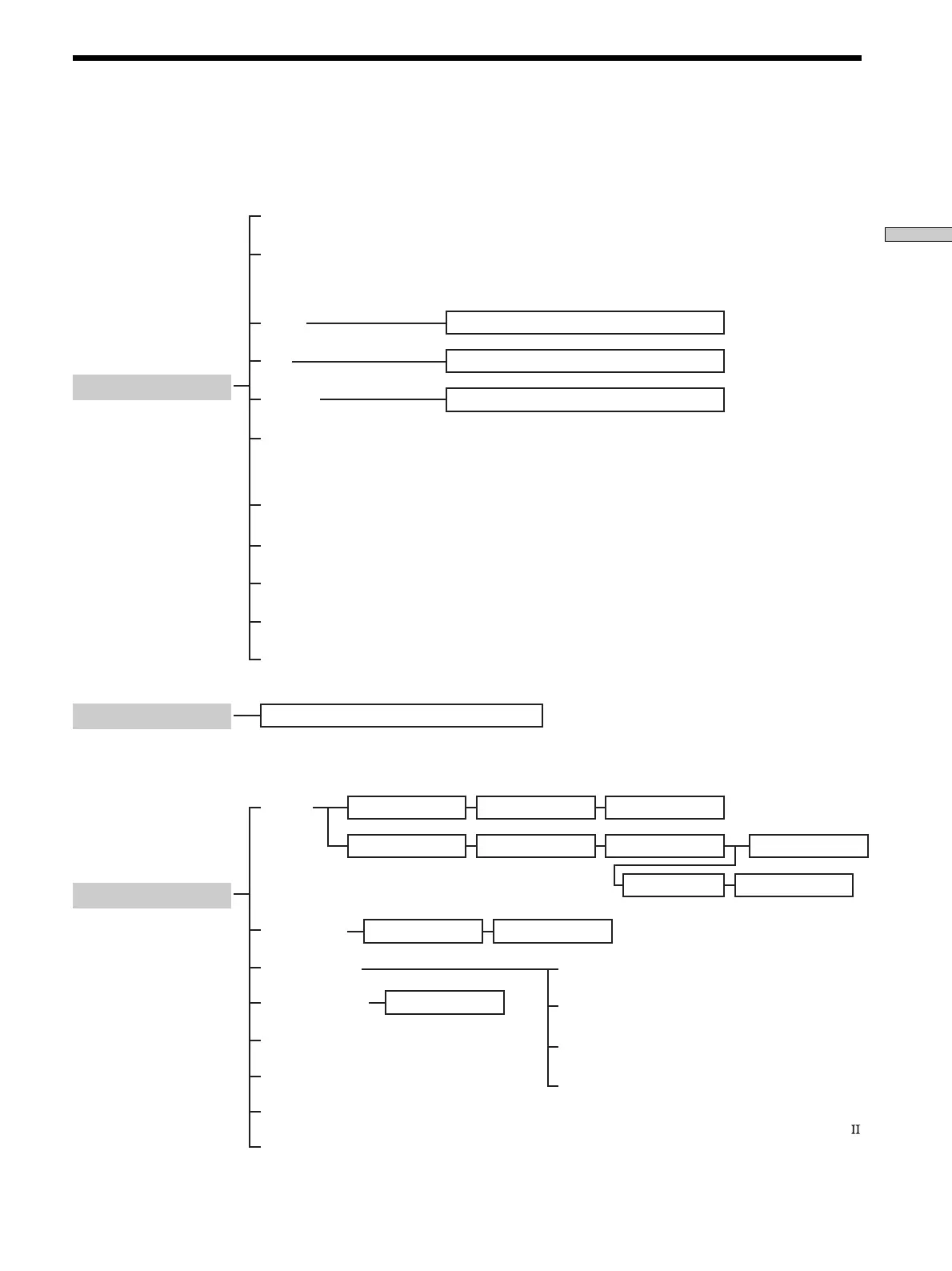
Chart of Lists
See the treelike chart below for the list hierarchy. Details on how to access each list is given from page 14. Some items have
sub-lists that appear when you press the SUB button (see pages 10 and 11).
The configuration of the lists will vary depending on the receiver.
Press
SOUND FIELD
2)
Press
FUNCTION
2)
Press
SET UP
Deck A/ B status information
Preset station list
Sound field list
IR SET list CATEGORY list M AKER list
1)
Appears only when the receiver is connected to CONTROL A1/A1
compatible CD changer (5, 50, 200, 300 or 400 discs).
2)
The displayed information varies depending on the receiver.
M ACRO 1/ 2 list PROGRAM list CATEGORY list
M AKER list FUNCTION list
TV INPUT list
Disc name (memo) LIST
1)
FUNCTION list BUTTON list
Downloaded from: https://www.usersmanualguide.com/



 To Next Page