3
Understanding the 2 w ay remote syst em
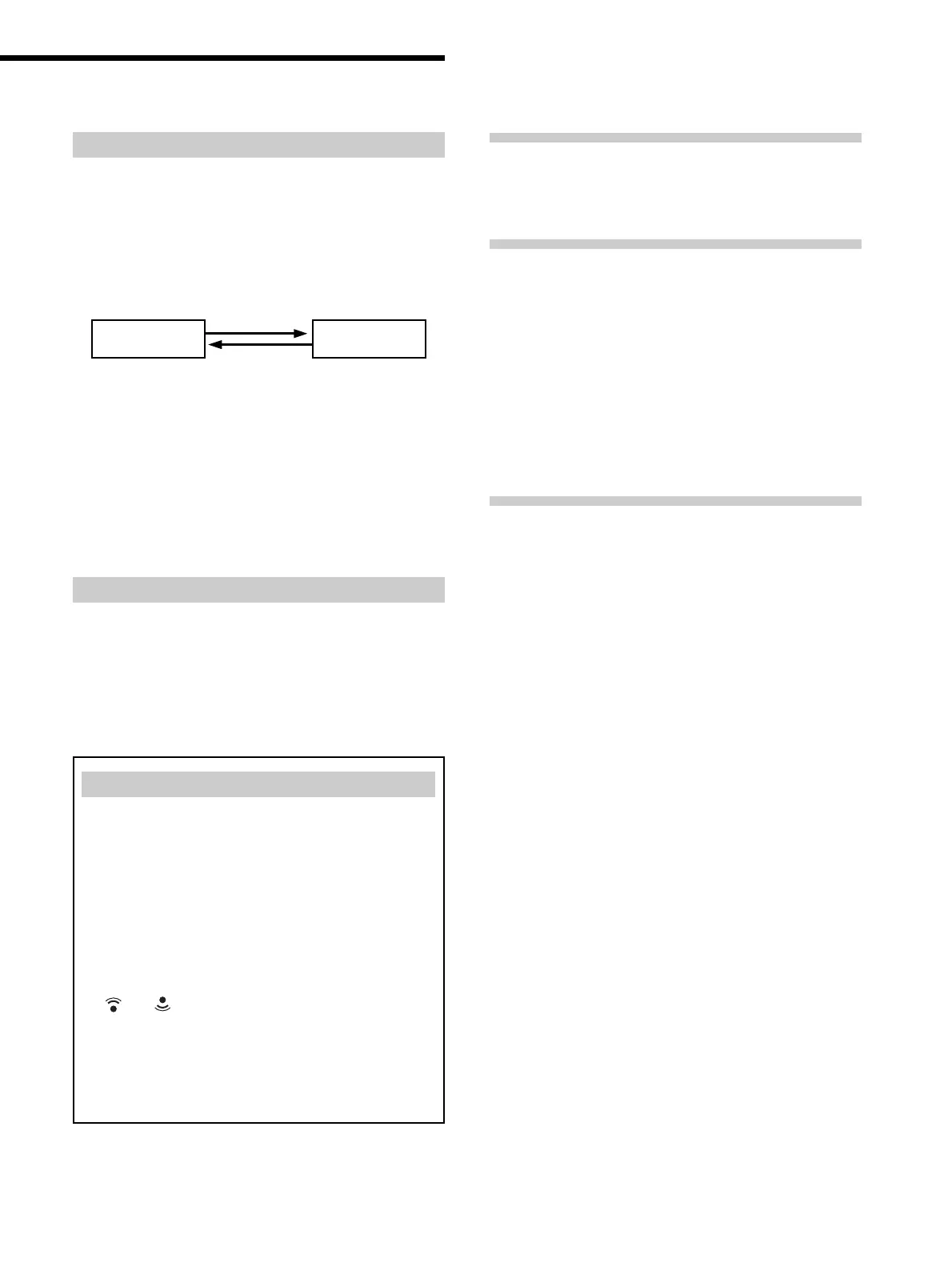
This remote operates under a 2 way remote system. With
the two way remote system, the component responds to
signals sent from the remote by sending additional signals
(information about the status of the component, text data,
etc.) back to the remote. Thus, operations are performed
as a result of communication between the remote and the
component.
When using a home entertainment system comprised of
several components compatible with the 2 way remote
system, please restrict 2 way remote system operation to a
single component. Normally, turn off the 2 way remote
system on all components except the receiver.
If you would like to turn off the receiver’s 2 way remote
system, see “Setting up the 2 way remote” in the
operating instructions supplied with the receiver.
The COM M AND M ODE
If the receiver’s COMMAND MODE and the remote’s
COMMAND MODE do not match, transmission is not
possible between the remote and the receiver. If you have
not changed the COMMAND MODE of the remote and
the receiver after purchase, it is not necessary to set the
COMMAND MODE. For details, see page 21.
Sett ing up the rem ot e
At the time of shipping, the remote has not been
customized to your receiver yet. Before you use the
remote for the first time, do the procedure below to set
up the remote so that it can control your receiver
properly.
1 Press?/1 on the receiver to turn it on.
2 Point the remote tow ards the receiver and press
SOUND FIELD, FUNCTION, or SUB.
and appear in the display window of the
remote while it communicates with the receiver and
identifies the receiver model.
When the communication ends, the remote is
customized and provides the operation lists that
match your receiver.
TABLE OF CONTENTS
Location of Part s and Basic Remot e
Operat ions 4
Parts Description 4
Using t he List s 12
Chart of Lists 13
Selecting a Component 14
Selecting a Sound Field 15
Programming the Remote 16
Performing Several Commands in Sequence
Automatically (Macro Play) 17
Learning the Commands of your components 18
Downloading Data From the Receiver 19
Other Operations 21
Additional Informat ion 22
Troubleshooting 22
Specifications 23
Component
Remote
Downloaded from: https://www.usersmanualguide.com/



 To Next Page