9
Location of Parts and Basic Rem ote Operat ions
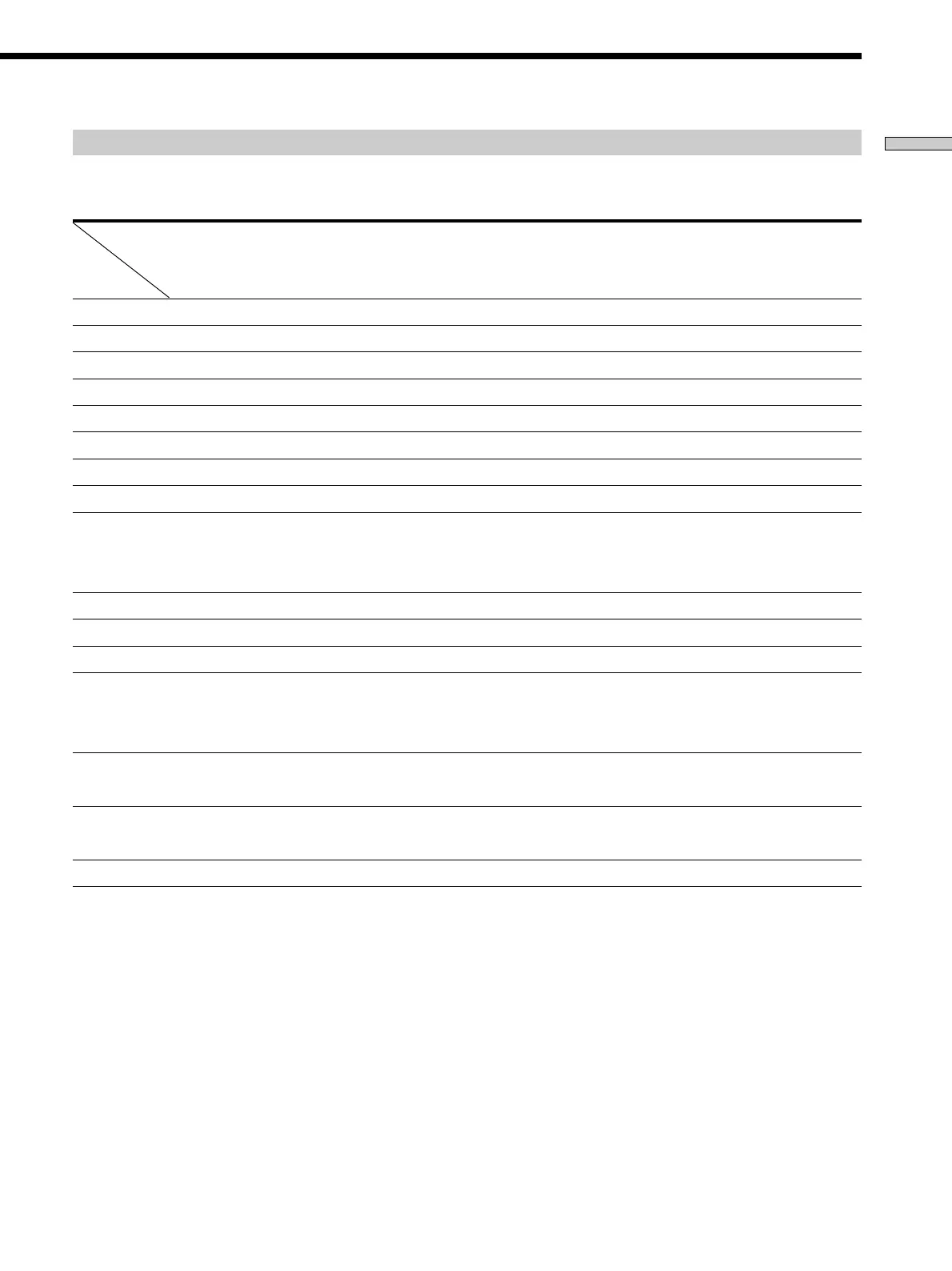
Table of buttons used t o control each component
When you program the remote to control the following Sony or non-Sony components, you can use the buttons on the
remote that are marked with circles. Note, however, that some buttons may not operate your component.
Component VCR Satellite DVD LD TV Cable Tuner Video CD CD M D DAT Tape Projector
tuner player player box player player deck deck deck
(A and B)
Button
AV ?/1 zzzzzz zzz
SUB
1)
zzzzzzzzzzzzz
h z
H z zz zzzzz
X z zz zzzzz
x z zz zzzzz
./> z zz zzzzz
2)
m/M z zz zzzzz
CH
zz zz
PRESET
z
D.SKIP +/–
3)
z zzz
Cursor buttons zzz z
MENU zzz
Numeric buttons zzzzz zzzzzz
SHIFT z
>10 z z zzz z
-/-- z
D.TUNING z
ENTER zzzzz zzzz
4)
z
EXIT z
RETURN zz z
EXECUTE zzz
1)
For information on the operations that become available when you press the button, see the table on pages 10 and 11.
2)
Deck B only.
3)
Multi disc changer only.
4)
RMS/START.
Downloaded from: https://www.usersmanualguide.com/



 To Next Page