12
Using the Lists
This chapter describes how to display
and use various lists. It also includes
a chart showing all of the various lists.
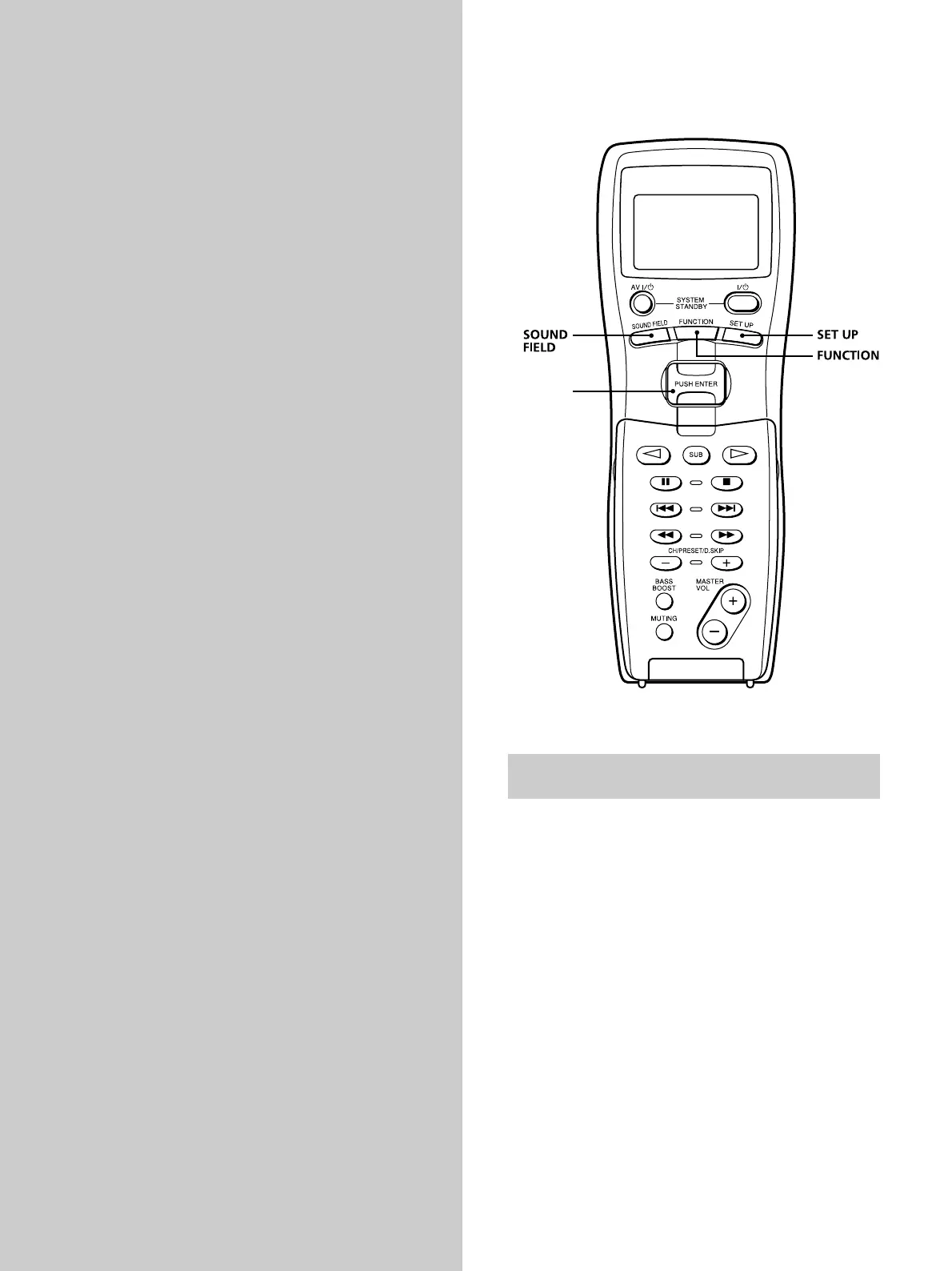
Brief descript ions of butt ons f or list
operat ions
SOUND FIELD button: Press to display the sound field
list. Press again to revert back to the component
information.
FUNCTION button: Press to display the function
(component) list. Press again to revert back to the
component information.
SET UP button: Press to display the set up list. Press
again to revert back to the component information.
Easy scroll key: While displaying a list, move this key up
or down to select an item from the list, then press the key
to enter the selection.
Easy scroll
key
Downloaded from: https://www.usersmanualguide.com/



 To Next Page