17
Using the List s
The Macro Play function lets you link several IR codes in
a sequential order as a single command. The remote
provides 2 macro lists (MACRO 1 and 2). You can specify
up to 8 IR codes for each macro list.
Sett ing the sequence of IR codes
1 Press SET UP.
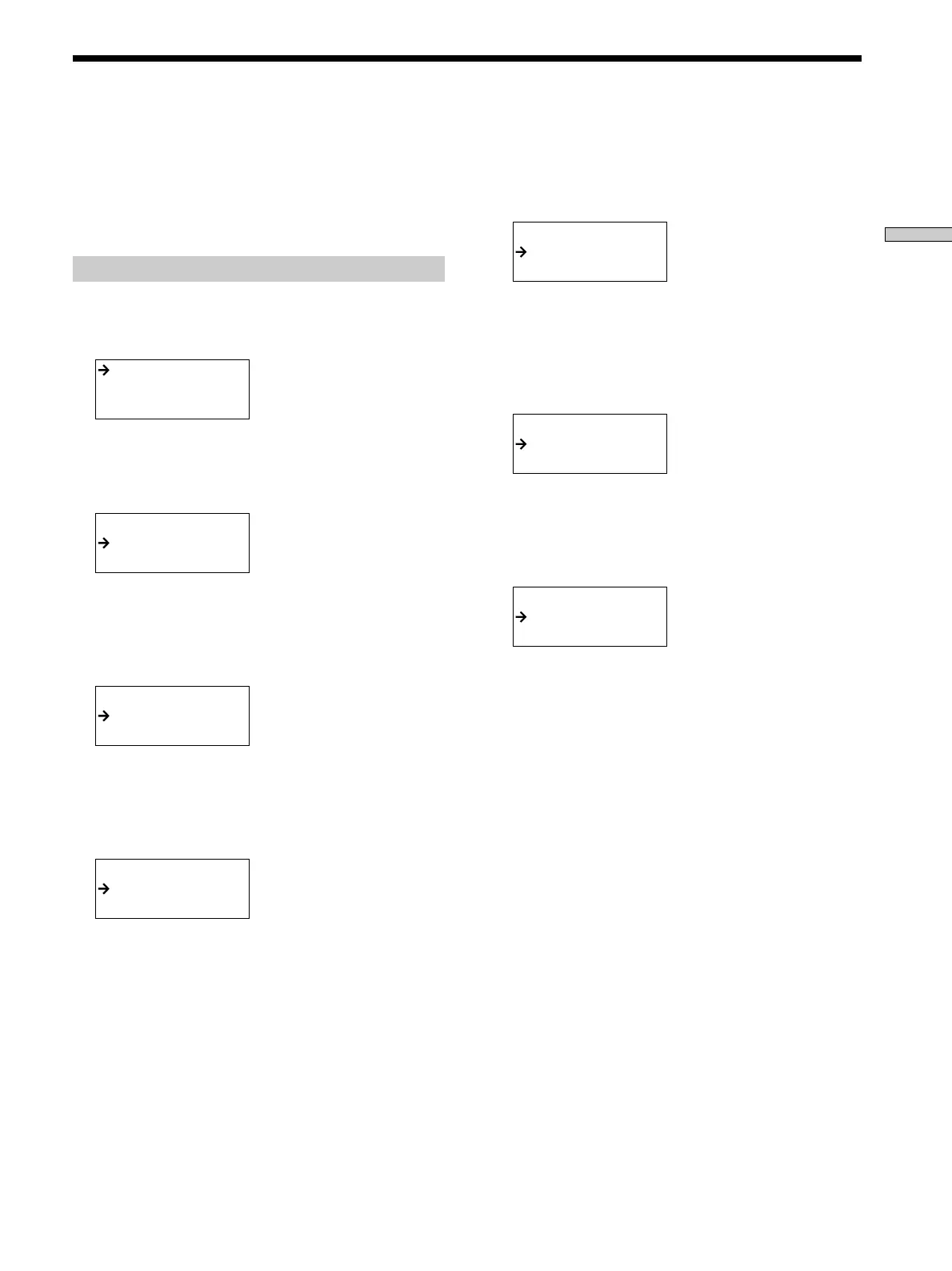
The set up list appears.
IR SET
AUTO POWER
BACK LIGHT
2 M ove the easy scroll key to select “IR SET,” then
press the key to enter the selection.
The IR SET list appears.
<IR SET>
[ MACRO1 ]
[ MACRO2 ]
3 M ove the easy scroll key to select “M ACRO 1” (or
“M ACRO 2”), then press the key to enter the
selection.
The PROGRAM list appears.
Program No.?
Macro 1-1
Macro 1-2
4 M ove the easy scroll key to select the macro step
number (“M acro 1-1” for example) then press the
key to enter the selection.
The CATEGORY list appears.
CATEGORY?
VCR
TV
5 M ove the easy scroll key to select the component
category (“VCR” for example) then press the key to
enter the selection.
The MAKER list appears.
MAKER?
Sony VTR1
Sony VTR2
6 M ove the easy scroll key to select the maker, then
press the key to enter the selection. For pre-
programmed functions, “* ” is displayed in front of
the function, for example, “* PLAY”.
The FUNCTION list appears.
FUNCTION?
NO SET
WAIT TIME
7 M ove the easy scroll key to select the IR code for
the operation you w ant to perform, then press the
key to enter the selection.
The PROGRAM list reappears.
Program No.?
Macro 1-1
Macro 1-2
8 Repeat steps 4 through 7 to program up to 8 IR
codes.
When you have finished programming IR codes,
select “EXIT” in step 7.
To cancel program ming
Move the easy scroll key to select “EXIT” or “CANCEL”
during any step, then press the key to enter the selection.
To erase a programmed IR code
Move the easy scroll key to select “NO SET” from the
FUNCTION list, then press the key to enter the selection.
To t urn off all connected Sony components
(SYSTEM STANDBY)
Move the easy scroll key to select “ALL OFF” from the
FUNCTION list, then press the key to enter the selection.
However, this function cannot apply to some Sony
components.
To delay the output of an IR code
Move the easy scroll key to select “WAIT TIME” from the
FUNCTION list, then press the key to enter the selection.
This allows you to specify a 1 to 10 second delay (in
1 second increments) before outputting the IR code.
Perform ing Several Com mands in Sequence Aut omat ically
(M acro Play)
Downloaded from: https://www.usersmanualguide.com/



 To Next Page