10
GB
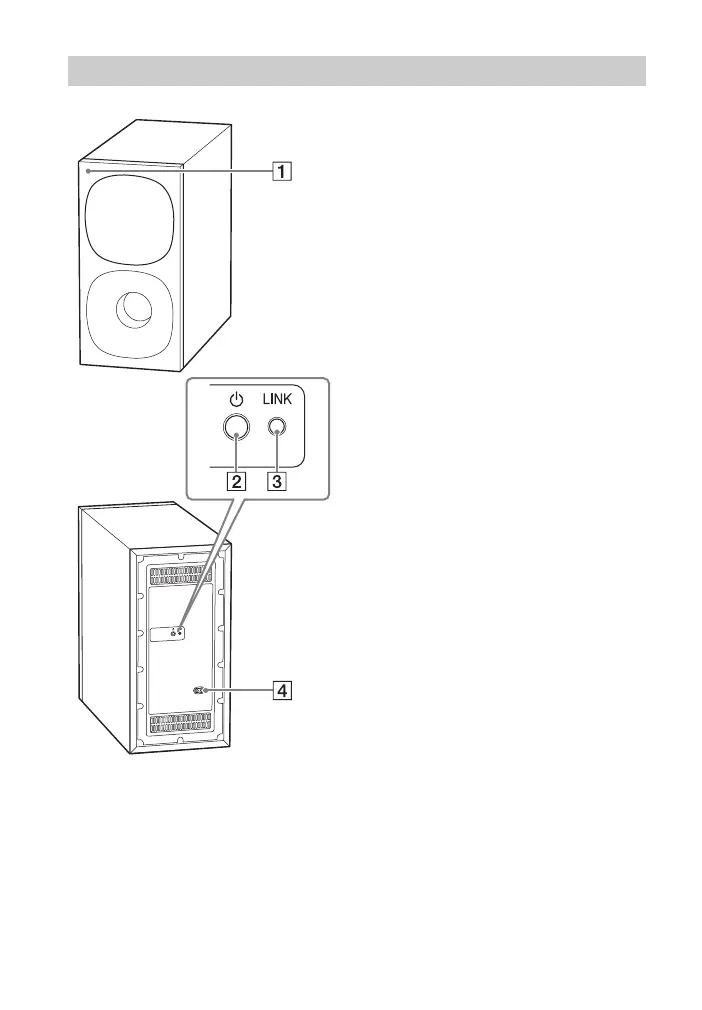
Power indicator
– Lights in green: The subwoofer is
connected to the system.
– Lights in red: The subwoofer is in
standby mode.
– Lights in amber: The subwoofer is
connected to the system with the
manual connection.
– Flashes slowly in green: The
subwoofer is attempting to
connect to the system.
– Flashes slowly in amber: The
subwoofer is attempting to
connect to the system with the
manual connection./The software
is updating.
– Flashes quickly in amber: The
subwoofer is in pairing standby
status with the manual
connection.
– Turns off: The subwoofer is turned
off.
(power) button
Turns on or off the subwoofer.
LINK button (page 15)
AC inlet
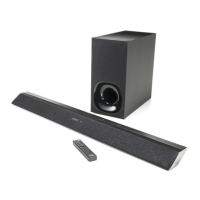
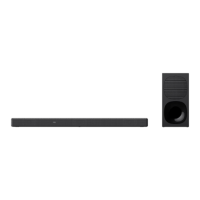
Subwoofer


 To Next Page