29
GB
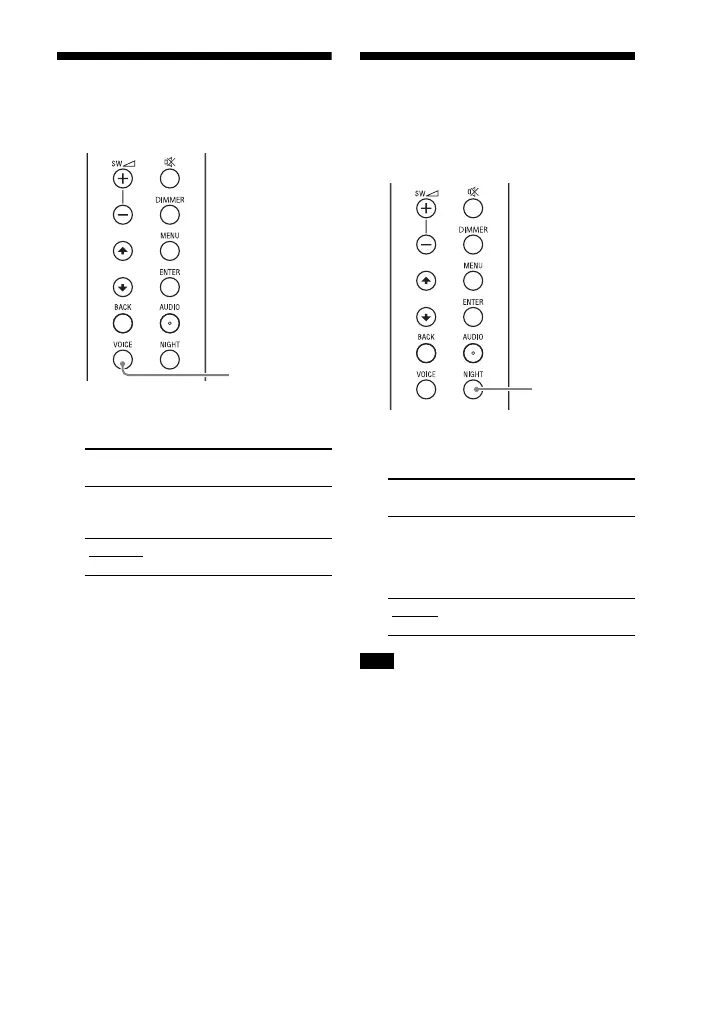
Making Dialogs Clearer
(VOICE)
1 Press VOICE to set the function on
or off.
Enjoying Clear Sound
with Low Volume at
Midnight (NIGHT)
1 Press NIGHT to set the function on
or off.
When you turn the system off, this setting
is set to [N.OFF] automatically.
Front panel
display
Function
[Vo.ON] Dialog is easily heard
by enhancing dialog
range.
[Vo.OFF]
Deactivates the voice
mode function.
Front panel
display
Function
[N.ON] Outputs the sound at
low volume with
minimum loss of
fidelity and clarity of
dialog.
[N.OFF]
Deactivates the night
mode function.
Note


 To Next Page