4-8
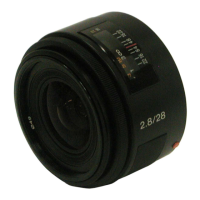
SAL28F28 (2.8/28) (28mm F2.8)
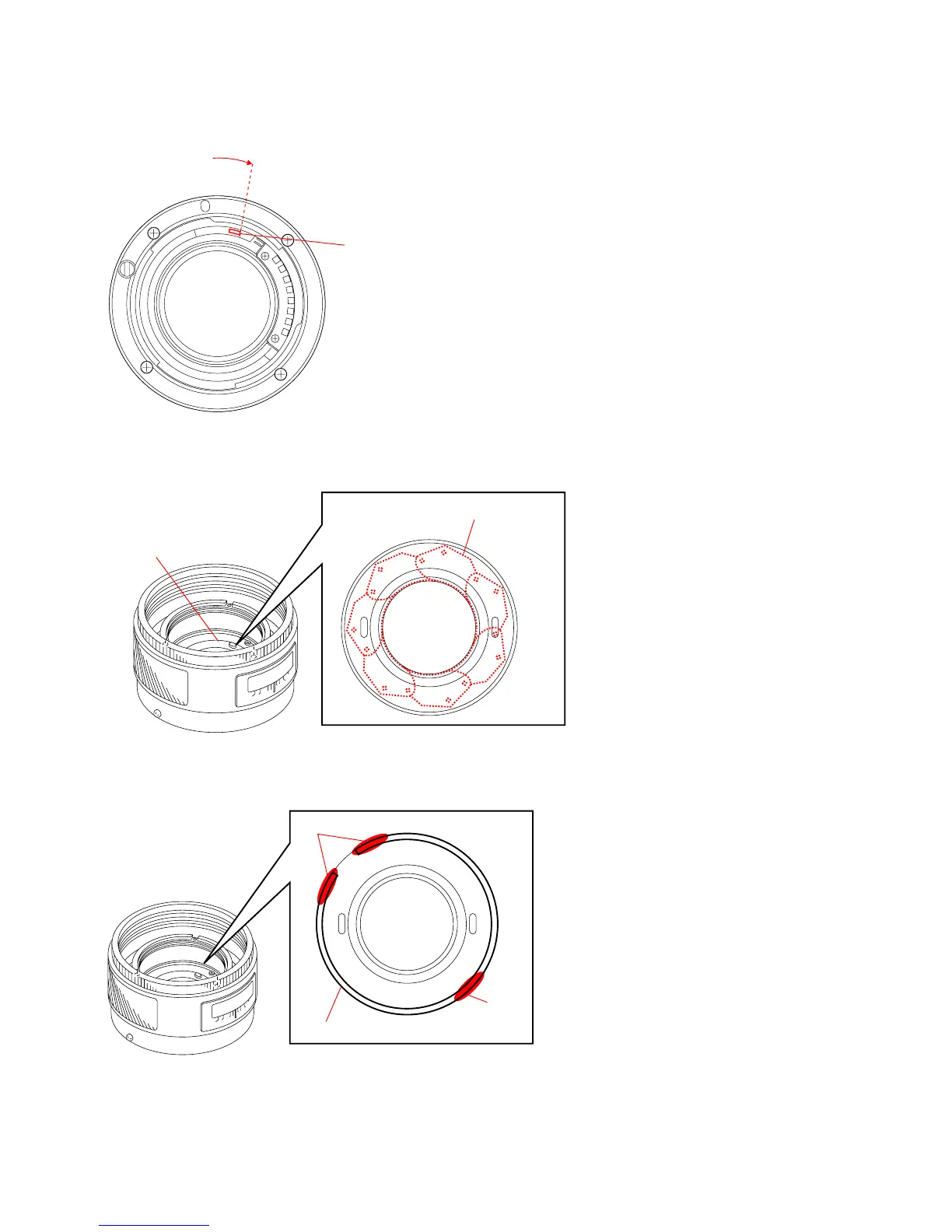
3) Move the preset lever to set the preset ring at the open aperture position.
Fig.4-2-11
4) Turn the aperture unit holding ring to adjust the position that the iris feather unit are hidden into the edge completely.
Fig.4-2-12
5) After the adjustment is completed, apply the adhesive bond (B-10) as shown in the Fig.4-2-13.
Fig.4-2-13
6) Assemble the lens completely.
7) Perform “4-2-1. Aperture Diameter Check”, and repeat “4-2-1. Aperture Diameter Check” and “4-2-2. Aperture Diameter Adjust-
ment” until the aperture error is within the specification.
Set the preset ring at the open aperture position.
Preset lever
Adhesive
bond
Aperture Unit Holding Spring
Adhesive bond
Iris feather unit are hidden into the
edge completely.
Aperture Unit Holding Ring


 To Next Page