4-16
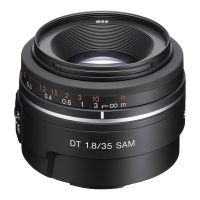
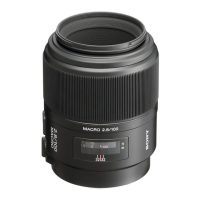
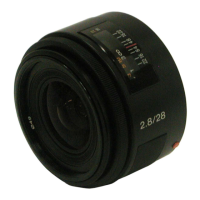
SAL28F28 (2.8/28) (28mm F2.8)
4-5. LENS ROM CHECK
Note: If dialog box of error code appears during the checking, check the reason of error referring to page 4-17.
Equipment
• Personal Computer (PC)
• Camera DSLR-A100
• USB Cord With Connector
• Lens Adjustment Program
Note: Lens Adjustment Program is downloadable from the ESI homepage.
1. Preparations
1) Connect the checking lens to the camera.
2) Start the lens adjustment program “LensAdjustment.exe” referring to “4-1-2. Lens Adjustment Program”.
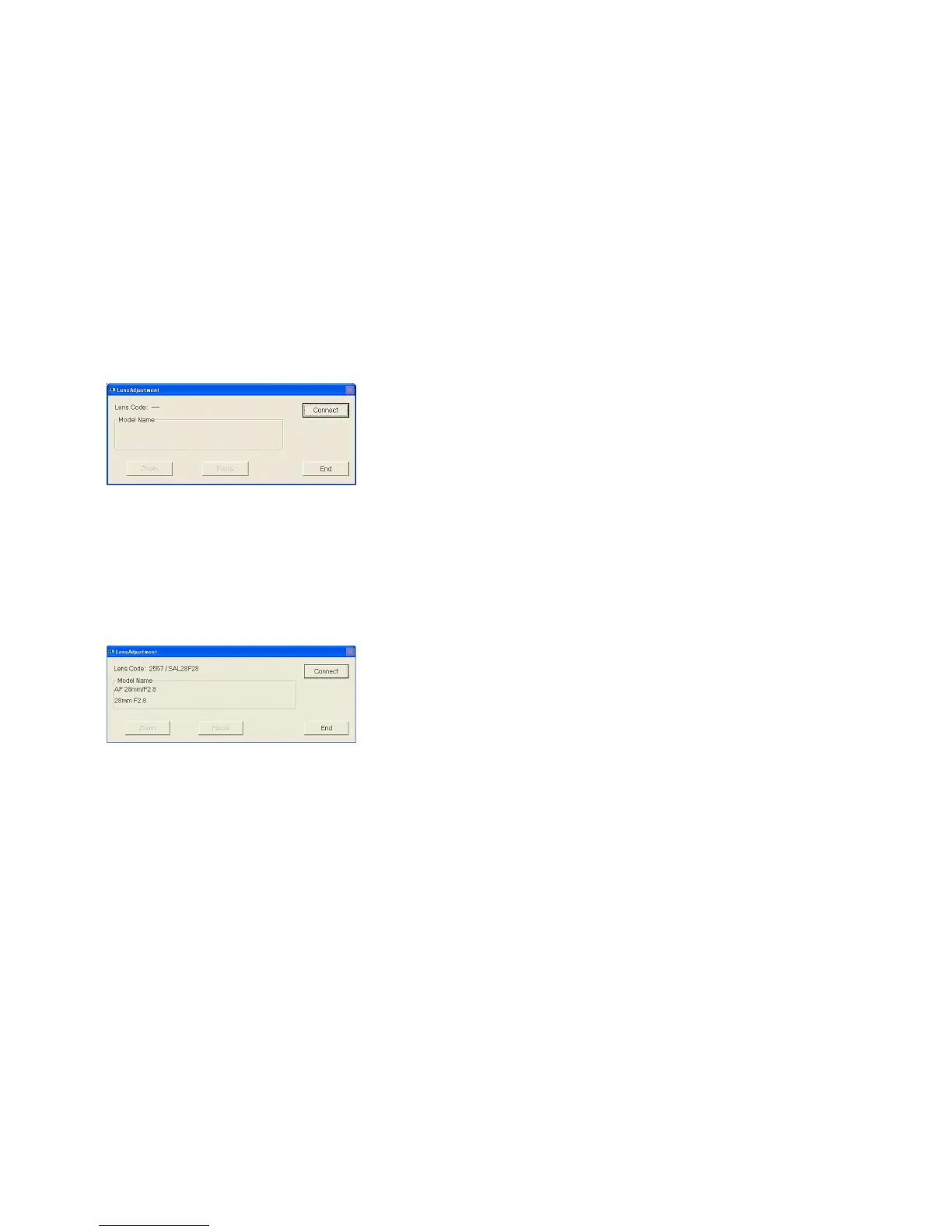
Fig. 4-5-1
2. Checking Method
1) Click the [Connect] button on the lens adjustment program.
Note: Click the [End] button to disconnect the USB connection, then lens adjustment program will terminate.
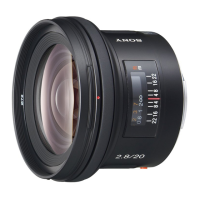
2) Check that the display of “Lens Code” and “Model Name” is correct.
Note: Focus position setting is not required.
Fig. 4-5-2
3) Click the [End] button to terminate the lens adjustment program.
4) Turn the POWER switch of the camera to OFF.


 To Next Page