4-4
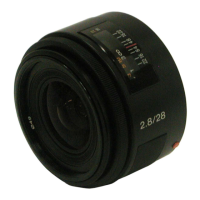
SAL28F28 (2.8/28) (28mm F2.8)
4-2. APERTURE DIAMETER CHECK/ADJUSTMENT
4-2-1. Aperture Diameter Check
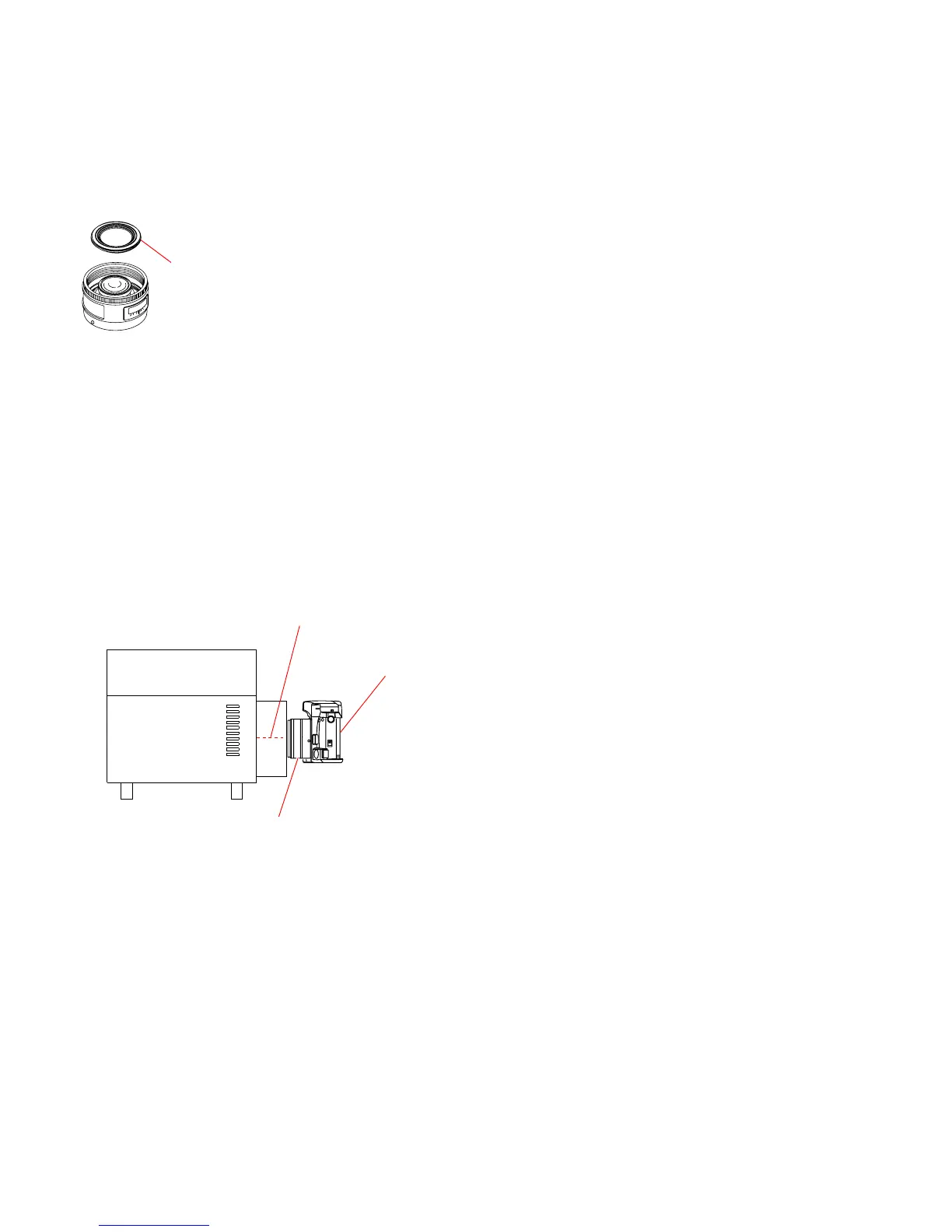
Note: Perform the aperture diameter check in the state of the Fig.4-2-1 (only the G1 stopper was removed), or completion of assembling.
Fig.4-2-1
Equipment
• Luminance Box
• Camera DSLR-A100
• AE Master Lens
• Compact Flash (CF) Card (For image saving)
• Personal Computer (PC)
(Color Calculator 2 installed)
1. Preparations
1) Install the CF card to the camera.
2) Set the equipments, camera and master lens as shown in Fig.4-2-2.
Fig.4-2-2
3) Shoot the images under the following conditions and save them.
Note: Shoot the center of the luminance surface three times with the master lens and checking lens.
Setting of Luminance box:
Luminance: EV11
Setting of Lens:
Focus: Infinity end
Setting of Camera:
ISO: 100
Exposure Mode: M
shutter Speed: 1/125
Aperture: F5.6
Focus Mode: MF
Metering: Center weighted
Preset white balance: Tungsten
D-R: OFF
G1 Stopper
Luminance box
Luminance: EV11
Camera
ISO: 100
Exposure Mode: M
shutter Speed: 1/125
Aperture: F5.6
Focus Mode: MF
Metering: Center weighted
Preset white balance: Tungsten
D-R: OFF
Master lens or checking lens
Focus: Infinity end
Shoot the center of the luminance surface


 To Next Page