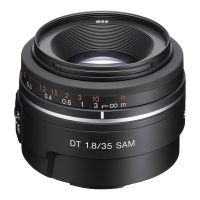
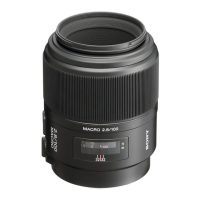
4-5
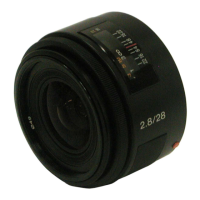
SAL28F28 (2.8/28) (28mm F2.8)
kk
kk
k
2. Checking of Image
Note: Check the image of both master lens and checking lens.
1) Start the Color Calculator 2.
Fig.4-2-3
2) Read the image from the file menu.
Fig.4-2-4
3) Set the Color Calculator 2 as follows.
Measured value display (Display menu): RGB+L*a*b*
Measuring method (Display menu): Center Single Area
Fig.4-2-5
Color space (Edit menu): sRGB
Fig.4-2-6
Area size for calculate (Edit menu →Option): 256×256 Pixels
Fig.4-2-7


 To Next Page