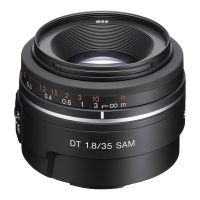
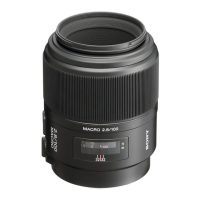
4-6
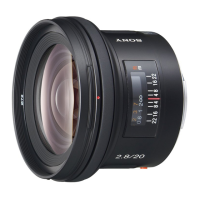
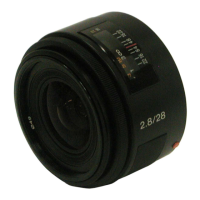
SAL28F28 (2.8/28) (28mm F2.8)
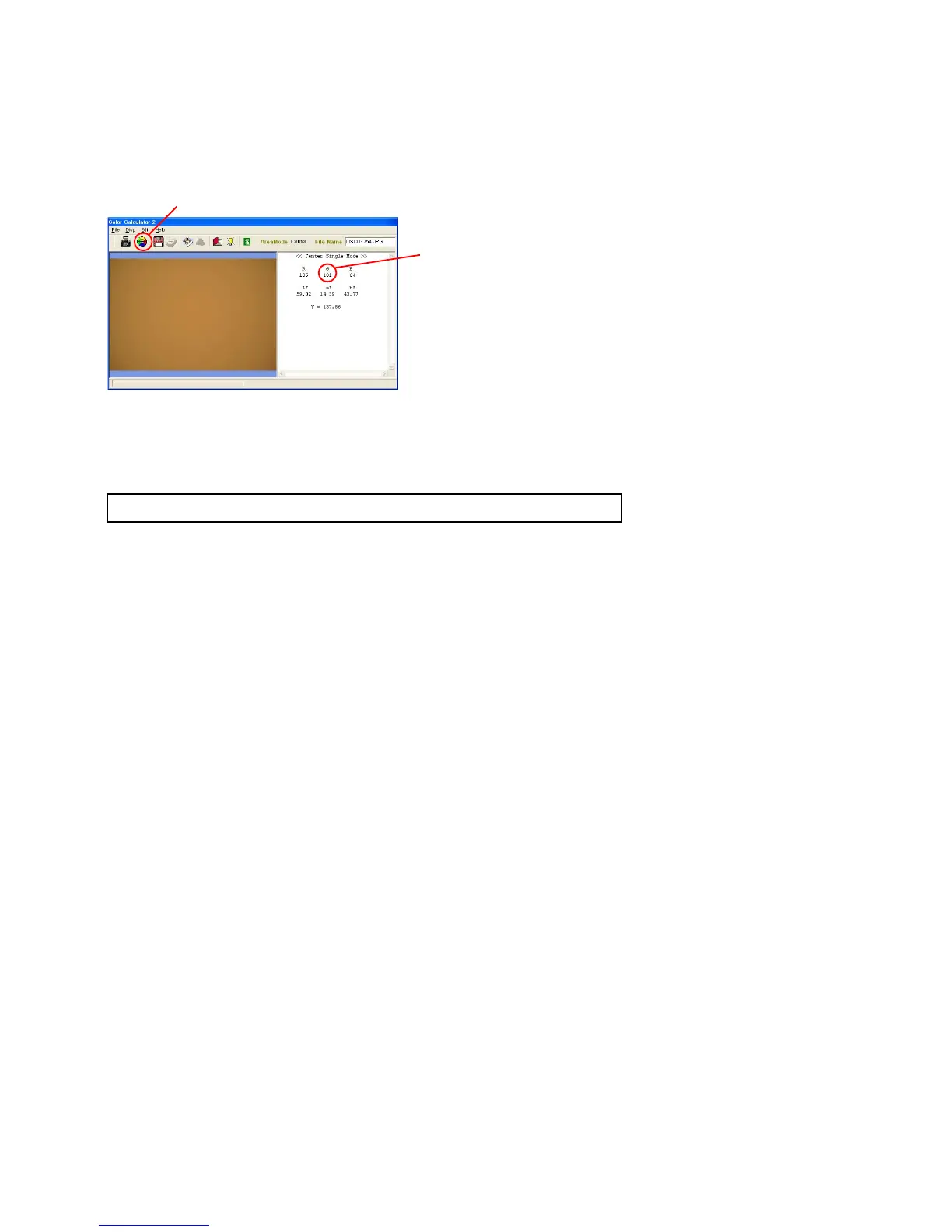
4) Click the calculate button to measure the image.
5) After measuring, check the “G” values.
Average “G” value of the three images shoot with master lens: (a)
Average “G” value of the three images shoot with checking lens: (b)
Fig.4-2-8
3. Checking Method
1) Calculate aperture error using the following formula, and check that the aperture error is within the specification.
Aperture error = Average “G” value of master lens (a) - Average “G” value of checking lens (b)
Specification
Aperture error = 0 ±12
2) When the aperture error is out of specification, perform “4-2-2. Aperture Diameter Adjustment”.
Calculate button
Check the “G” value


 To Next Page