Introduction
Function overview
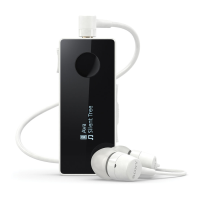
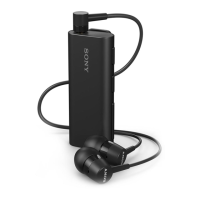
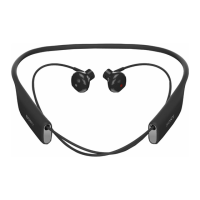
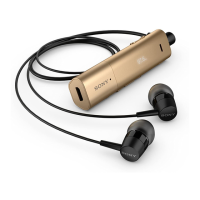
Your SBH54 Stereo Bluetooth® Headset is designed to make life more convenient
when you're on the go. You can use it together with an Android™ device such as a
smartphone or tablet, or with a non-Android device that supports Bluetooth®, for
example, a smartphone or a music player. When paired with a compatible device,
you can use your SBH54 to perform some or all of the following actions:
•
Handle incoming calls, for example, answer or reject an incoming call.
•
Stream music from a music-playing device.
•
Make a call directly from the SBH54 call log*.
•
Display event notifications such as text messages, emails, calendar event reminders,
and updates from social networking services*.
•
Get event notifications read out loud*.
•
Perform other basic tasks, for example, indicate the time.
You can also use the SBH54 as a standalone FM radio when it's connected to a set
of wired headphones (which function as an antenna).
* For these functions to work, you must use an Android™ device that supports the
relevant functions, for example, call handling and messaging. Also, you must have
the SBH54 application installed on the Android™ device.
Hardware overview
1
Power key Press and hold down to turn the headset on or off.
When the headset is turned off, press for 15 seconds to
reset it.
2
NFC detection
area
Touch other devices to this area during NFC transactions.
3
Microphone
4
Volume key Press up or down to adjust the volume.
5
Micro USB port Insert the cable for charging the battery.
6
Microphone
7
Display screen
8
Speaker
3
This is an Internet version of this publication. © Print only for private use.


 To Next Page