9
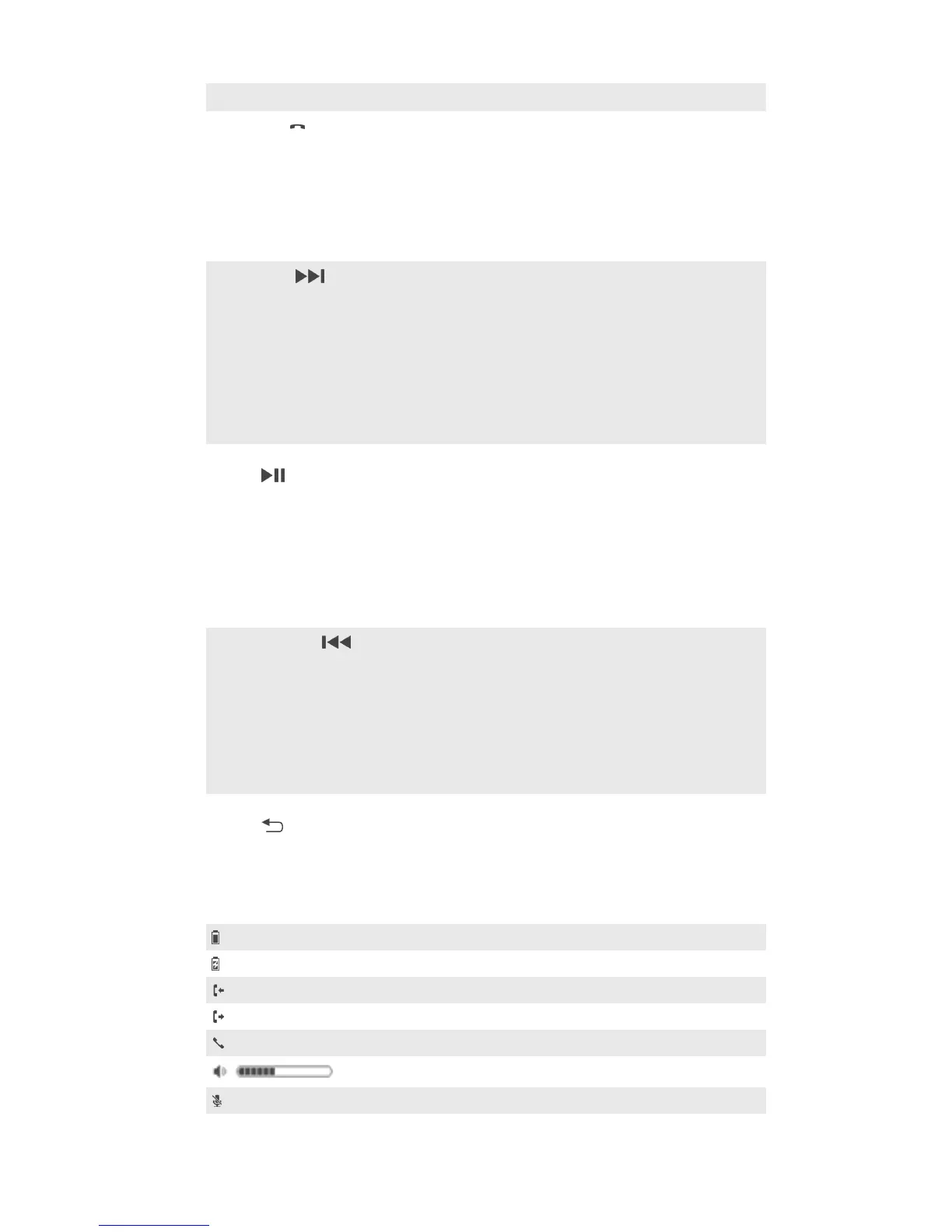
Headset jack 3.5 mm input for wired headphones.
10
Call key Press to:
•
Answer or end incoming calls.
•
View new event notifications.
Press and hold down to:
•
Reject incoming calls.
•
Open the call log.
•
Initiate Voice search.
11
Next key Press to go:
•
To the next call log.
•
To the next menu item.
•
To the next track.
•
To the next saved channel.
•
Up the FM frequency band in increments of 0.1 MHz.
Press and hold down to:
•
Move up the frequency band to search for a radio
channel.
12
Music key/Action
key
Press to:
•
Play or pause the current track.
•
Play or pause the FM radio.
•
Select menu items.
•
View new event notifications.
Press and hold down to:
•
Mute the microphone during a call.
•
Switch between FM Channel mode and FM Search
mode.
13
Previous key Press to go:
•
To the previous call log.
•
To the previous menu item.
•
To the previous track.
•
To the previous saved channel.
•
Down the FM frequency band in increments of 0.1 MHz.
Press and hold down to:
•
Move down the frequency band to search for a channel.
14
Back key/Menu
key
Press to:
•
Open or close the menu.
•
Go back one step.
Status icon overview
Battery charge level
The battery is charging
Incoming call
Outgoing call
Ongoing call
Volume level indicator
The microphone is muted
4
This is an Internet version of this publication. © Print only for private use.


 To Next Page