Introduction
Function overview
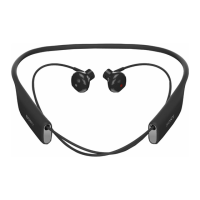
Your SBH56 Bluetooth® headset with speaker is designed to make life more
convenient when you're on the go. When paired with a compatible Android™ or
iOS device, you can use your headset to:
• Answer or reject incoming calls.
• Take photos with the remote.
• Control music played on a paired Android or iOS device.
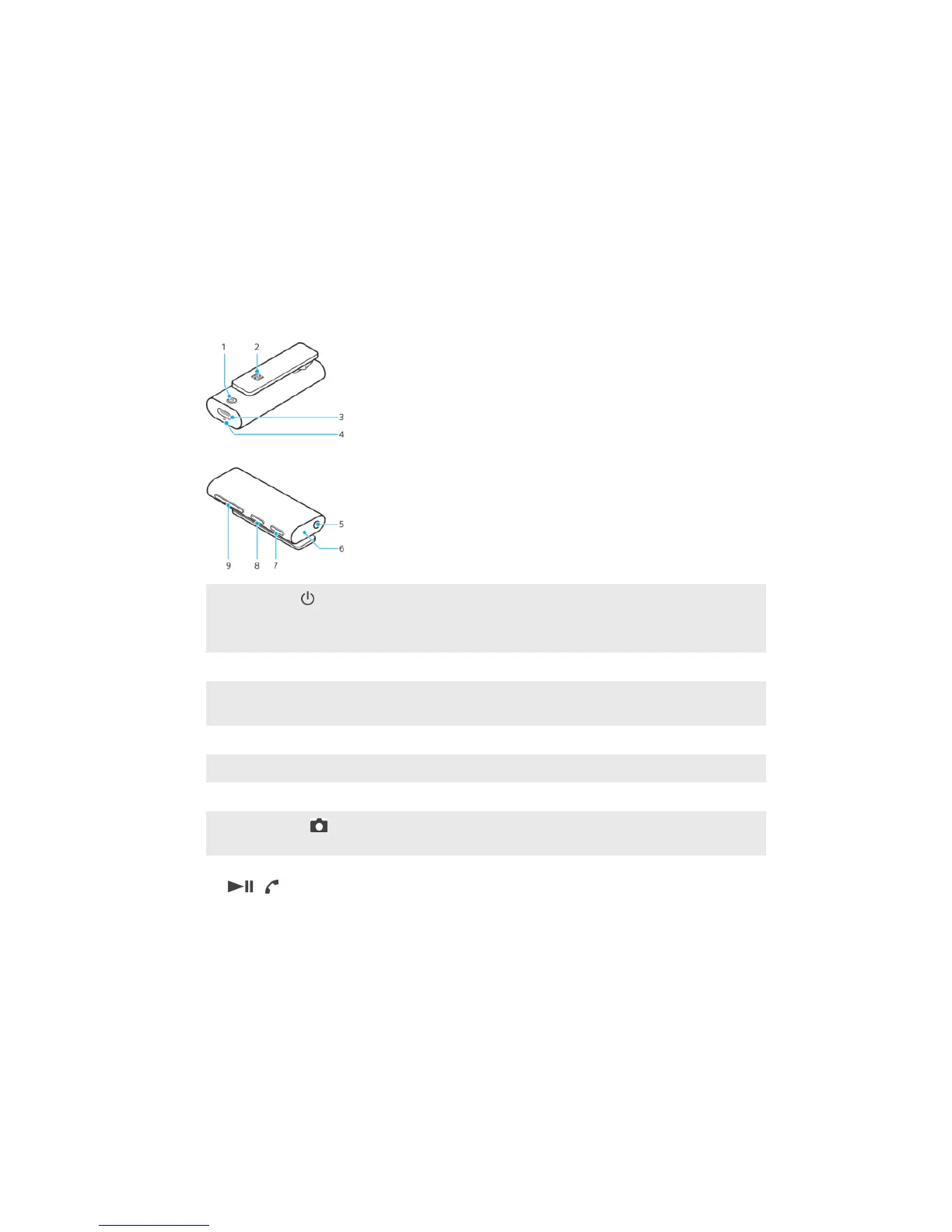
Hardware overview
1
Power key Press and hold down to turn the headset on or o.
Press and hold for 5 seconds to pair your headset with a
compatible Android or iOS device.
2
NFC detection area Touch other devices to this area during NFC transactions.
3
Charger/USB Type-
C™ cable port
Insert the cable to charge the battery.
4
Microphone Make phone calls or activate Voice Assistant.
5
Headphone jack Connect wired headphones to the 3.5 mm jack.
6
Speaker Make phone calls or play music without headphones.
7
Camera key Press to take photos. Install the host application on your
Android or iOS device to enable this feature.
8
Multi-function key Press to:
• Answer incoming calls or end an ongoing call.
• Play or pause the current track.
Press and hold down to:
• Reject incoming calls.
• Mute the microphone during a call.
• Initiate Voice search with Assistant or Siri.
Quick double-tap to:
• Skip to the next track.
Quick triple-tap to:
• Return to the previous track.
3
This is an internet version of this publication. © Print only for private use.


 To Next Page