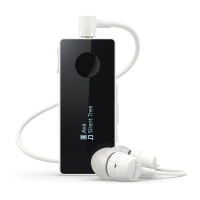
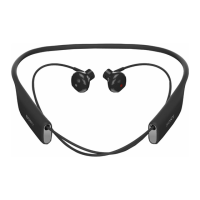
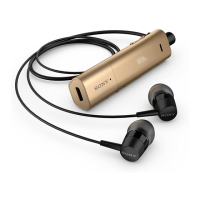
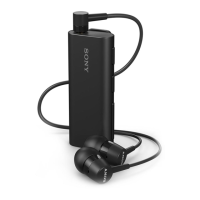
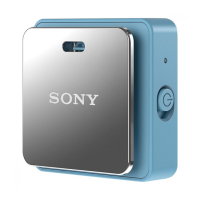
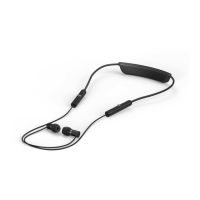
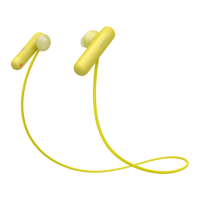
7 Power key Press and hold down to turn the headset on or off.
When the headset is on, briefly press to activate a
notification light which shows the battery level by displaying
different colours.
Flashing red light: Low battery level
Yellow light: Medium battery level
Green light: High battery level
8 Microphone
9 NFC detection area Touch other devices to this area during NFC pairing.
4
This is an Internet version of this publication. © Print only for private use.


 To Next Page