Introduction
Function overview
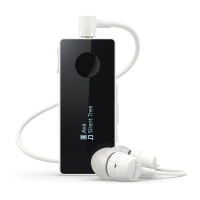
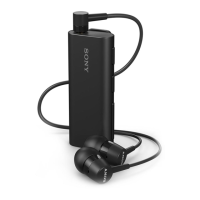
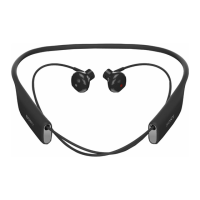
Your Stereo Bluetooth® Headset SBH70 is designed to make life more convenient
when you're on the go. You can use it together with an Android™ powered device
such as a phone or tablet, or with a Bluetooth® compatible device such as a non-
Android phone, a computer or a music player. When paired with a compatible device,
you can use your headset to control incoming and outgoing phone calls or to listen to
music.
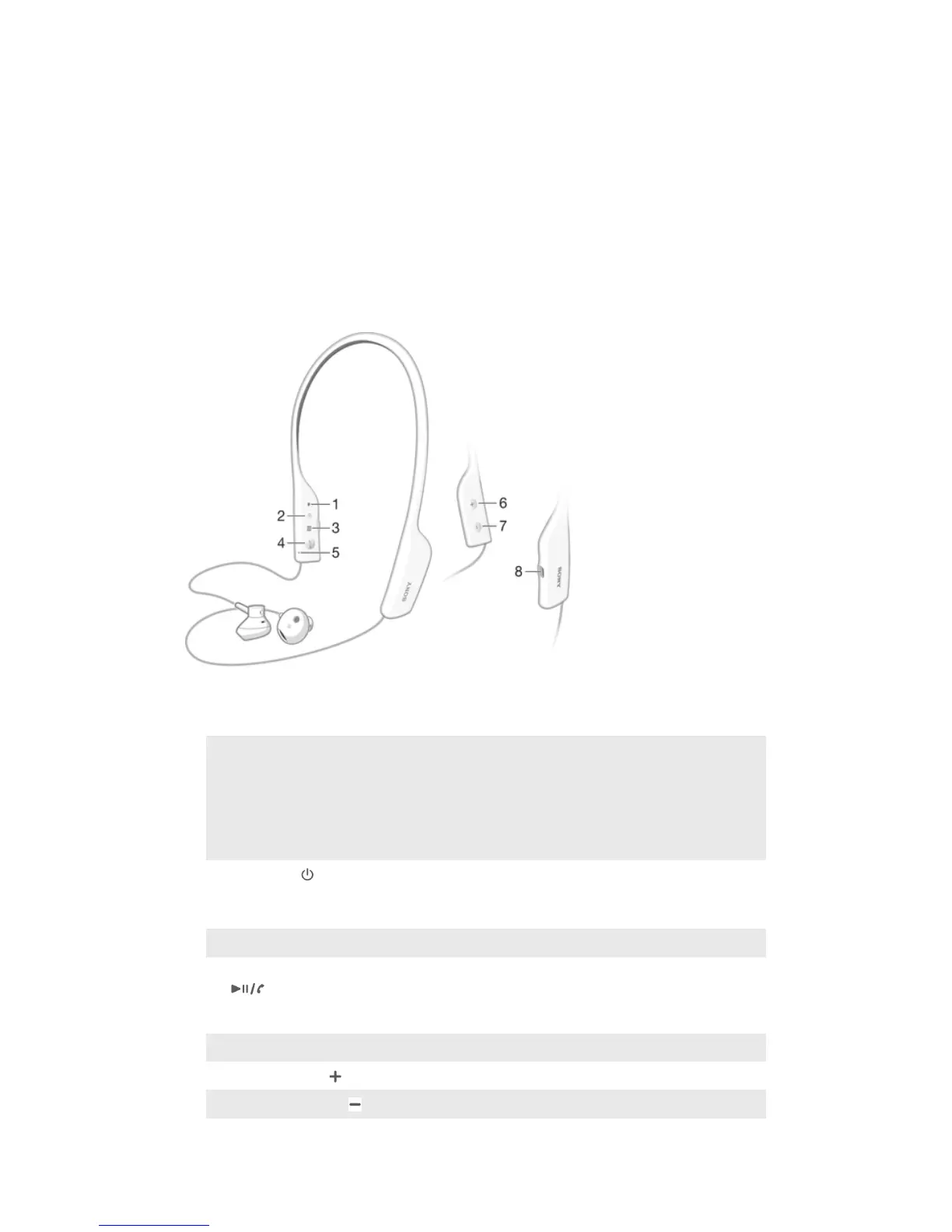
Hardware overview
1
Notification light Red light: 5%-15% battery level
Orange light: 15%-50% battery level
Green light: 50%-100% battery level
Flashing blue light: headset is in pairing mode.
Flashing purple light: a call is coming in.
2
Power key Press and hold down to turn the headset on or off.
When the headset is on, briefly press to show a
notification light indicating battery level.
3
NFC detection area Touch other devices to this area during NFC pairing.
4
Call key/Music key Press to answer incoming calls.
Press and hold down to reject incoming calls.
Press to play or pause the current track.
5
Microphone
6
Volume up key Press to turn up the volume.
7
Volume down key Press to turn down the volume.
3
This is an Internet version of this publication. © Print only for private use.


 To Next Page