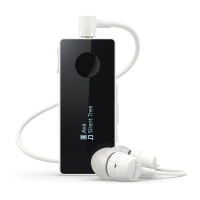
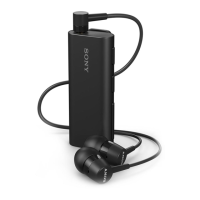
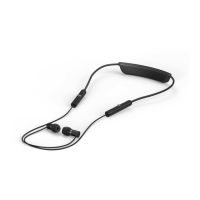
Settings for your Stereo Bluetooth®
Headset SBH70
Using the Stereo Bluetooth® Headset application
You can view and change settings for your headset by using the Stereo Bluetooth®
Headset application on your Android™ device. A setup wizard in the Stereo
Bluetooth® Headset application guides you through the process of setting up your
headset for the first time.
To install the Stereo Bluetooth® Headset application
1
From the main application screen of your Android™ device, find and tap Play
Store.
2
Tap the search icon, then search for SBH70.
To set a headset ringtone
1
From the main application screen of your Android™ device, find and tap
SBH70 > SETTINGS.
2
Tap Headset Ringtone.
3
Select a ringtone.
4
Tap Done.
To set your headset to vibrate when ringing
1
From the main application screen of your Android™ device, find and tap
SBH70 > SETTINGS.
2
Mark the Vibrate on incoming call checkbox.
This function is enabled by default.
To set an Out of Range alert
1
From the main application screen of your Android™ device, find and tap
SBH70 > SETTINGS.
2
Mark the Out-of-range alert checkbox. Your headset vibrates when the
connection is lost.
This function is enabled by default.
8
This is an Internet version of this publication. © Print only for private use.


 To Next Page