18
Installing the Network Adaptor in the
PlayStation®2 console (continued)
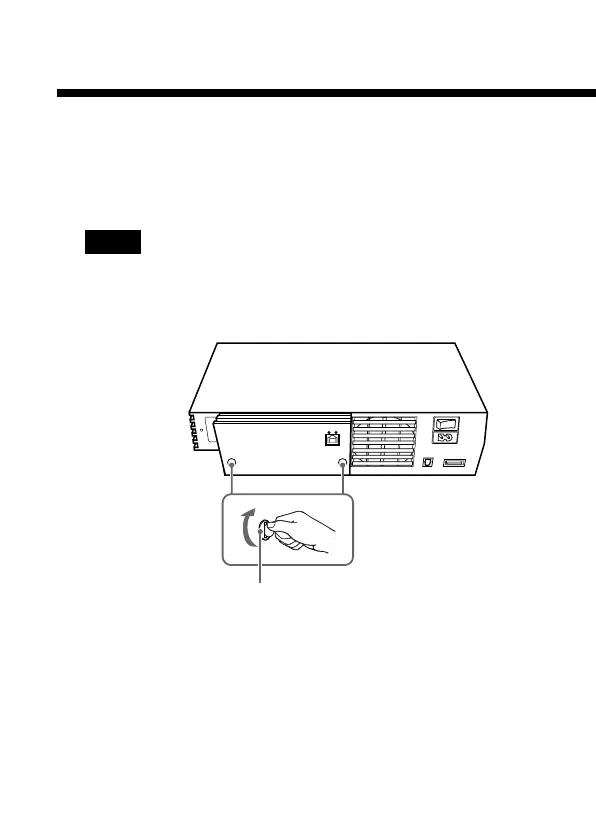
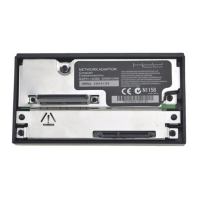
3 Fasten the Network Adaptor to the PlayStation®2
console.
Turn the mounting screws in a clockwise direction using a coin.
Do not overtighten.
Notes
• Do not use a screwdriver to tighten the mounting screws.
• Do not fasten the mounting screws too tightly, as this may
damage the screws or console.
4 Connect a network cable to the Network Adaptor.
For details, refer to “Connecting with a network cable”
(page 25).
Mounting screw


 To Next Page