22
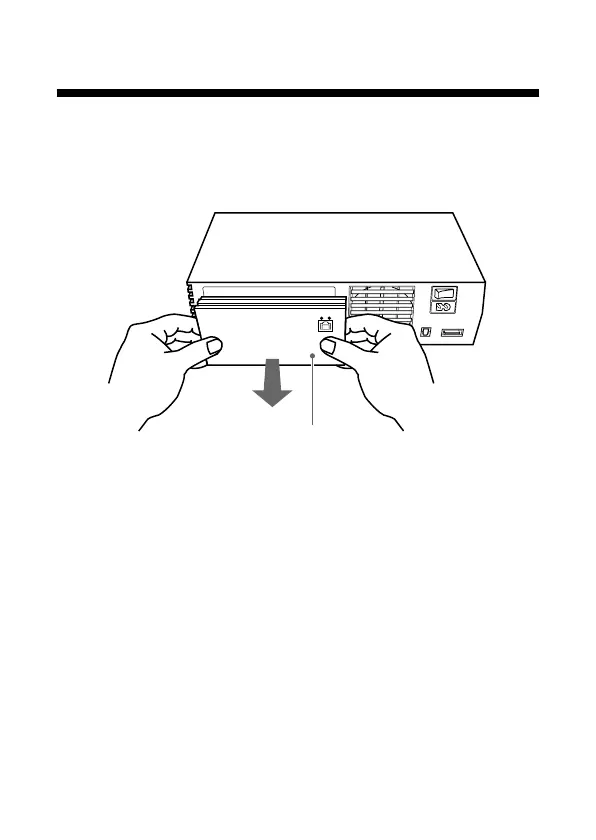
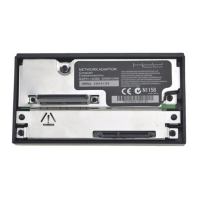
5 Remove the Network Adaptor from the console.
Remove the Network Adaptor by pulling it away from the
console.
6 Cover the EXPANSION BAY.
After removing the Network Adaptor, reattach the
EXPANSION BAY cover to help protect the expansion bus
connector, which is located within the EXPANSION BAY.
Network Adaptor
Removing the Network Adaptor from the
PlayStation®2 console (continued)


 To Next Page