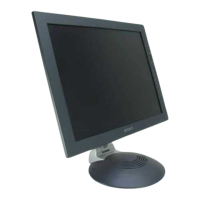
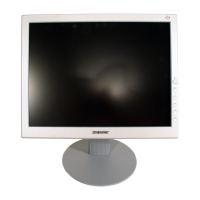
19" LCD Color Monitor SDM-E96D
12
3.3 Common Adjustment
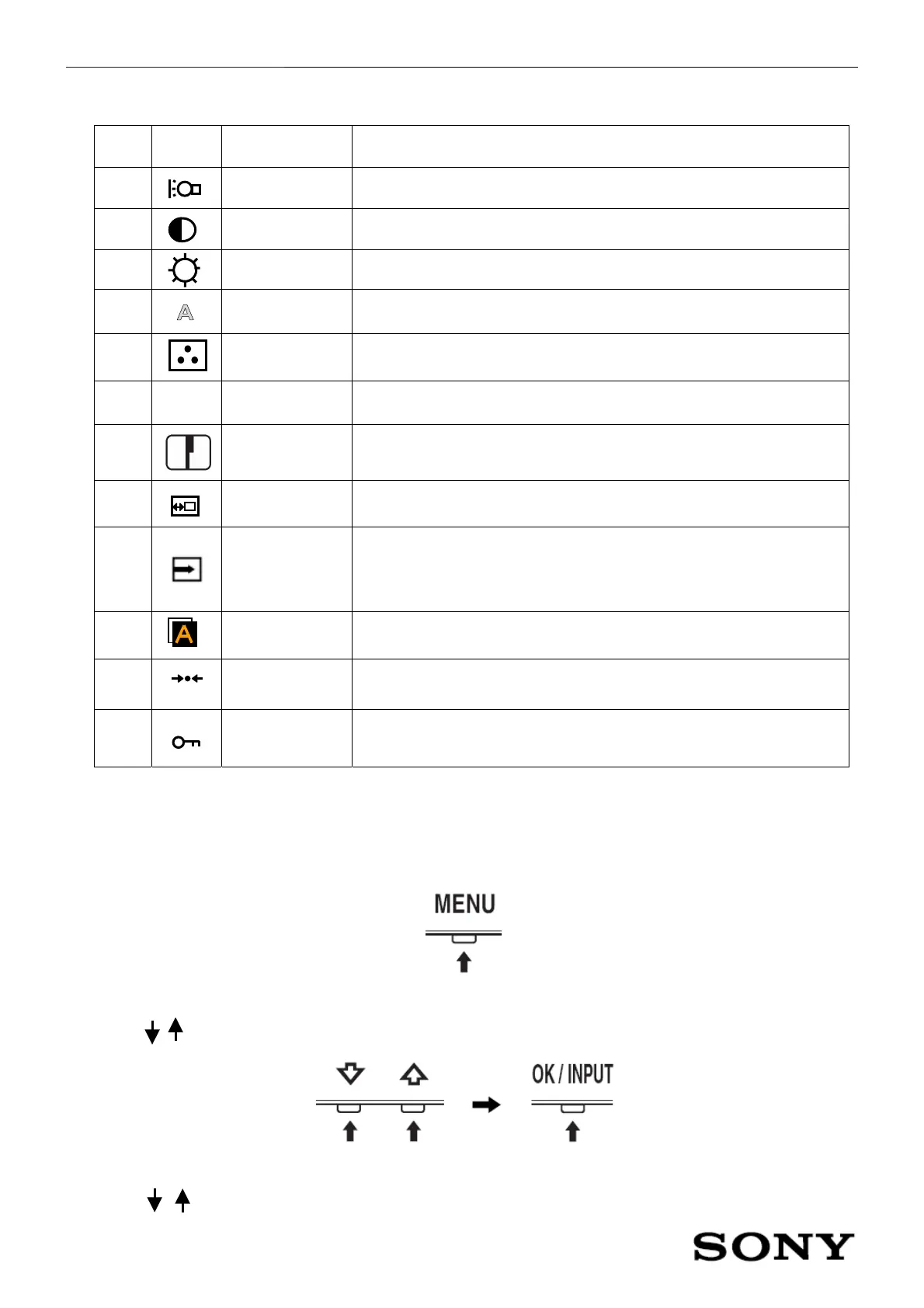
NO Icon Tag Description
1
Backlight Adjust the brightness of the backlight
2
Contrast Adjust the picture contrast
3
Brightness Adjust the picture brightness (black level)
4
Screen Adjust the picture’s sharpness or its centering
5
Color Adjust the color temperature of the picture
6
γ
Gamma Change the picture’s color shade settings
7
Sharpness Adjust to sharpen the edge of images
8
Menu position Change the on screen menu position
9
Input Sensing
Automatically detects an input signal to an input terminal, and changes
the input automatically before the monitor goes into the power saving
mode.
9
Language Chance the language used on menus or messages
10
Reset Reset the adjustments to the default settings
11
Menu lock
Lock the control of buttons to prevent accidental adjustments or
resetting
3.4 Navigating The Menu
1. Display the main menu.
Press the MENU button to display the main menu on your screen.
2. Select the menu you to adjust
Press the / buttons to display the desired menu. Press the OK button to select the menu item.
3. Adjust the menu
Press the / buttons to make the adjustment, then press the OK button. When you press the OK button, the


 To Next Page