19" LCD Color Monitor SDM-E96D
13
setting is stored, then the display returns to the previous menu.
4. Close the menu
Press the MENU button once to return to normal viewing. If no buttons are pressed, the menu closes automatically
after about 45 seconds.
3.5 Adjustment Steps Of Main Menu
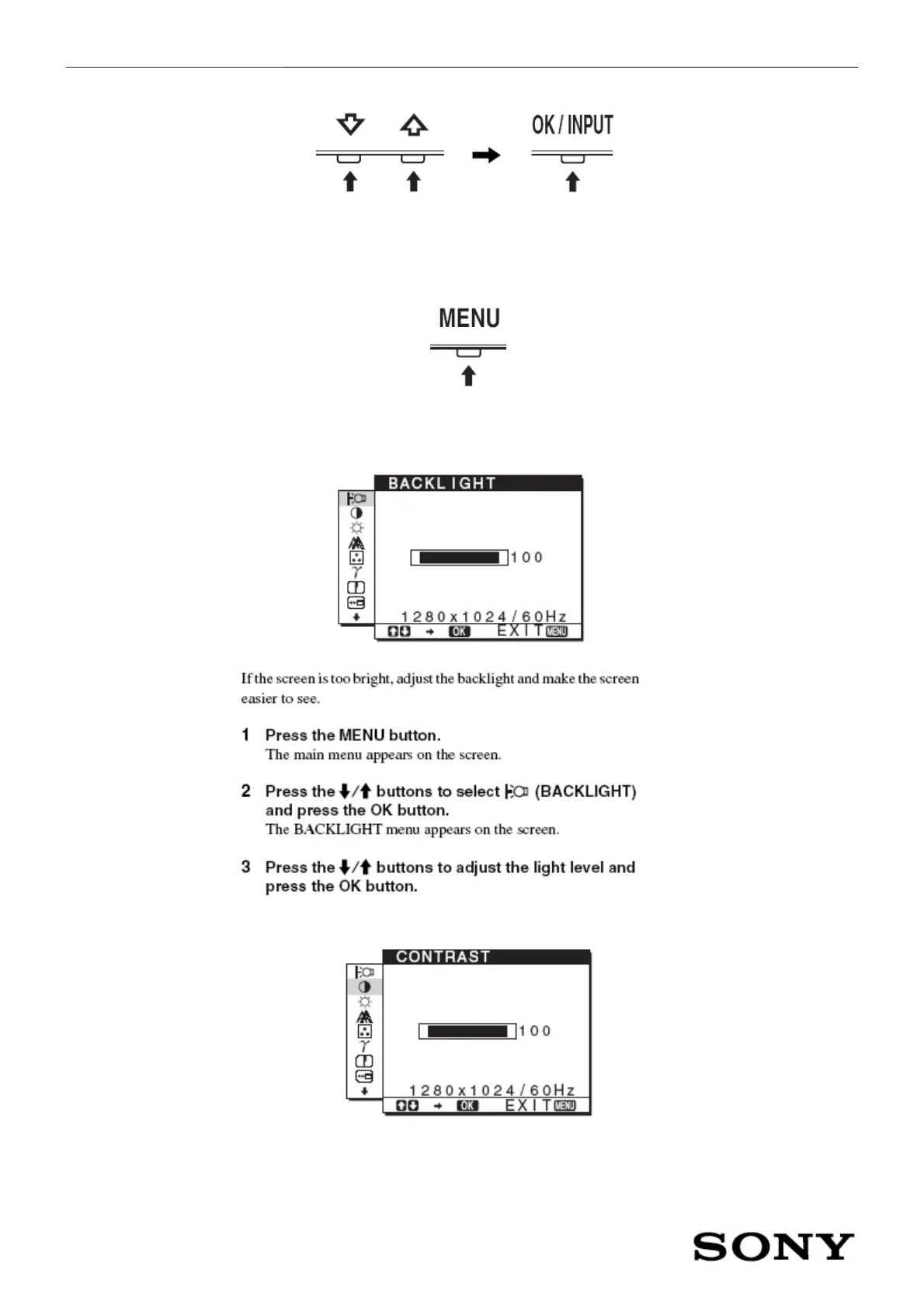
1. Adjusting the backlight (BACKLIGHT)
2. Adjusting the contrast (CONTRAST)


 To Next Page