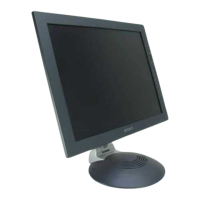
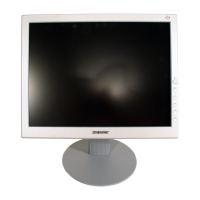
19" LCD Color Monitor SDM-E96D
24
8. SRGB color adjustment
a. Set up [SERVICE MODE].
b. Select "SRGB" in "COLOR TEMP" and enter.
c. Use a 100% IRE white video field in the SXGA mode.
d. Adjust "R,G,B " value with SRGB as spec, SRGB: x=313+-15 y=329+-15 Y=180+-20
e. Press "MENU" key to exit adjust mode.
9. Service OSD
The service OSD menu contains additional menus as described below.
1) COLOR TEMP: Adjust R/G/B Color values of contrast and brightness in 9300k, 6500k,User color mode.
2) INITIAL EEPROM: Initialize white balance default value.
3) CLR ETI: ETI counter shall be reset to 0H by activating this function.
4) AGING: Enable to set the monitor in the Aging mode or exit from the mode. Select aging mode. (On/off)
5) WHITE BALANCE: Auto.
6) DEFAULT TIMING: select the resolution timing of the signal. Menu is 1152 X 864(VESA standard timing) 1152 x
870 (MAC computer timing).
7) MODULE: Panel type.


 To Next Page