EasyManua.ls Logo

Sony SEQ-711 - SELECT 10 Settings

Sony SEQ-711
11 pages
Print Icon
To Next Page IconTo Next Page
To Previous Page IconTo Previous Page
Loading...
Equalizing
the
Sound
with
Preset
Settings
(SELECT
10)
SELECT
10
Settings
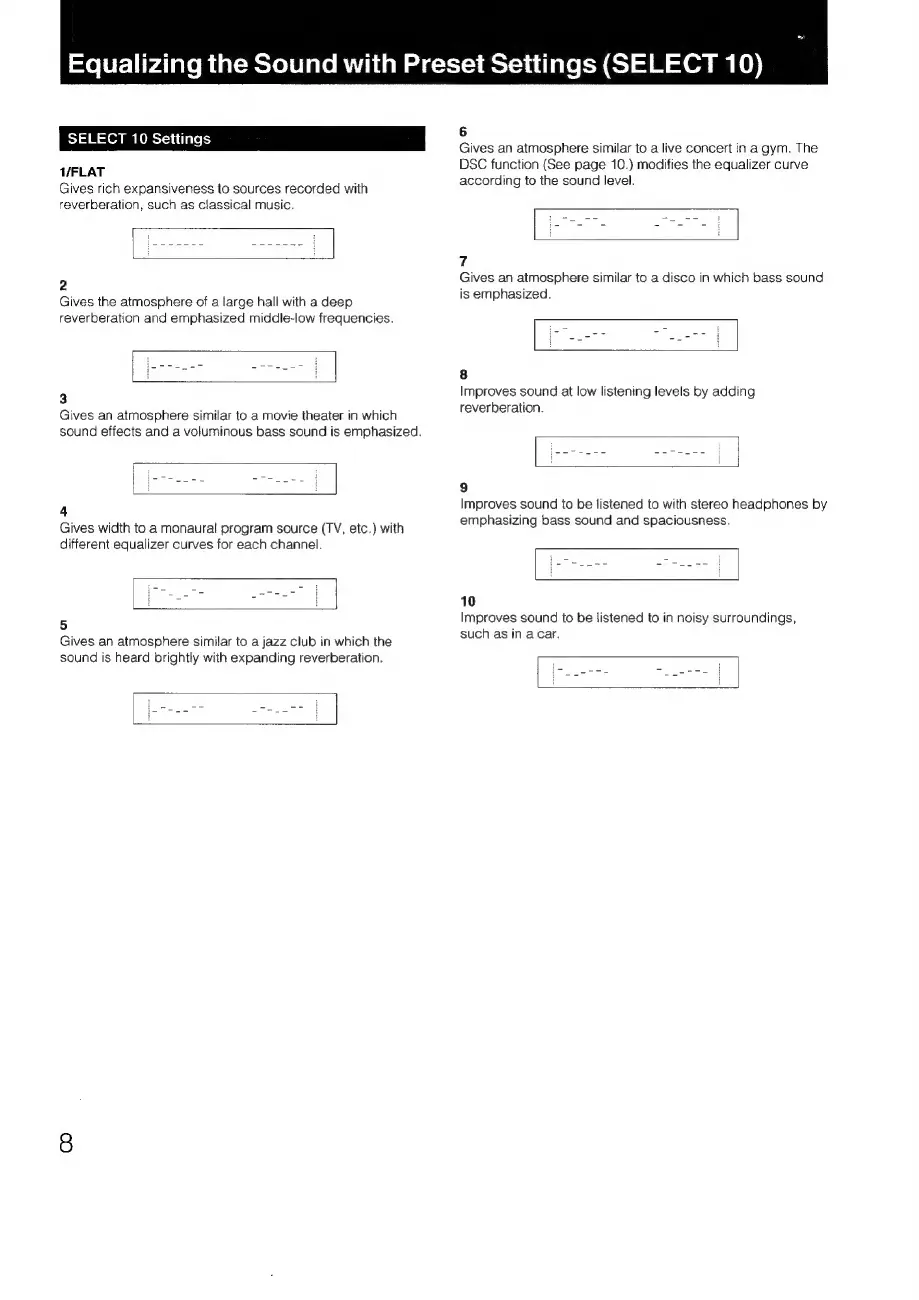
T/FLAT
Gives
rich
expansiveness
to
sources
recorded
with
reverberation,
such
as
classical
music.
2
Gives
the
atmosphere
of
a
large
hall
with
a
deep
reverberation
and
emphasized
middle-low
frequencies.
3
Gives
an
atmosphere
similar
to
a
movie
theater
in
which
sound
effects
and
a
voluminous
bass
sound
is
emphasized.
4
Gives
width
to
a
monaural
program
source
(TV,
etc.)
with
different
equalizer
curves
for
each
channel.
5
Gives
an
atmosphere
similar
to
a
jazz
club
in
which
the
sound
is
heard
brightly
with
expanding
reverberation.
6
Gives
an
atmosphere
similar
to
a
live
concert
in
a
gym.
The
DSC
function
(See
page
10.)
modifies
the
equalizer
curve
according
to
the
sound
level.
7
Gives
an
atmosphere
similar
to
a
disco
in
which
bass
sound
is
emphasized.
8
Improves
sound
at
low
listening
levels
by
adding
reverberation.
9
Improves
sound
to
be
listened
to
with
stereo
headphones
by
emphasizing
bass
sound
and
spaciousness.
10
Improves
sound
to
be
listened
to
in
noisy
surroundings,
such
as
in
acar.

Related product manuals