Smart apps and features that save you
time
Controlling Accessories and Settings with Smart Connect™
Use the Smart Connect™ application to set what happens in your device when you
connect or disconnect an accessory. For example, you can decide to always start the
FM radio application when you connect a headset.
You can also set Smart Connect™ to read out incoming text messages. Or you can use
the application to set a specific action or a group of actions to launch on your device at
certain times of the day. For example, when you connect your headset between 7 am
and 9 am, you can decide that:
•
the FM radio application starts;
•
your favorite social networking app opens, for example, Facebook;
•
the ring volume is set to vibrate.
With Smart Connect™, you can also manage accessories such as Xperia™ SmartTags
or a watch from the Sony SmartWatch series. Refer to the User guide of the specific
accessory for more information.
If you are using a device with multiple users, you must log in as the owner, that is, the primary
user, to use the Smart Connect™ application.
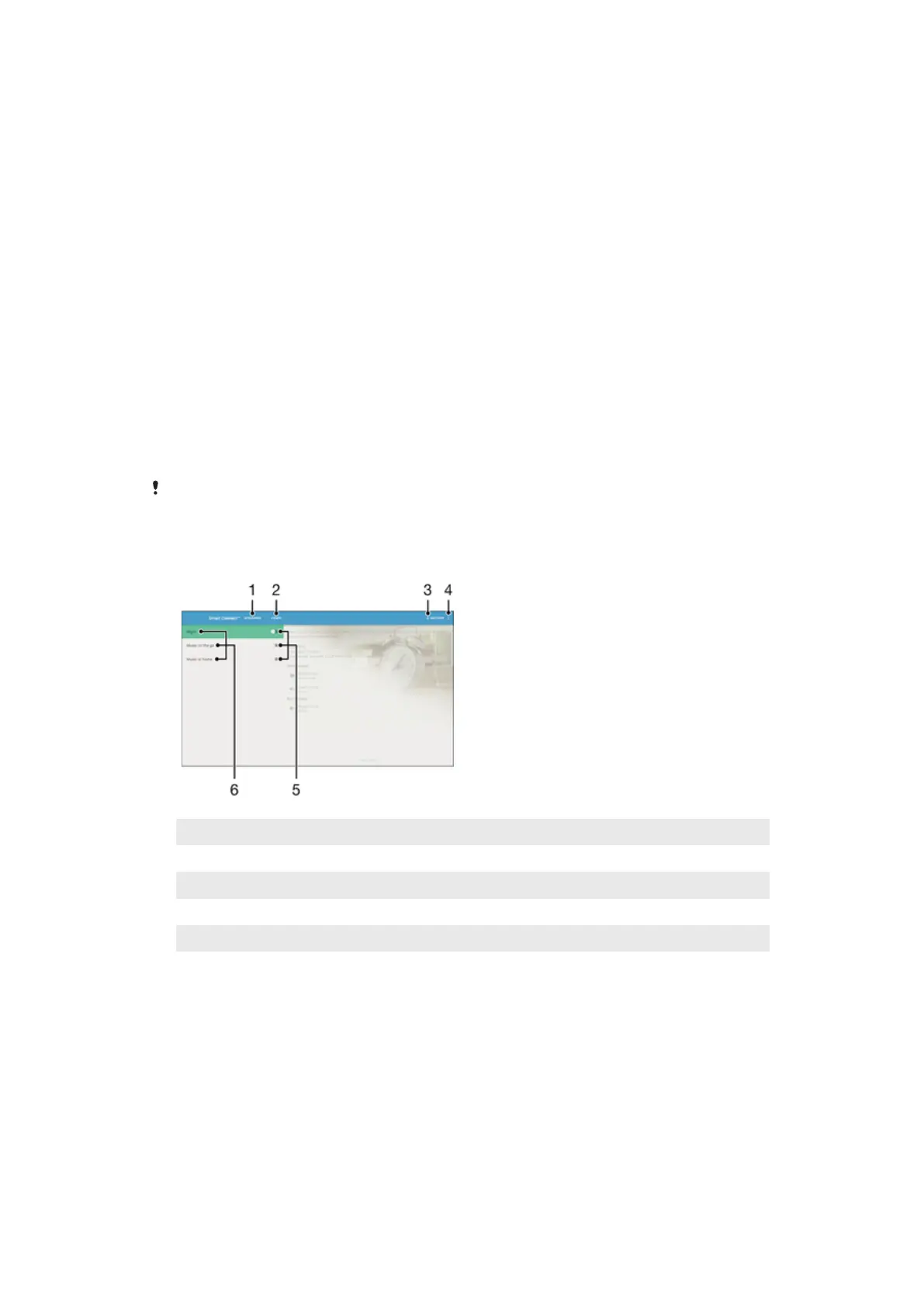
1 Tap to display available accessories
2 Tap to display all events
3 Add an accessory or an event
4 View menu options
5 Tap to activate an event
6 Tap to view details of an event
125
This is an internet version of this publication. © Print only for private use.













 To Next Page