Learning the basics
Using the touchscreen
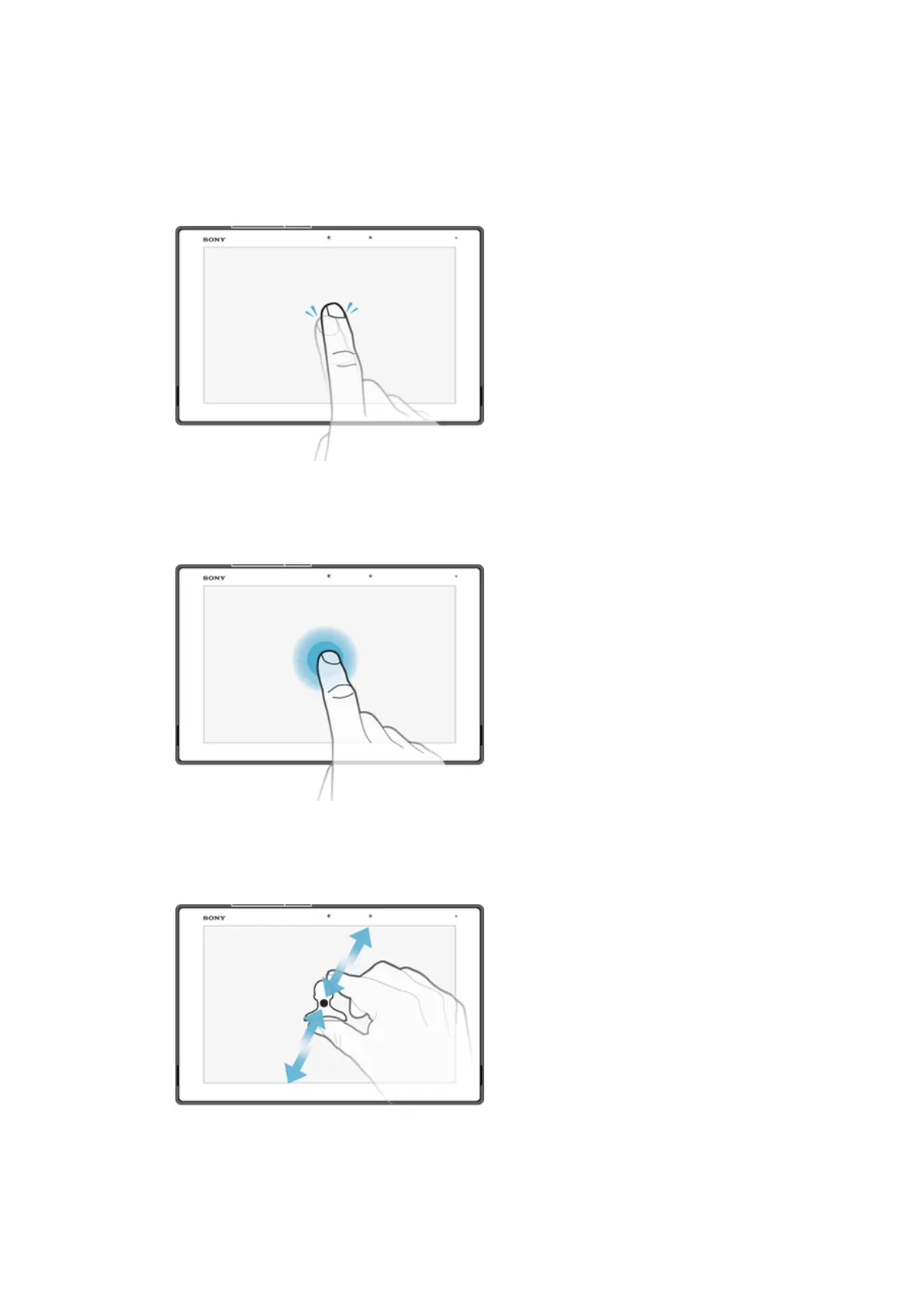
Tapping
•
Open or select an item.
•
Mark or unmark a checkbox or option.
•
Enter text using the on-screen keyboard.
Touching and holding
•
Move an item.
•
Activate an item-specific menu.
•
Activate selection mode, for example, to select several items from a list.
Pinching and spreading
•
Zoom in or out on web pages, photos, and maps, and when you’re taking photos or
shooting videos.
21
This is an internet version of this publication. © Print only for private use.














 To Next Page