Getting Started
34
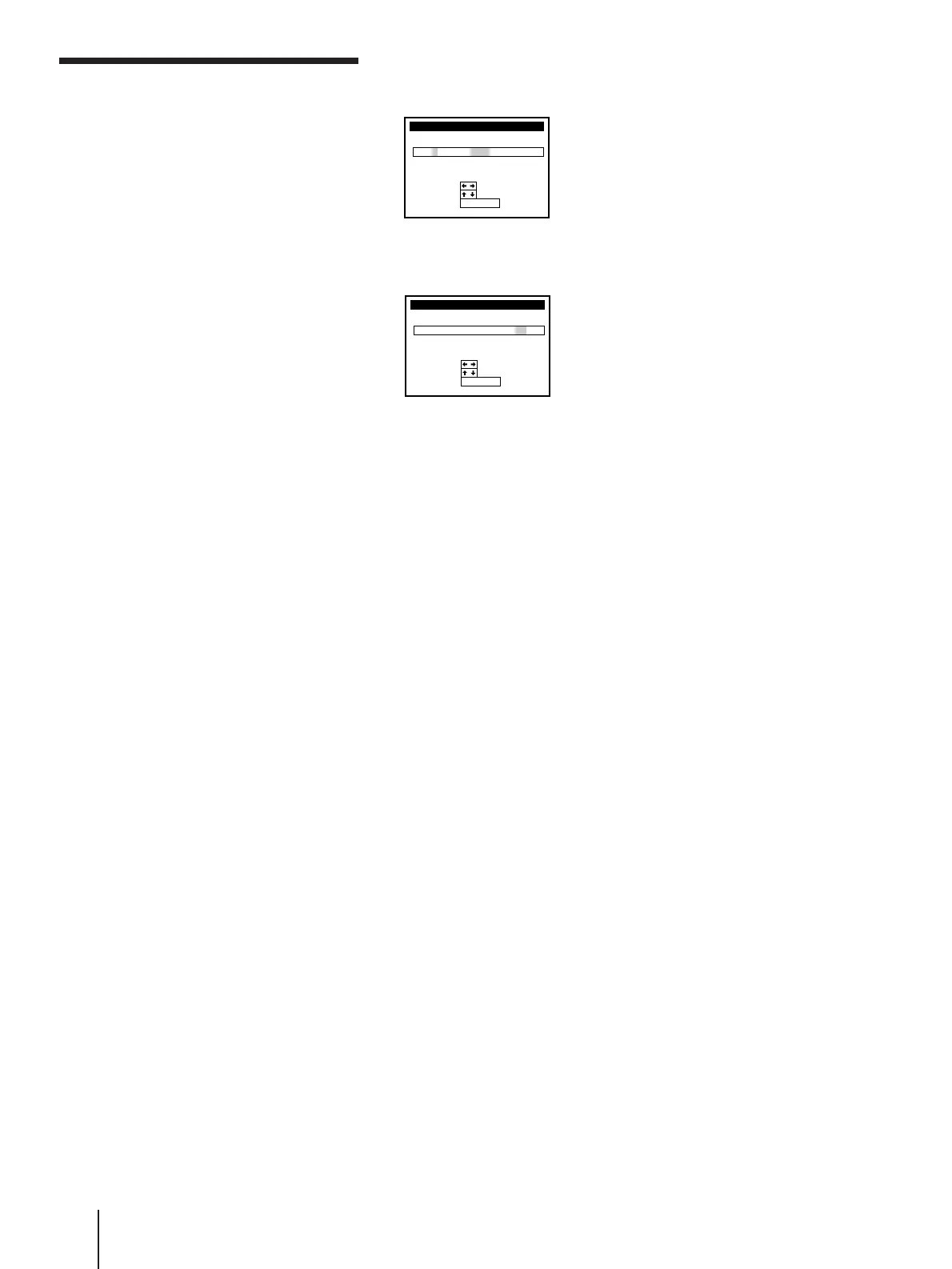
5 Press CURSOR >/. to set the date.
The day of the week is set automatically.
6 Set the year, hour, and minutes in sequence using CURSOR / to
highlight the item to be set, and CURSOR >/. to select the digits.
7 Press EXECUTE to confirm the setting.
Setting the clock (continued)
CLOCK SET
END
SET
:
:
SELECT
:
EXECUTE
THU/
27
1/997
3:30
11
AM
CLOCK SET
THU/
27
1/997
0:00
11
END
SET
:
:
SELECT
:
EXECUTE
AM



 To Next Page