1-6
Getting Started
24
Changing/disabling programme positions (continued)
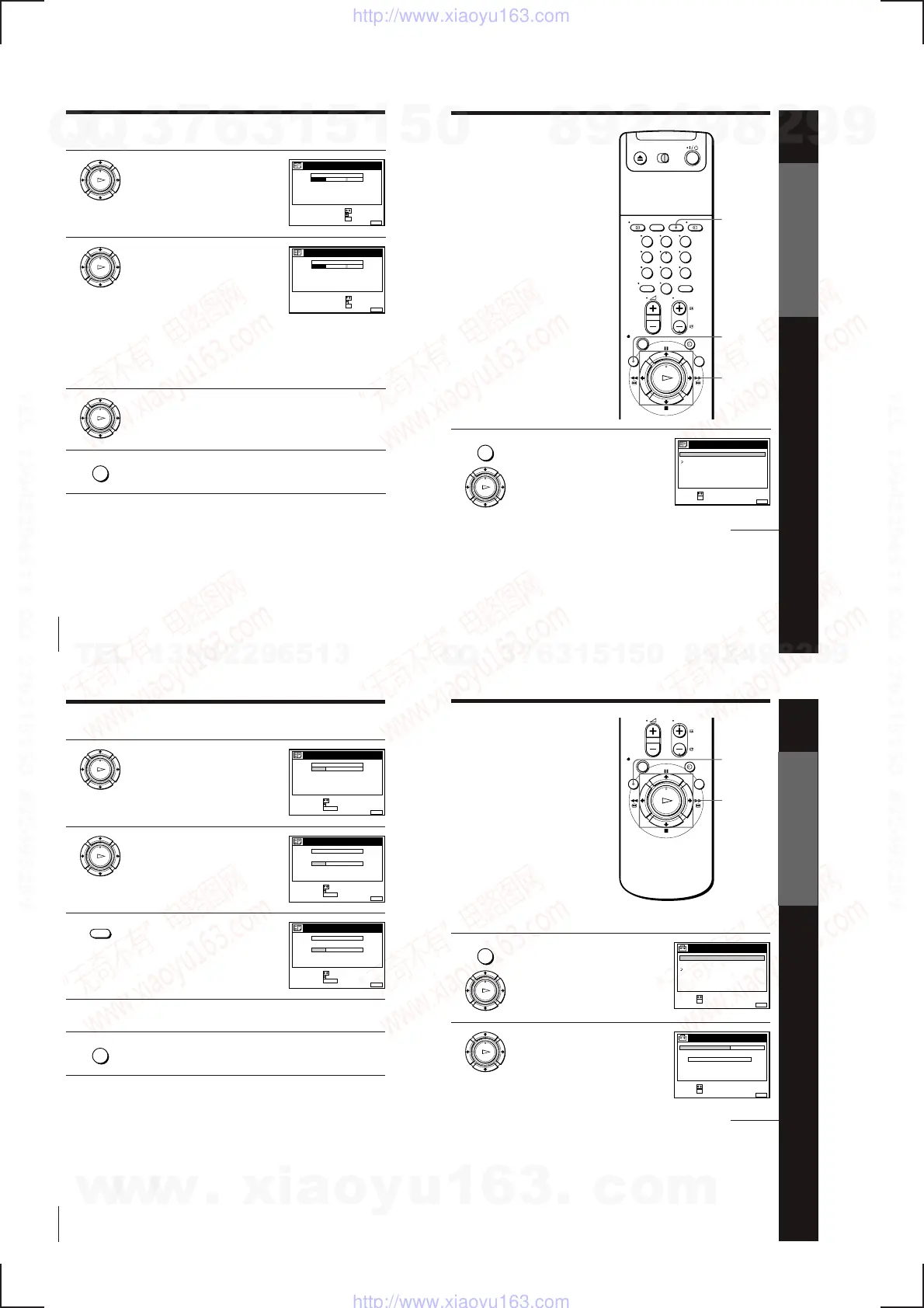
4
Press /.
5
Enter the station name.
1 Press >/. to select a character.
Each time you press >, the character
changes as shown below.
A n B n … n Z n a n b n … n z
n 0 n 1 n … n 9 n (symbols)
n (blank space) n A
2 Press / to set the next character.
The next space is highlighted.
To correct a character, press ?// until the character you want
to correct is highlighted, then reset it.
You can set up to 11 characters for the station name.
6
Press OK to confirm the new name.
7
Press MENU to exit the menu.
OK
PLAY
MENU
OK
PLAY
OK
PLAY
MENUEXIT :
CHANNEL LIST
CONFIRM OK
NEXT
:
:
PROG
SELECT A CHARACTER :
1
2
3
4
5
AAB
CDE
FGH
C
C
C
C
1
0
5
0
2
3
6
9
NAME
CH
C
27
MENUEXIT :
CHANNEL LIST
CONFIRM OK
NEXT
:
:
PROG
SELECT A CHARACTER :
1
2
3
4
5
CAB
CDE
FGH
C
C
C
C
1
0
5
0
2
3
6
9
NAME
CH
C
27
Tip
• If you want to return to the previous menu, highlight RETURN and press OK.
Note
• The menu disappears automatically if you don’t proceed for more than a few
minutes.
Getting Started
25
Getting Started
Disabling unwanted
programme positions
After presetting channels, you can
disable unused programme positions.
The disabled positions will be skipped
later when you press the PROG +/–
buttons.
Before you start…
• Turn on the VCR and the TV.
• Set the TV to the video channel.
CLEAR
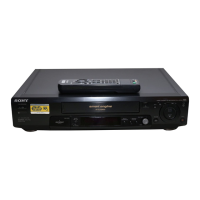
1 Press MENU, then press >/. to
highlight LISTS, and press OK.
MENU
>/.
OK
MENU
OK
PLAY
RETURN
SET :
SELECT :
OK
MENUEXIT :
LISTS
CHANNEL LIST
TIMER LIST
continued
123
456
789
0
Getting Started
26
2
Press >/. to highlight CHANNEL LIST,
then press OK.
3
Press >/. to highlight the row on which
you want to disable.
4
Press CLEAR.
The selected row will be cleared as
shown on the right.
5
Repeat steps 3 and 4 for any other programme positions you want
to disable.
6
Press MENU to exit the menu.
OK
PLAY
OK
PLAY
CLEAR
MENU
MENUEXIT :
CHANNEL LIST
ERASE PROG
MOVE PROG
:
:
PROG
SELECT :
1
2
3
4
5
AAB
CDE
FGH
C
C
C
C
1
0
5
0
2
3
6
9
NAME
CH
C
27
CLEAR
MENUEXIT :
CHANNEL LIST
ERASE PROG
MOVE PROG
:
:
PROG
SELECT :
1
2
3
4
5
AAB
CDE
FGH
C
C
C
C
1
0
5
0
2
3
6
9
NAME
CH
C
27
CLEAR
MENUEXIT :
CHANNEL LIST
ERASE PROG
MOVE PROG
:
:
PROG
SELECT :
1
2
3
4
5
AAB
CDE
FGH
C
C
C
1
0
0
2
3
9
NAME
CH
C
27
CLEAR
Changing/disabling programme positions (continued)
Tip
• If you want to return to the previous menu, highlight RETURN and press OK.
Notes
• The menu disappears automatically if you don’t proceed for more than a few
minutes.
• Be sure to select the programme position you want to disable correctly. If you
disable a programme position by mistake, you need to reset that channel manually.
Getting Started
27
Getting Started
Setting the clock
You must set the time and date on the
VCR to use the timer recording features
properly. If the VCR clock was not set in
the Auto Set Up procedure, you need to
set it manually.
The Auto Clock Set function works only
if a station in your area is broadcasting a
time signal. If the Auto Set Up function
did not set the clock correctly for your
local area, try another station for the
Auto Clock Set function.
Setting the clock manually
Before you start…
• Turn on the VCR and the TV.
• Set the TV to the video channel.
1
Press MENU, then press >/. to
highlight SETTINGS and press OK.
2
Press >/. to highlight CLOCK, then
press OK.
>/./?//
OK
MENU
MENU
OK
PLAY
OK
PLAY
SET :
SELECT :
OK
MENUEXIT :
CLOCK
OFFAUTO ADJUST
CLOCK PROG
MANUAL ADJUST
.1 1.1999 FRI 0 :00
SET :
SELECT :
OK
MENUEXIT :
SETTINGS
RETURN
TUNER
CLOCK
LANGUAGE
continued
w
w
w
.
x
i
a
o
y
u
1
6
3
.
c
o
m
Q
Q
3
7
6
3
1
5
1
5
0
9
9
2
8
9
4
2
9
8
T
E
L
1
3
9
4
2
2
9
6
5
1
3
9
9
2
8
9
4
2
9
8
0
5
1
5
1
3
6
7
3
Q
Q
TEL 13942296513 QQ 376315150 892498299
TEL 13942296513 QQ 376315150 892498299
http://www.xiaoyu163.com
http://www.xiaoyu163.com



 To Next Page