Administrating the Camera
Basic Operations of the Administrator Menu
33
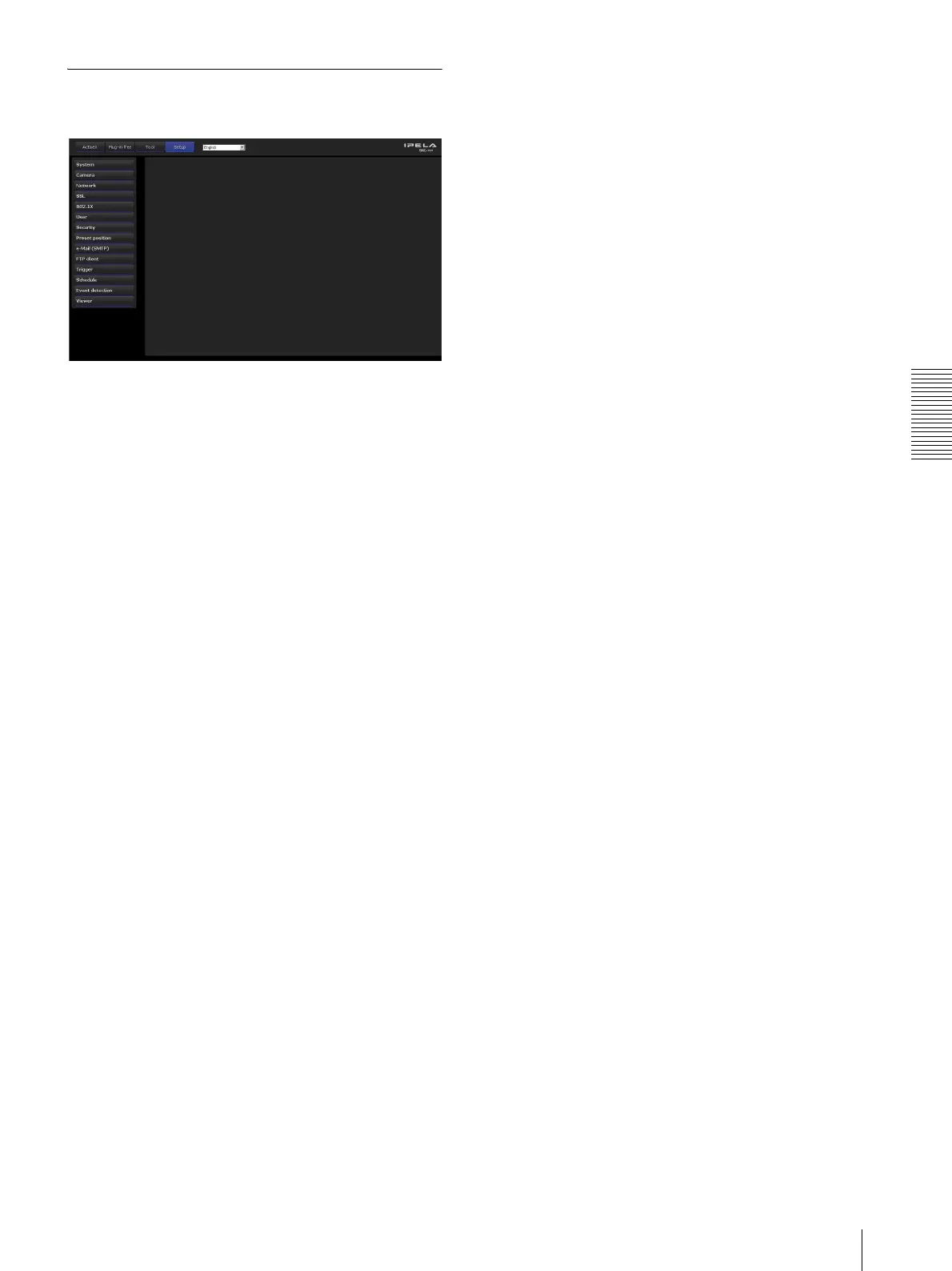
Configuration of the Administrator
menu
System
Displays the System menu. (“Configuring the System —
System Menu” on page 34).
Camera
Displays the Camera menu for setting the camera image.
( “Setting the Camera Image — Camera Menu” on page
38).
Network
Displays the Network menu for setting the network
connection. (“Configuring the Network — Network
Menu” on page 44).
SSL
Displays the SSL menu for performing SSL
communication between the client device and camera.
(“Setting the SSL function — SSL Menu” on page 49)
802.1X
Displays the 802.1X menu for connecting the camera to
a network configured in compliance with the 802.1X
standard for port authentication. (“Using the 802.1X
Authentication Function — 802.1X Menu” on page 54)
User
Displays the User menu for setting the log in user name
and password. (“Setting the User — User Menu” on
page 60)
Security
Displays the Security menu for specifying a computer
that is allowed to connect to the camera. (“Setting the
Security — Security Menu” on page 61)
Preset position
Displays the Preset position menu to register a position
you want to save. “Tour function,” which rotates the
registered positions, is also set here. (“Saving the
Camera Position and Action — Preset position Menu”
on page 61)
e-Mail (SMTP)
Displays the e-Mail (SMTP) menu for sending an e-
mail. (“Sending an Image via E-mail — e-Mail (SMTP)
Menu” on page 64)
FTP client
Displays the FTP client menu for sending an image file
to an FTP server. (“Sending Images to FTP Server —
FTP Client Menu” on page 68)
Trigger
Displays the Trigger menu for designating the operation
to execute when you run a trigger. (“Setting the
Operations from the Viewer — Trigger Menu” on page
71)
Schedule
Displays the Schedule menu for the e-Mail (SMTP)
function, FTP client function, etc. (“Setting the
Schedule — Schedule Menu” on page 72)
Event detection
Displays the setting menu for all built-in detection
functions. (“Setting the Sensor input/Camera tampering
detection/Motion detection — Event detection Menu”
on page 73)
Viewer
Displays the Viewer menu from which you can select the
viewer to use and configure advanced settings.
(“Configuring the Viewer — Viewer Menu” on page 76)








 To Next Page