Preparation
Assigning the IP Address to the Camera
8
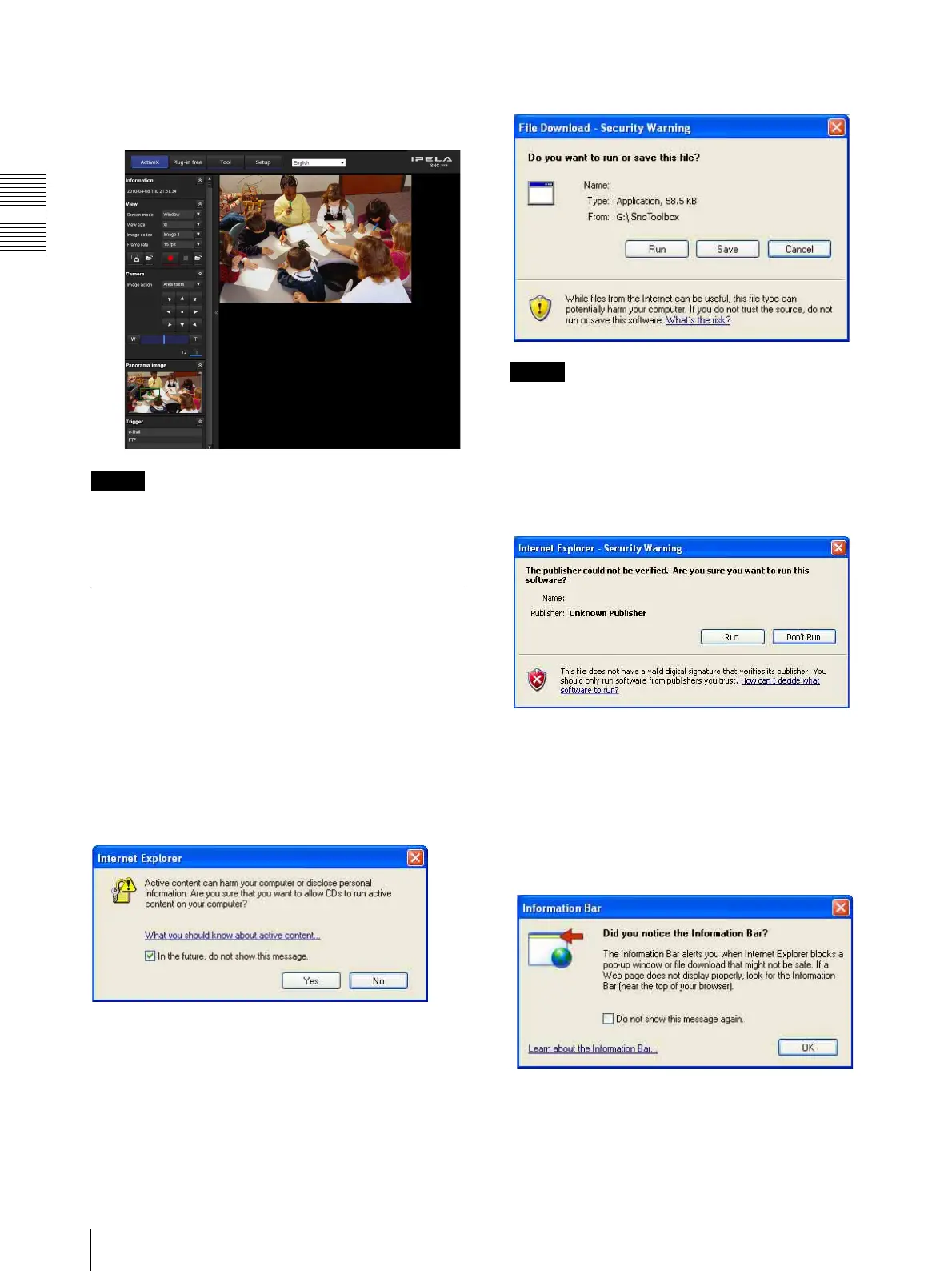
The viewer screen of the network camera is
displayed on the Web browser.
Display sample
Note
If the IP address is not set correctly, the viewer does not
appear after step 13. In that case, try to set the IP address
again.
When using Windows XP Service
Pack 2 or later
Installing software
A warning message regarding the active contents may
appear when you install software such as SNC toolbox
from CD-ROM. In this case, operate as follows:
Example: In case of SNC toolbox
If message “Internet Explorer” appears, click Yes .
If the message “File Download – Security Warning”
appears, click Run.
Note
If you select Save in the “File Download – Security
Warning” dialog, you will not be able to perform the
installation correctly. Delete the downloaded file, and
click the Setup icon again.
If the message “Internet Explorer – Security Warning”
appears, click Run.
The software installation starts.
Installing ActiveX Control
During installation of ActiveX Control, the
“Information Bar” or “Security Warning” message may
appear. In this case, operate as follows:
If the message “Information Bar” appears, click OK.
Program name
Program name







 To Next Page