50
SET UP
NAME
SLEEP ENTER
FUNCTION
5
0
1
3
9
7
46
2
8
10
•
•
•
•
•
•
•
•
•
•
•
•
•
•
•
•
•
•
•
•
•
•
•
•
•
•
•
•
•
•
–
•
•
•
•
–+ –+
+
+
–
?/1
Other
Operations
Brief descriptions of buttons that appear
in this chapter
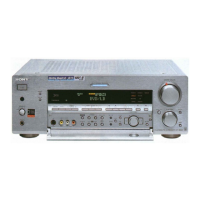
NAME button: Press to name preset stations or program
sources.
Jog dial: Use to select characters when naming preset
stations or program sources.
Cursor buttons ( / ): Use to move the cursor when
naming preset stations or program sources.
SLEEP button*: Press to activate the sleep function.
FUNCTION control: Rotate to select the tuner or other
source.
SET UP button: Press to enter the set up mode.
ENTER button: Press to enter the completed name of the
preset station or program source.
* Except for models of area code CED.
Cursor buttons
Jog dial


 To Next Page