24
Sound Adjustment
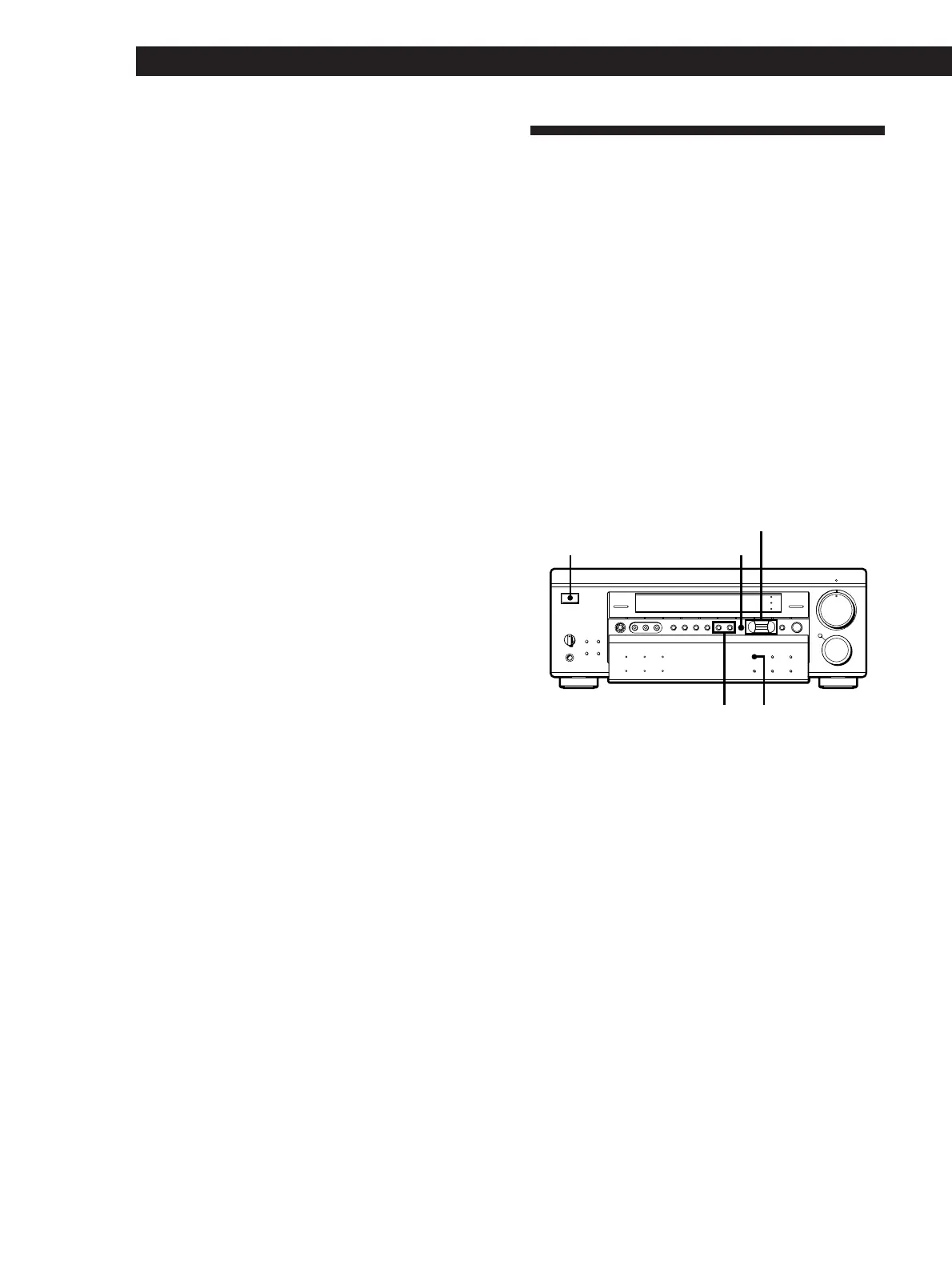
Customizing the Sound Fields
Each sound field is composed of a tone parameter
(bass/treble) and surround sound parameters —
variables of sound that create the sound image. You
can customize the sound fields by adjusting some of
the sound parameters to suit your listening situation.
Also, since this receiver uses Digital Signal Processing
(DSP), you can adjust the sound parameters
electronically. DSP automatically converts analog
audio signals to digital, which lets you adjust the
sound with virtually no degradation in sound quality.
Once you customize the sound fields, they are stored in
memory unless the receiver is unplugged for about 1
week. To change a customized sound field, make new
adjustments to the sound field.
BALANCE
•
•
•
LR
PHONES
POWER
SPEAKERS
A
OFF
A
+
B
B
FM/AM
VIDEO 3
INPUT
S-VIDEO
VIDEO 1 VIDEO 2 VIDEO 3 LD/DVD TV/DBS TAPE DAT/MD CD TUNER
INDEX
PHONO
VIDEO L AUDIO R
FM MODE TUNING EQUALIZER DPC
MODE
–+
BAND CH
SOUND FIELD
DISPLAY
MASTER VOL
MUTING
FUNCTION
100
MODE
GENRE MODE
DIRECT
PASS
BASS
BOOST
INPUT
MODE
EQ
SUR
SET UP
SHIFT
+–
PRESET TUNING
g
{MEMORY}
PANEL
UP/DOWN
V
v
Bb
DPC MODE
SOUND FIELD
POWER
EQUALIZER BAND/CH
Digital processing
control buttons
Relationship between a Dolby-surround-sound-
encoded source and sound output from the receiver
Sound output from the receiver for a Dolby-surround-
sound-encoded source will differ according to the
contents of the sound source and the settings on the
receiver, as described below.
• For a sound source consisting of Discrete data
When the DOLBY NORMAL SURROUND or ENHANCED
SURROUND sound field is selected or the DIRECT PASS button
is on:
The DISCRETE indicator lights up and the sound is
decoded and output as is for all Dolby Digital sound
channels in the source.
When a sound field other than ACOUSTIC and KARAOKE* is
selected:
The DISCRETE indicator lights up and all Dolby Digital
sound channels in the source are processed with the sound
field before being output.
When the ACOUSTIC sound field is selected or the sound field
is turned off:
The sound source is downmixed to 2 channels (L/R
stereo) and output. When the ACOUSTIC sound field is
selected, you can adjust the equalizer parameters (see
page 26).
• For a sound source with Dolby Pro Logic data
When the DOLBY NORMAL SURROUND or ENHANCED
SURROUND sound field is selected or the DIRECT PASS button
is on:
“PRO LOGIC” appears and the Dolby Pro Logic sound is
decoded and output.
When a sound field other than ACOUSTIC is selected:
The sound source is processed with the sound field before
being output. If the sound field genre is MOVIE
(excluding MONO MOVIE sound field) or 3D, “PRO
LOGIC“ appears in the display and Dolby Pro Logic
sound is decoded and output.
When the ACOUSTIC sound field is selected or the sound field
is turned off:
The sound source is downmixed to 2 channels (L/R
stereo) and output. When the ACOUSTIC sound field is
selected, you can adjust the equalizer parameters (see
page 26).
* The KARAOKE sound field reduces the level of the vocal
component which is located at the center of 2-channel
stereo sound. Since this sound field downmixes a 5-
channel Dolby Digital source to two channels and
processes it in the same way, the DISCRETE indicator
does not light up in KARAOKE mode.















 To Next Page