22
Sound AdjustmentSound Adjustment
GENRE MODE To
DOLBY
1)
MOVIE
NORMAL
SURROUND
ENHANCED
SURROUND
CINEMA STUDIO
A
CINEMA STUDIO
B
CINEMA STUDIO
C
SMALL THEATER
MEDIUM
THEATER
LARGE THEATER
NIGHT THEATER
MONO MOVIE
VIRTUAL
ENHANCED A
VIRTUAL
ENHANCED B
Decode programs processed
with Dolby Surround
Provide a greater sence of
presence from Dolby Digital
sources with monaural rear
channel sound
Reproduce the sound
characteristics of the Sony
Pictures Entertainment “Cary
Grant Theater” cinema
production studio
Reproduce the sound
characteristics of the Sony
Pictures Entertainment “Kim
Novak Theater” cinema
production studio
Reproduce the sound
characteristics of the Sony
Pictures Entertainment
scoring stage
Add the acoustic reflections of
a theater to decoded Dolby
Surround signals
Watch a movie at low volume
during the night-time
Create a theater-like
environment from movies
with 2 channel monaural
soundtracks
Use 3D sound imaging to
create virtual rear speakers
from the sound of the front
speakers without using actual
rear speakers as shown in the
illustration A on page 23
Use 3D sound imaging to
create virtual rear speakers
from the sound of the front
speakers without using actual
rear speakers as shown in the
illustration B on page 23
3D
Sound fields
Using Pre-programmed Sound
Fields
You can take advantage of surround sound simply by
selecting one of the pre-programmed sound fields
according to the program you want to play.
BALANCE
•
•
•
LR
PHONES
POWER
SPEAKERS
A
OFF
A
+
B
B
FM/AM
VIDEO 3
INPUT
S-VIDEO
VIDEO 1 VIDEO 2 VIDEO 3 LD/DVD TV/DBS TAPE DAT/MD CD TUNER
INDEX
PHONO
VIDEO L AUDIO R
FM MODE TUNING EQUALIZER DPC
MODE
–+
BAND CH
SOUND FIELD
DISPLAY
MASTER VOL
MUTING
FUNCTION
100
MODE
GENRE MODE
DIRECT
PASS
BASS
BOOST
INPUT
MODE
EQ
SUR
SET UP
SHIFT
+–
PRESET TUNING
g
{MEMORY}
PANEL
UP/DOWN
V
v
Bb
SOUND FIELD
MODEGENRE
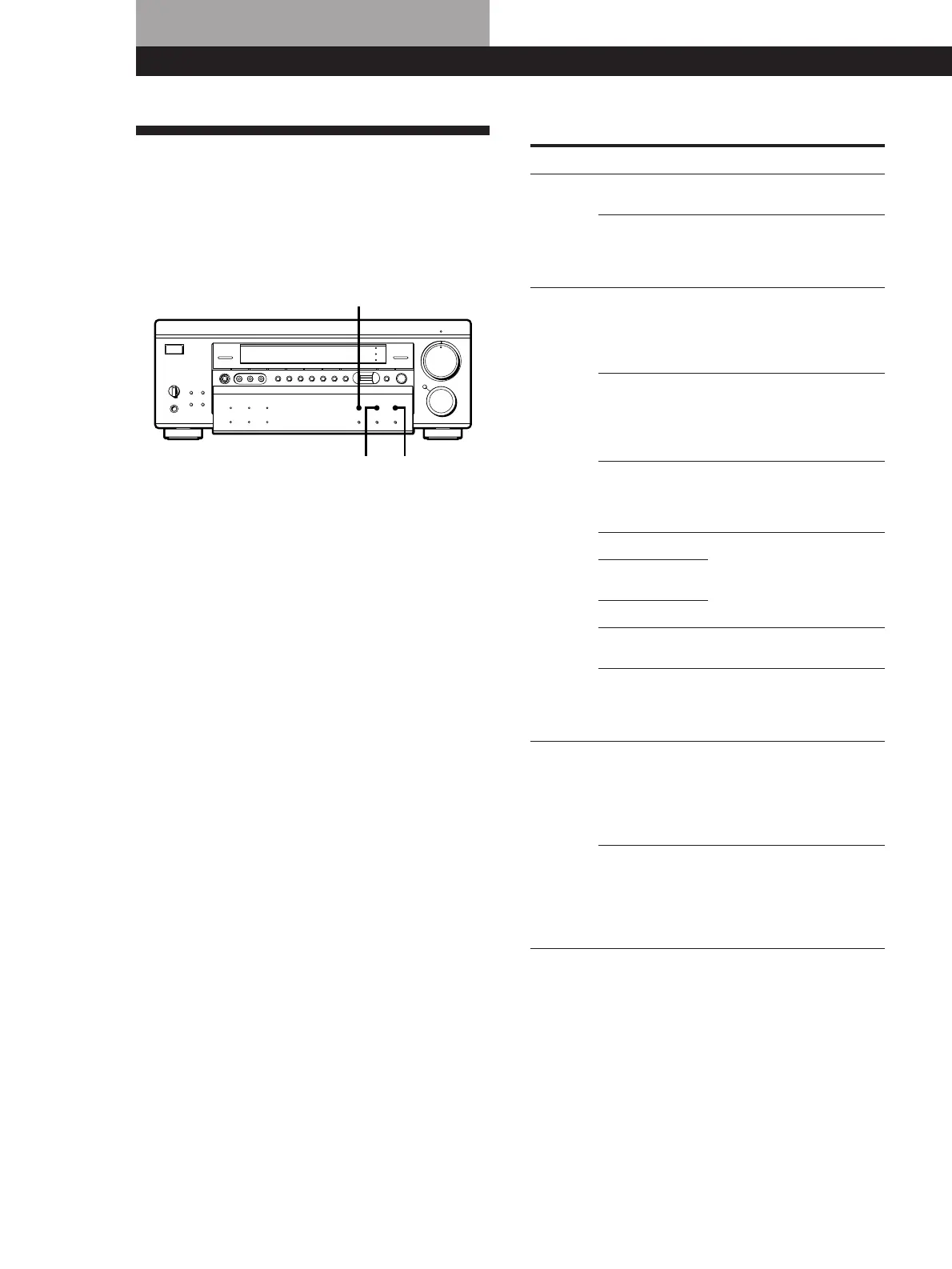
1 Press SOUND FIELD to turn on the sound field.
One of the indicators lights up in the display.
2 Press GENRE to select the type of sound field you
desire.
3 Press MODE to select the mode you desire from
the respective genre.
Select the appropriate sound field according to the
chart shown at right.
To play without surround effects
Select “ACOUSTIC” from MUSIC. The surround
effects are defeated but you can still adjust the
equalizer parameters (see page 26).
To turn off the sound fields
Press SOUND FIELD.
z You can find Dolby Surround-encoded software by
looking at the packaging
However, some videos, laser discs, and DVD discs may
use Dolby Surround sound even if it’s not indicated on
the package.















 To Next Page