STR-DE995/895 4-244-963-11(1)GB
57
GB
Operations Using the Remote RM-LG112
Operations Using the Remote RM-LG112
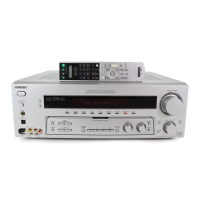
You can use the remote RM-LG112 (STR-
DE995 models of area code U only) to operate
the components in your system.
Before you use your
remote
Inserting batteries into the
remote
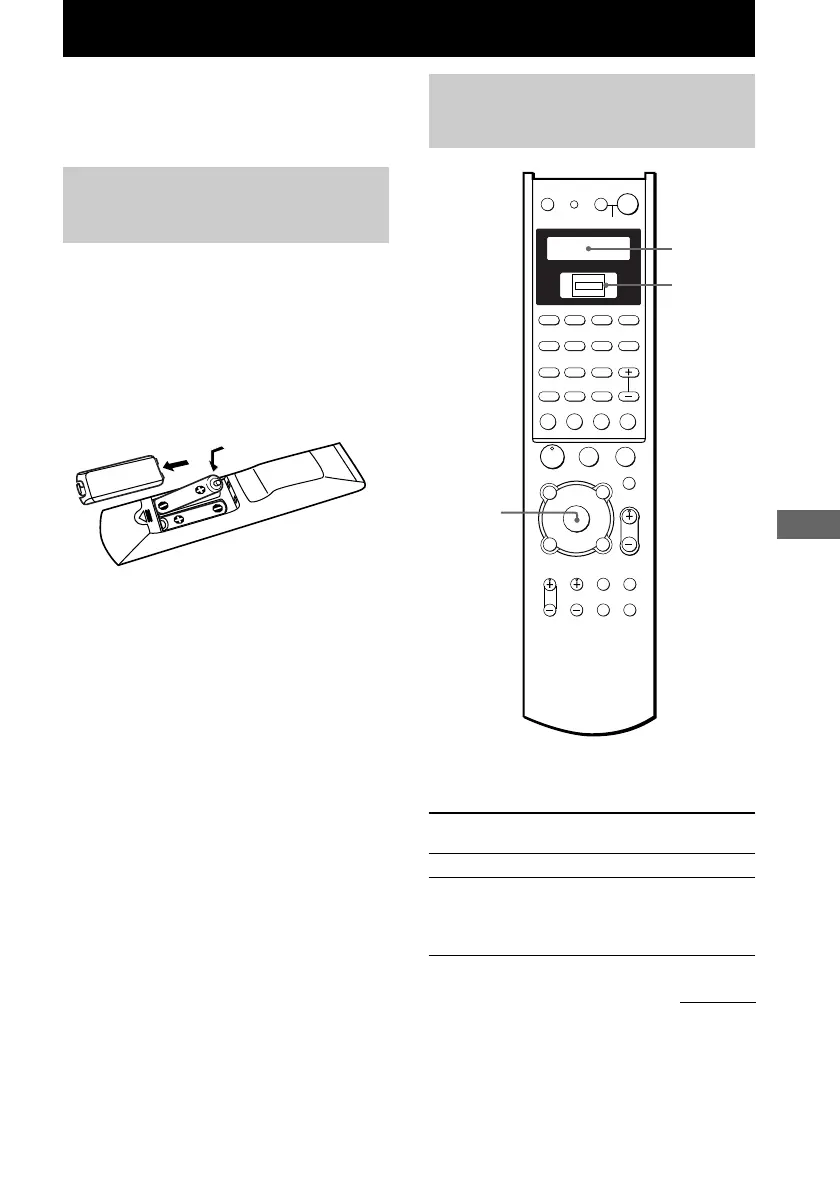
Insert R6 (size-AA) batteries with the + and –
properly oriented in the battery compartment.
When using the remote, point it at the remote
sensor g on the receiver.
Tip
Under normal conditions, the batteries should last for
about 6 months. When the remote no longer operates
the receiver, replace all batteries with new ones.
Notes
• Do not leave the remote in an extremely hot or
humid place.
• Do not use a new battery with an old one.
• Do not expose the remote sensor to direct sunlight
or lighting apparatuses. Doing so may cause a
malfunction.
• If you don’t use the remote for an extended period
of time, remove the batteries to avoid possible
damage from battery leakage and corrosion.
Remote button
description
The tables below show the settings of each
button.
Remote Operations Function
Button
?/1 Receiver
Turns the receiver on or off.
SLEEP Receiver Activates the sleep
function and the duration
which the receiver turns
off automatically.
ENTER/
EXECUTE
H
X
m
M
.
>
-
USE MODE
SYSTEM STANDBY
SLEEP
TV ?/1 AV ?/1
SHIFT
TOP MENU/
GUIDE
AV MENU
MUTING
MASTER
VOL
DISPLAY
TV VOL TV CH
WIDE ON SCREEN
TV/
VIDEO
MAIN
MENU
RETURN/EXIT
D.TUNING DISC ALT
ANT
CLEAR
SEARCH MODE
2CH
A.F.D.
123
456
789
0/10 >10/11 12
MOVIE
SUBTITLE ENTER
MUSIC
AUDIO
SWAP/
ANGLE
JUMP/
TIME
PRESET/
CH/D.SKIP
TEST
TONE
SB
DECODINGDIRECT
AAC
BI-LING
x
?/1
PL
O
f
F
G
g
v
V
PUSH
continued
Display
Scroll key/
PUSH


 To Next Page