73
US
F:\Sony SEM
HA\Revision2_DG800\JC060412_2667346121DG800_US\2667346121\US05AMP_STR-DG800-
CEL.fm
masterpage: Right
STR-DG800
2-667-346-12 (1)
Tuner Operations
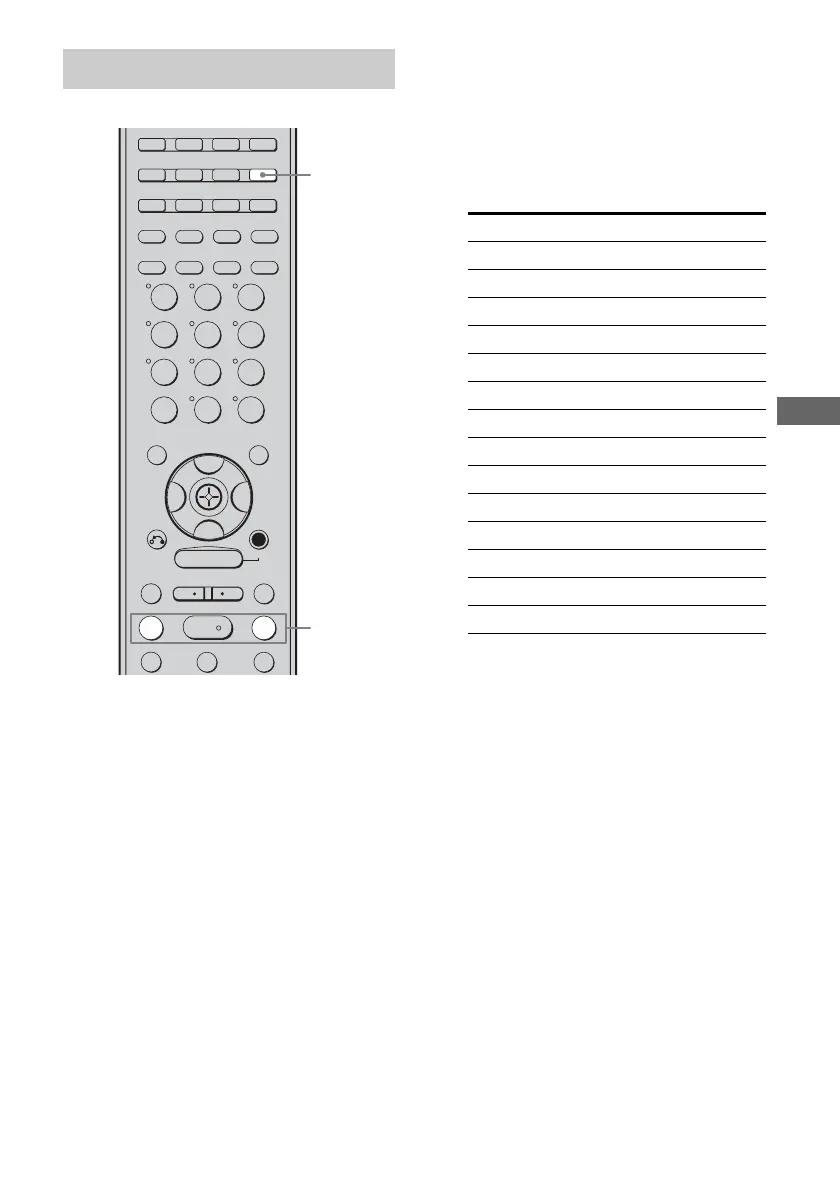
1 Press TUNER repeatedly to
select “XM RADIO”.
You can also use INPUT SELECTOR on
the receiver.
2 Press TUNING + or TUNING – to
select channel 0.
You can also press TUNING MODE on
the receiver to select “AUTO TUNING”,
and then turn TUNING +/– to select
channel 0.
3 Check the XM Radio ID on the
display and write it in the space
provided here.
ID:_____________________________
If you cannot read the characters or
numbers on the display clearly, refer to
the following table.
Checking the XM Radio ID
TUNING –
DISC SKIP
TUNING +
DISPLAY TOOLS
RETURN/
EXIT
AMP
REPLAY ADVANCE
– CATEGORY +
VIDEO 1 VIDEO 2 DVDVIDEO 3
TV/SAT
MD/TAPE
TUNER
PHONO
2ND ZONE
2CH A.F.D. MOVIE MUSIC
SLEEP
CATEGORY
MODE
D. TUNING AUTO CAL
SA-CD/CD
MEMORY
.
>
m M
xX
MULTI CH SOURCE
B
B
V
v
MENU
H
CLEAR
>10
–
/
– –
<
<
23
456
789
ENTER
0/10
1
1
2
Display Description
2 2 (two)
5 5 (five)
6 6 (six)
8 8 (eight)
0 0 (zero)
A A
B B
D D
G G
H H
K K
M M
Q Q
Z Z
US01COV_STR-DG800-CEL.book Page 73 Tuesday, March 14, 2006 3:53 PM



 To Next Page