76
US
F:\Sony SEM
HA\Revision2_DG800\JC060412_2667346121DG800_US\2667346121\US05AMP_STR-DG800-
CEL.fm
masterpage: Left
STR-DG800
2-667-346-12 (1)
Presetting XM Radio
stations
You can select the channels you want directly
by presetting them using the preset numbers.
You can preset up to 30 XM Radio channels.
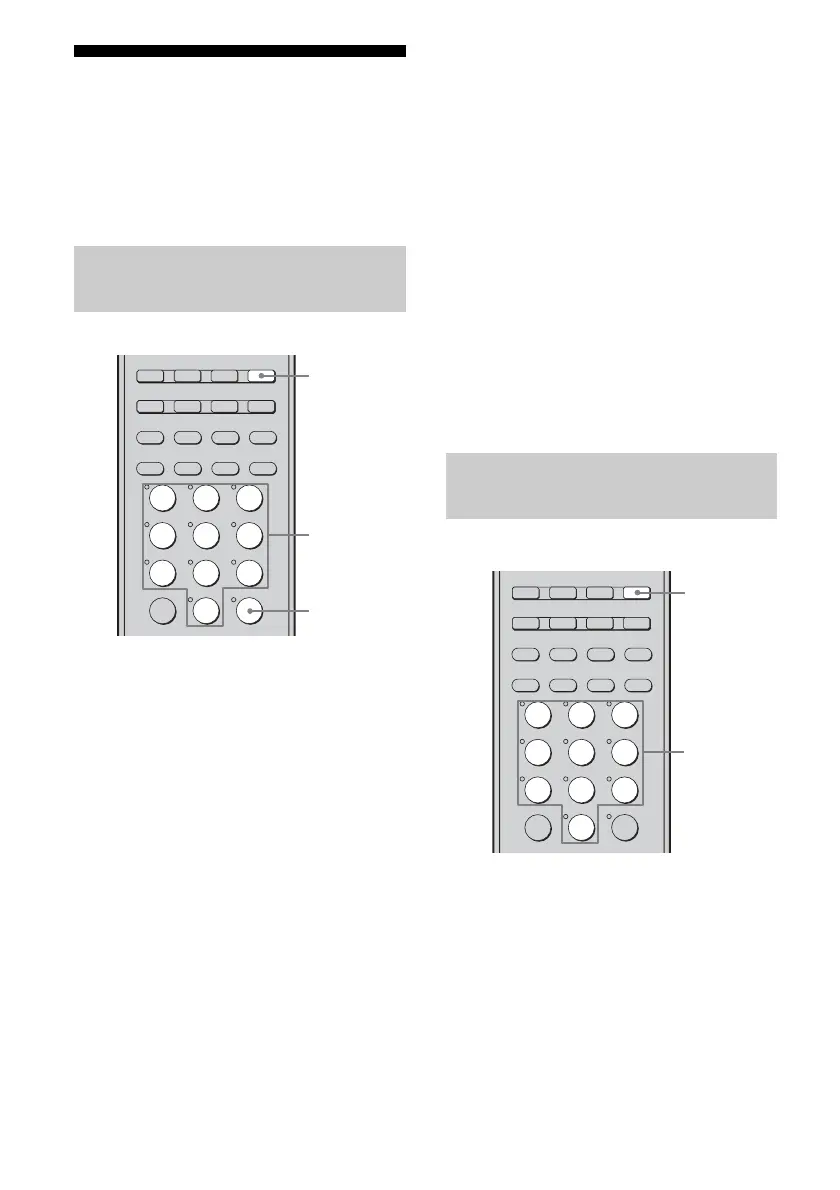
1 Press TUNER repeatedly to
select “XM RADIO”.
You can also use INPUT SELECTOR on
the receiver.
2 Tune in the channel you want to
preset.
For details on selecting channels, see
“Listening to the XM Radio” (page 72).
3 Press MEMORY.
You can also press MEMORY/ENTER on
the receiver.
4 Press the numeric buttons to
enter the preset number.
You can also select the number by
pressing PRESET + or PRESET –.
You can also turn TUNING +/– on the
receiver.
Preset numbers from 1 to 30 are available,
and channel 1 is preset for all the preset
numbers when you purchase the receiver.
5 Press ENTER.
You can also press MEMORY/ENTER on
the receiver.
6 Repeat steps 2 to 5 to preset
another channel.
1 Press TUNER repeatedly to
select “XM RADIO”.
You can also use INPUT SELECTOR on
the receiver.
Presetting channels using the
preset numbers
TV/SAT
MD/TAPE
TUNER
PHONO
2ND ZONE
2CH A.F.D. MOVIE MUSIC
SLEEP
CATEGORY
MODE
D. TUNING AUTO CAL
SA-CD/CD
MEMORY
MULTI CH SOURCE
CLEAR
>10
–
/
– –
23
456
789
ENTER
0/10
1
4
3,5
1
Selecting the channel by using
the preset numbers
TV/SAT
MD/TAPE
TUNER
PHONO
2ND ZONE
2CH A.F.D. MOVIE MUSIC
SLEEP
CATEGORY
MODE
D. TUNING AUTO CAL
SA-CD/CD
MEMORY
MULTI CH SOURCE
CLEAR
>10
–
/
– –
23
456
789
ENTER
0/10
1
Numberic
buttons
1
US01COV_STR-DG800-CEL.book Page 76 Tuesday, March 14, 2006 3:53 PM



 To Next Page