40
GB
D:\NORM'S JOB\SONY HA\SO0155\STR-DN1020_PMRF 03\4273051141_GB\GB04GET_STR-
DN1020-CEL.fm
masterpage: Left
STR-DN1020
4-273-051-14(1)
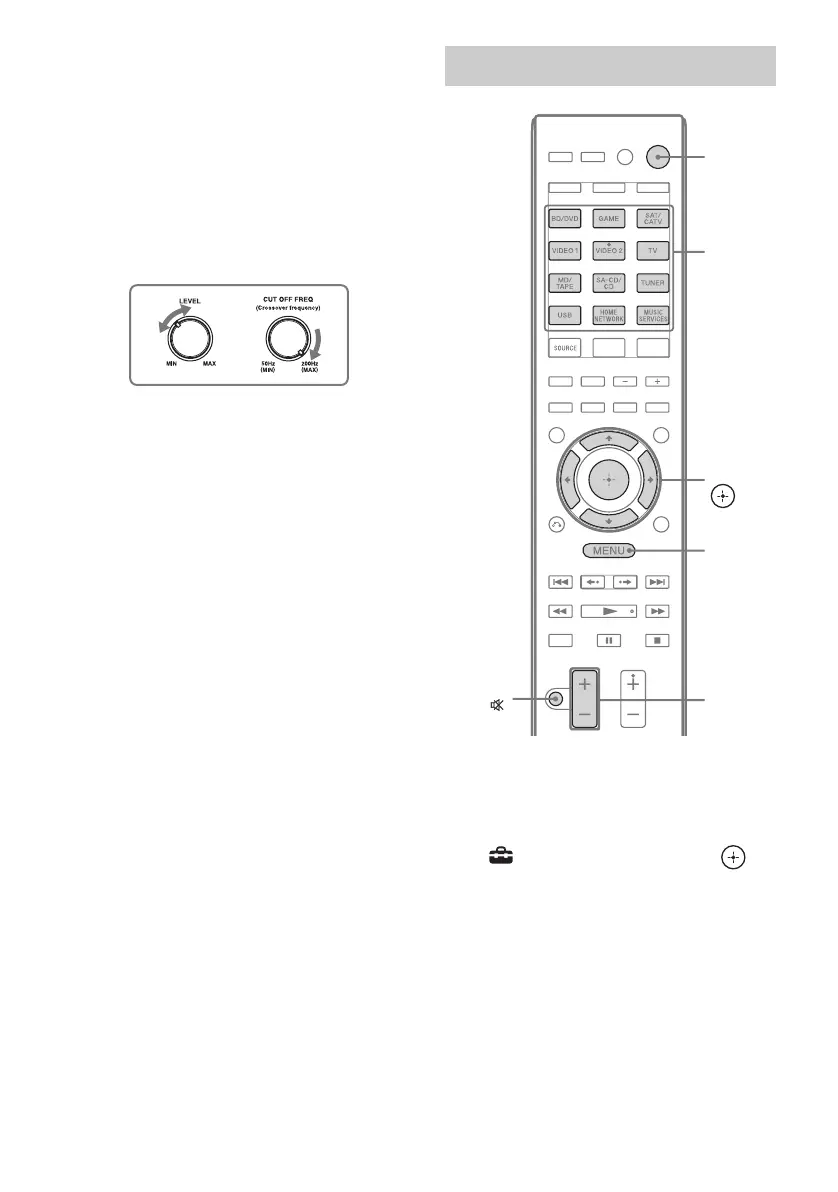
Confirm active subwoofer setup
• When a subwoofer is connected, turn on the
subwoofer and turn up the volume prior to
activating the subwoofer. Turn the LEVEL
to just before the mid-point.
• If you connect a subwoofer with a crossover
frequency function, set the value to
maximum.
• If you connect a subwoofer with an auto
standby function, set it to off (deactivated).
Note
Depending on the characteristics of the subwoofer
you are using, the setup distance value may be
different from the actual position.
1 Press MENU.
The menu is displayed on the TV screen.
2 Press V/v repeatedly to select
“ Settings”, then press or
b.
The Settings menu list appears on the TV
screen.
Performing Auto Calibration
V/v/B/b,
MENU
MASTER
VOL +/–/
2 +/–
Input
buttons
?/1
MUTING/



 To Next Page