102
GB
D:\NORM'S JOB\SONY HA\SO0155\STR-DN1020_PMRF 03\4273051141_GB\GB05ENJ_STR-
DN1020-CEL.fm
masterpage: Left
STR-DN1020
4-273-051-14(1)
System Settings menu
You can customize the settings of the receiver.
x Auto Standby
Lets you set the receiver switch to standby
mode automatically when you do not operate
the receiver or when there is no signals input to
the receiver.
• ON: Switches to standby mode after
approximately 30 minutes.
• OFF: Does not switch to standby mode.
Notes
• This function does not work in the following cases.
– “FM TUNER”, “AM TUNER”, “SIRIUS”,
“HOME NETWORK” or “MUSIC SERVICES”
input is selected.
– PARTY STREAMING function is being used.
– The software of the receiver is being updated.
• If you use the Auto standby mode and the Sleep
Timer at the same time, the Sleep Timer has
priority.
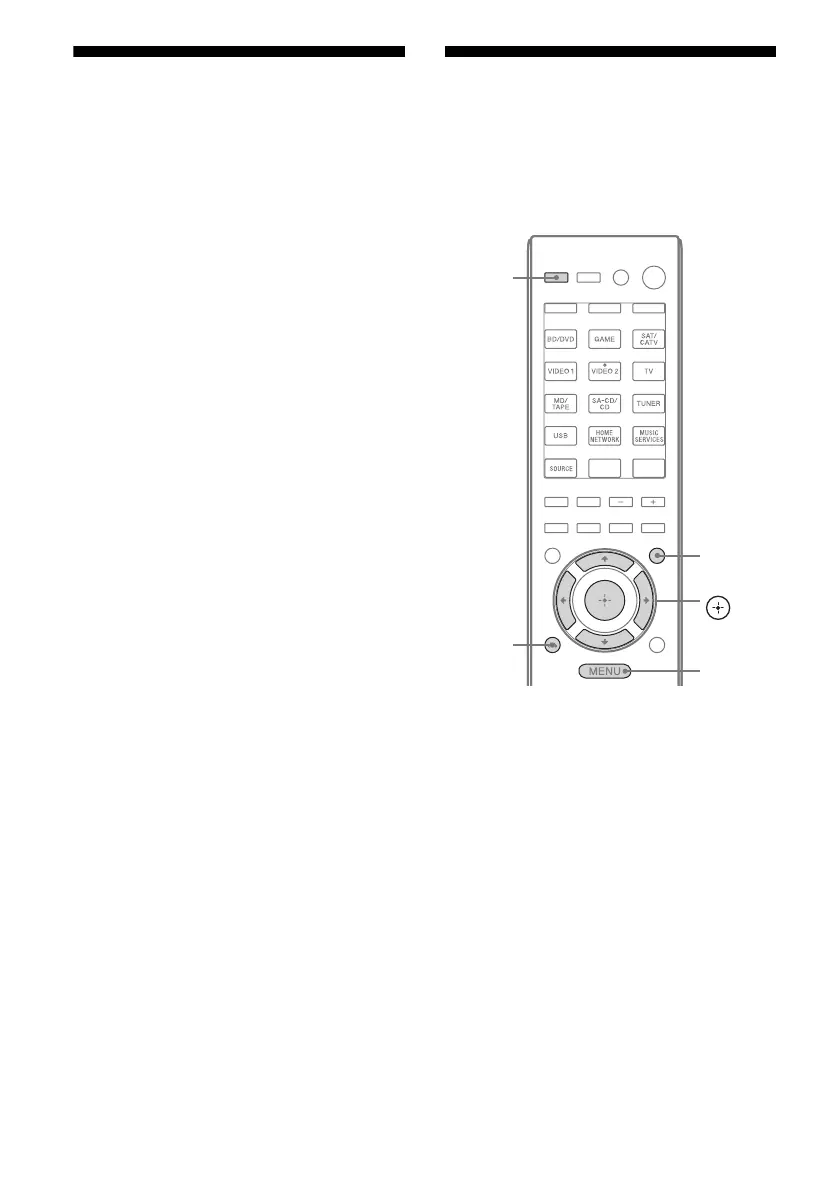
Operating without
connecting to a TV
You can operate this receiver using the display
panel even if the TV is not connected to the
receiver.
V/v/B/b,
GUI MODE
MENU
RETURN/
EXIT O
AMP



 To Next Page