You can perform the following operations from the menu that is displayed when you press OPTIONS:
Direct Tuning
Preset Memory
Preset Name Input
Switching FM Mode
[65] Enjoying Video and Sound Listening to the radio
Presetting FM radio stations (Preset Memory)
You can store up to 30 FM stations as your favorite stations.
Select [Listen] - [FM TUNER] from the home menu.
The FM screen appears.
1
Tune to the station that you want to preset.
2
Press OPTIONS.
3
Select [Preset Memory] from the options menu.
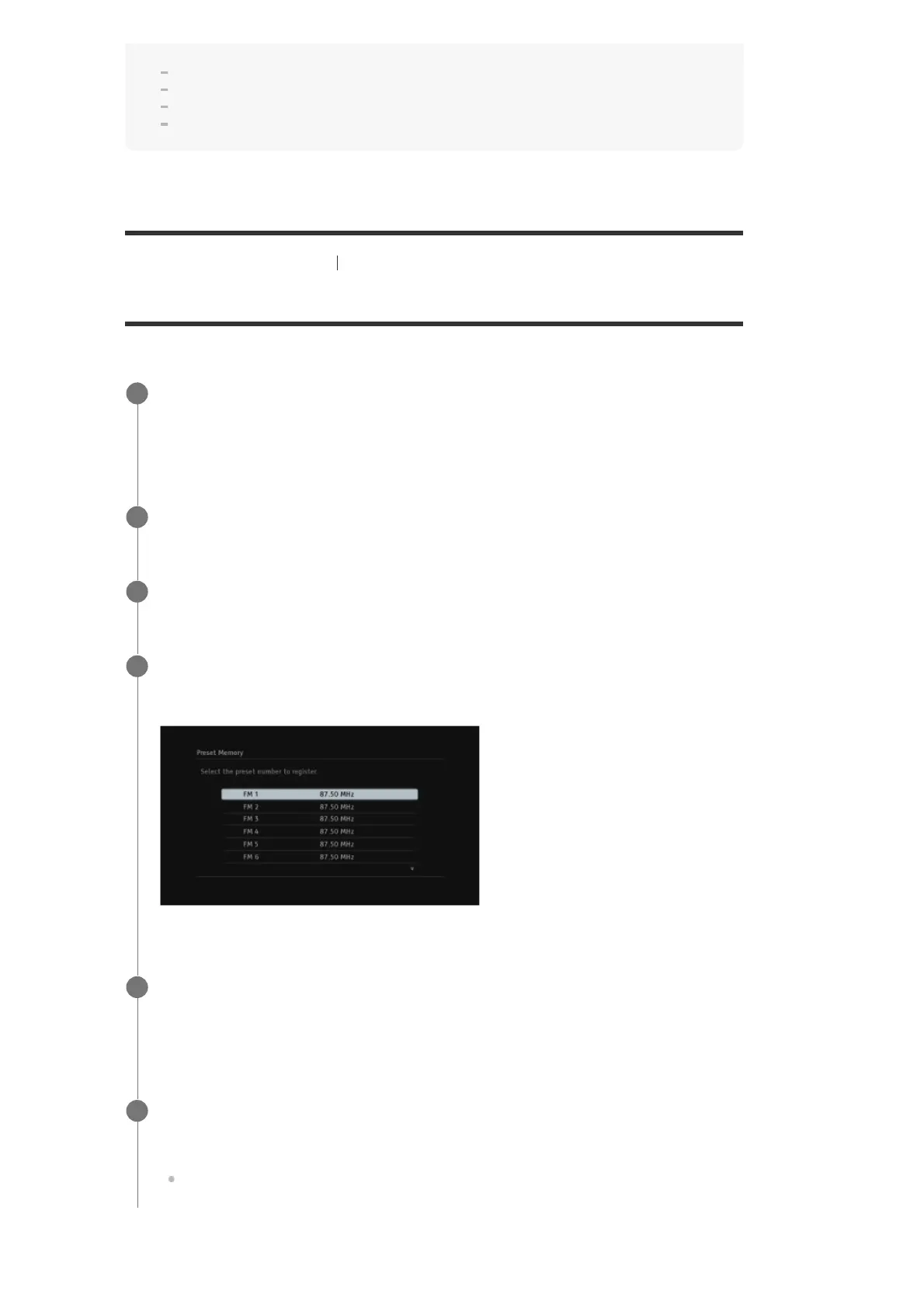
The Preset Memory screen appears.
4
Select a preset number.
The station is stored as the selected preset number.
5
Repeat steps 2 to 5 to store another station.
You can store stations as follows:
FM band: FM 1 to FM 30
6


 To Next Page