Listening to the preset station
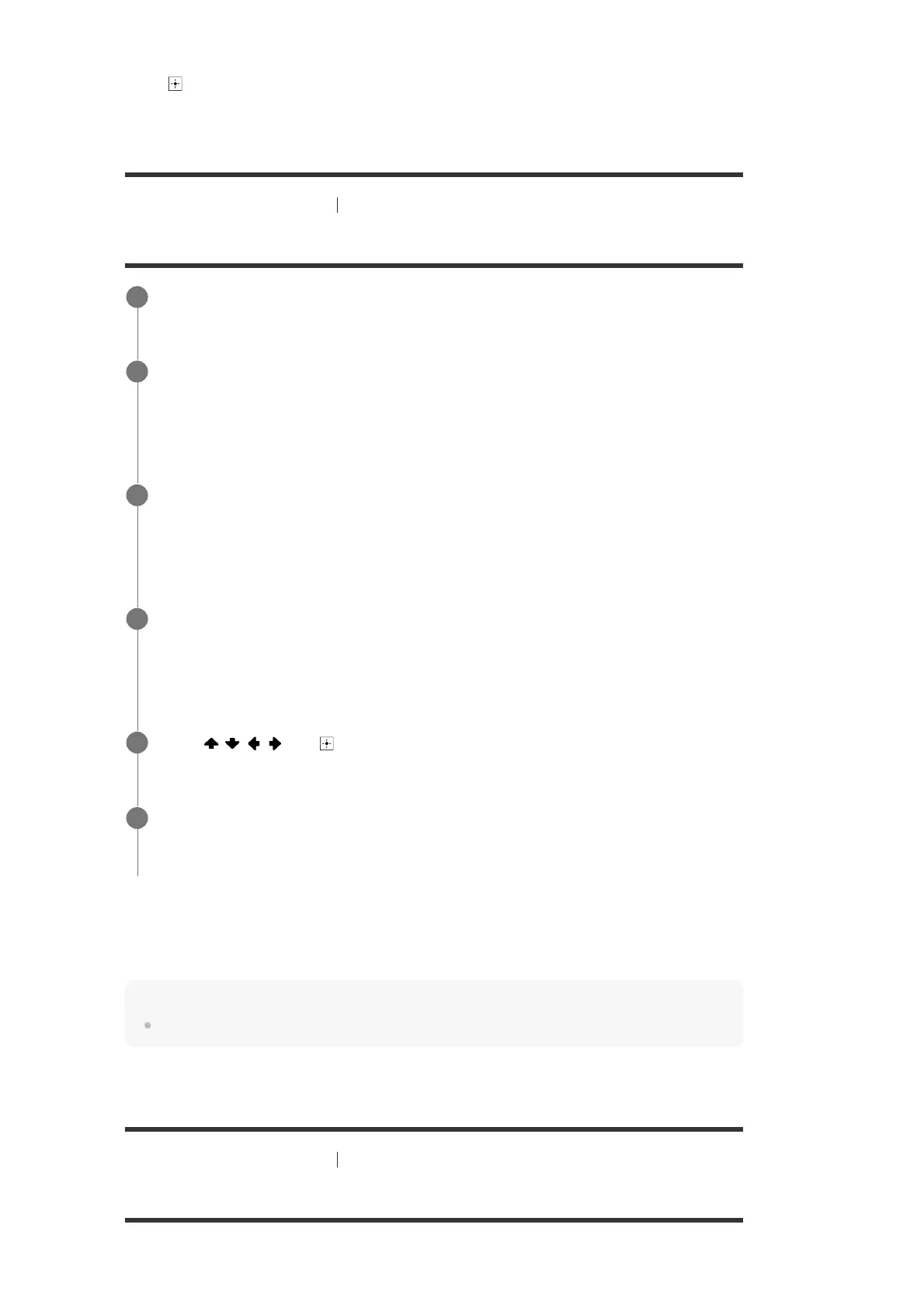
Press to display the Preset List screen, and then select a station you want.
[66] Enjoying Video and Sound
Listening to the radio
Naming preset stations (Preset Name Input)
Canceling naming input
Press BACK.
Note
Some letters that can be displayed on the TV screen cannot be displayed on the display panel.
[67] Enjoying Video and Sound Listening to the radio
Tuning to a station directly (Direct Tuning)
You can enter the frequency of a station directly.
Select [Listen] - [FM TUNER] from the home menu.
1
Press OPTIONS.
The options menu appears.
2
Select [Preset Name Input].
A preset list appears on the TV screen.
3
Select the preset number to which you want to assign a name.
An on-screen keyboard appears on the TV screen.
4
Press
/ / / and to select characters one by one to enter the name.
5
Select [Enter].
The name you entered is registered.
6


 To Next Page