-: No sound is output.
◎
: Outputs sound.
○: Outputs sound depending on the speaker pattern setting and content to be played back.
●: For Dolby and DTS audio streams, outputs sound depending on the speaker pattern setting.
No sound is output for Linear PCM, DSD, or AAC.
A subwoofer is connected.
The speaker pattern is set to a setting ([x.1]) that has an subwoofer.
A subwoofer is connected.
The speaker pattern is set to a setting ([x.1]) that has an subwoofer.
A subwoofer is connected.
The speaker pattern is set to a setting ([x.1]) that has an subwoofer.
[Small] is selected for [Size] in the [Speaker Settings] menu.
A subwoofer is connected.
The speaker pattern is set to a setting ([x.1]) that has an subwoofer.
[Small] is selected for [Size] in the [Speaker Settings] menu.
Multi-channel content
-: No sound is output.
◎
: Outputs sound.
○: Outputs sound depending on the speaker pattern setting and the channels included in the
input source.
Outputs sound if the following conditions are met:
*1
USA and Canadian models: outputs sound if the following conditions are met:
*2
Other models: outputs sound if the following conditions are met:
Outputs sound if the following conditions are met:
*3
For DTS audio streams, no sound is output when the speaker pattern is set to [5.1.2 (TM)], [5.1.2 (FD)], or [5.1.2
(SRD)].
*4
No sound is output when the speaker pattern is set to [5.1.2 (TM)], [5.1.2 (FD)], or [5.1.2 (SRD)].
*5
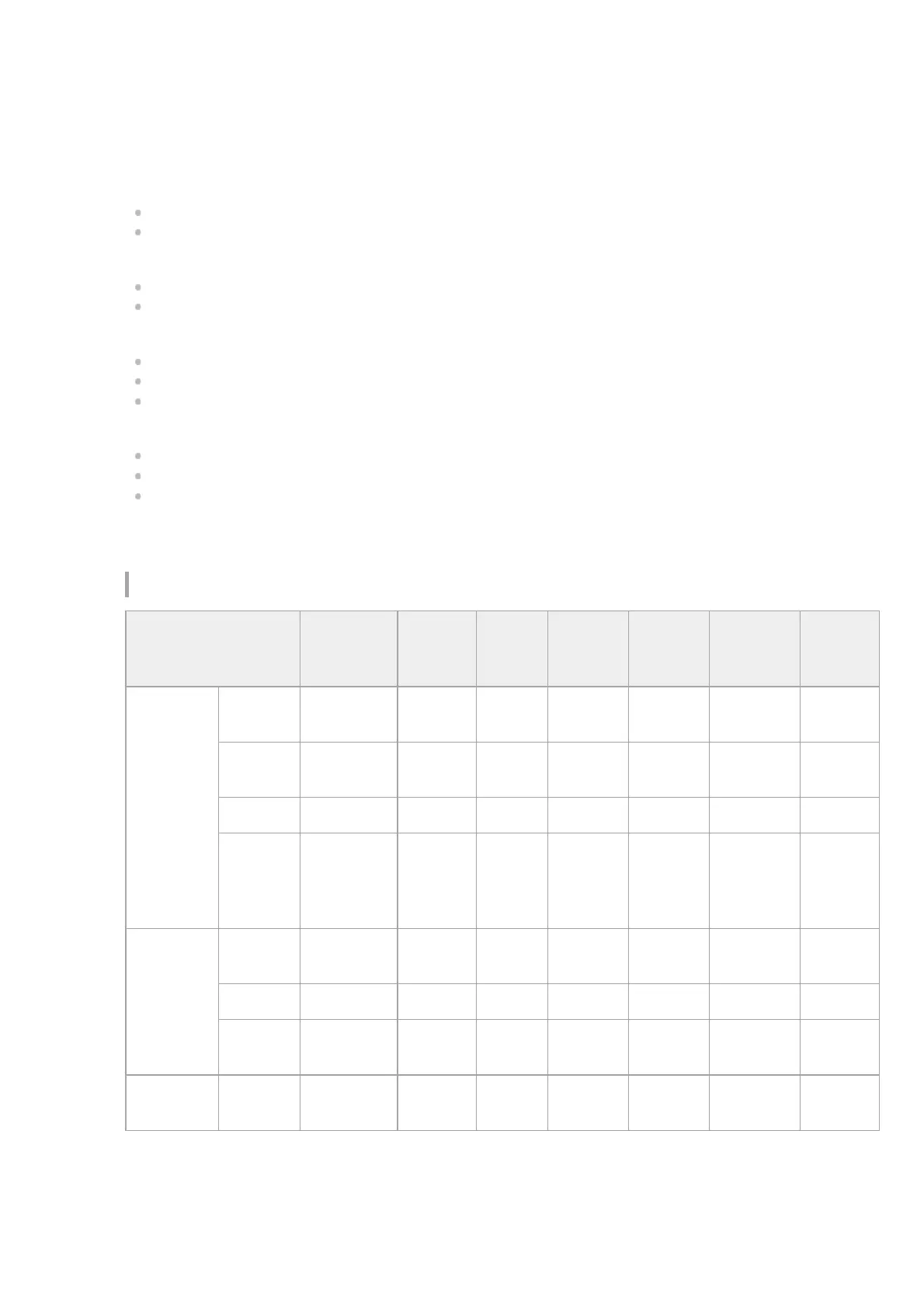
Sound field
Display
panel
Front
speakers
Center
speaker
Surround
speakers
Surround
back
speakers
Subwoofer
Height
speakers
2CH/MULTI
2ch
Stereo
2CH
STEREO
◎
- - - - -
Multi Ch
Stereo
MULTI ST.
◎
○ ○ ○ ○ ○ (*1)
Direct DIRECT
◎
○ ○ ○ ○ ○ (*1)
A.F.D.
(Auto
Format
Decoding)
A.F.D.
◎
○ ○ ○ ○ ○ (*1)
MOVIE
Dolby
Surround
DOLBY
SURR
◎
○ ○ ○ ○ ○
Neural:X NEURAL:X
◎
○ ○ ○ ○ ○ (*2)
Front
Surround
FRONT
SUR.
◎
- - - ○ -
MUSIC
Audio
Enhancer
A.
ENHANCER
◎
○ ○ ○ ○ ○ (*1)


 To Next Page