Note
When no sound is heard, check that all the speakers are securely connected to the correct speaker
terminals and the correct speaker pattern is selected.
[77] Enjoying Video and Sound Enjoying sound effects
Resetting sound fields to the default settings
Be sure to use the buttons on the receiver to perform this operation.
[78] Enjoying Video and Sound
Enjoying sound effects
Adjusting the equalizer (Equalizer)
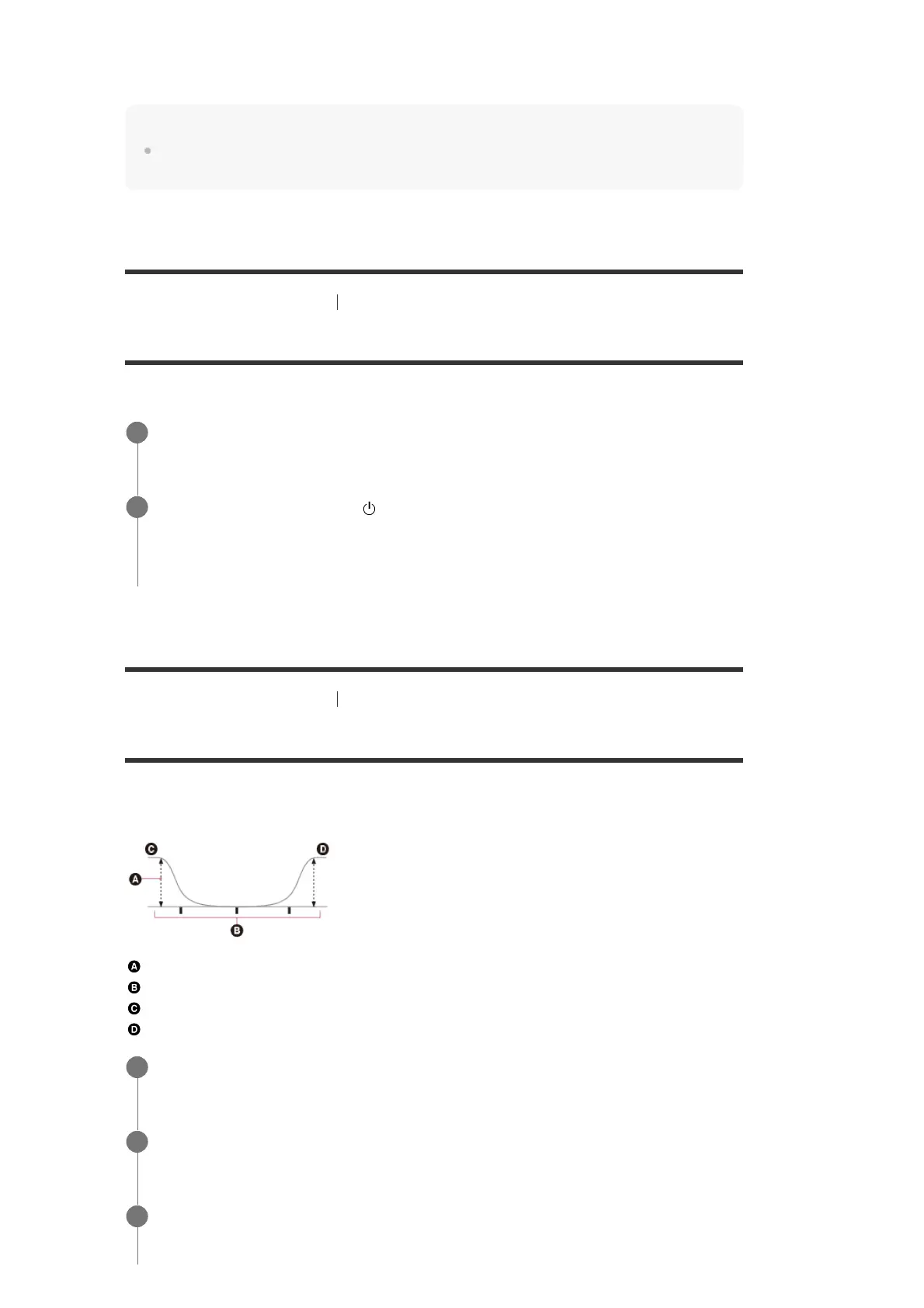
You can use the following parameters to adjust the tonal quality (bass/treble level) of the front,
center, surround/surround back and height speakers.
Level (dB)
Frequency (Hz)
Bass
Treble
For DTS audio streams, no sound is output when the speaker pattern is set to [5.1.2 (TM)], [5.1.2 (FD)], or [5.1.2
(SRD)].
No sound is output when the speaker pattern is set to [5.1.2 (TM)], [5.1.2 (FD)], or [5.1.2 (SRD)].
*2
Turn off the receiver.
1
Hold down MUSIC and press
(power) on the receiver.
[S.F. CLEAR] appears on the display panel and all sound fields are reset to their default
setting.
2
Select [Setup] - [Speaker Settings] from the home menu.
1
Select [Equalizer].
2
Select [Front], [Center], [Surround] or [Height].
3


 To Next Page