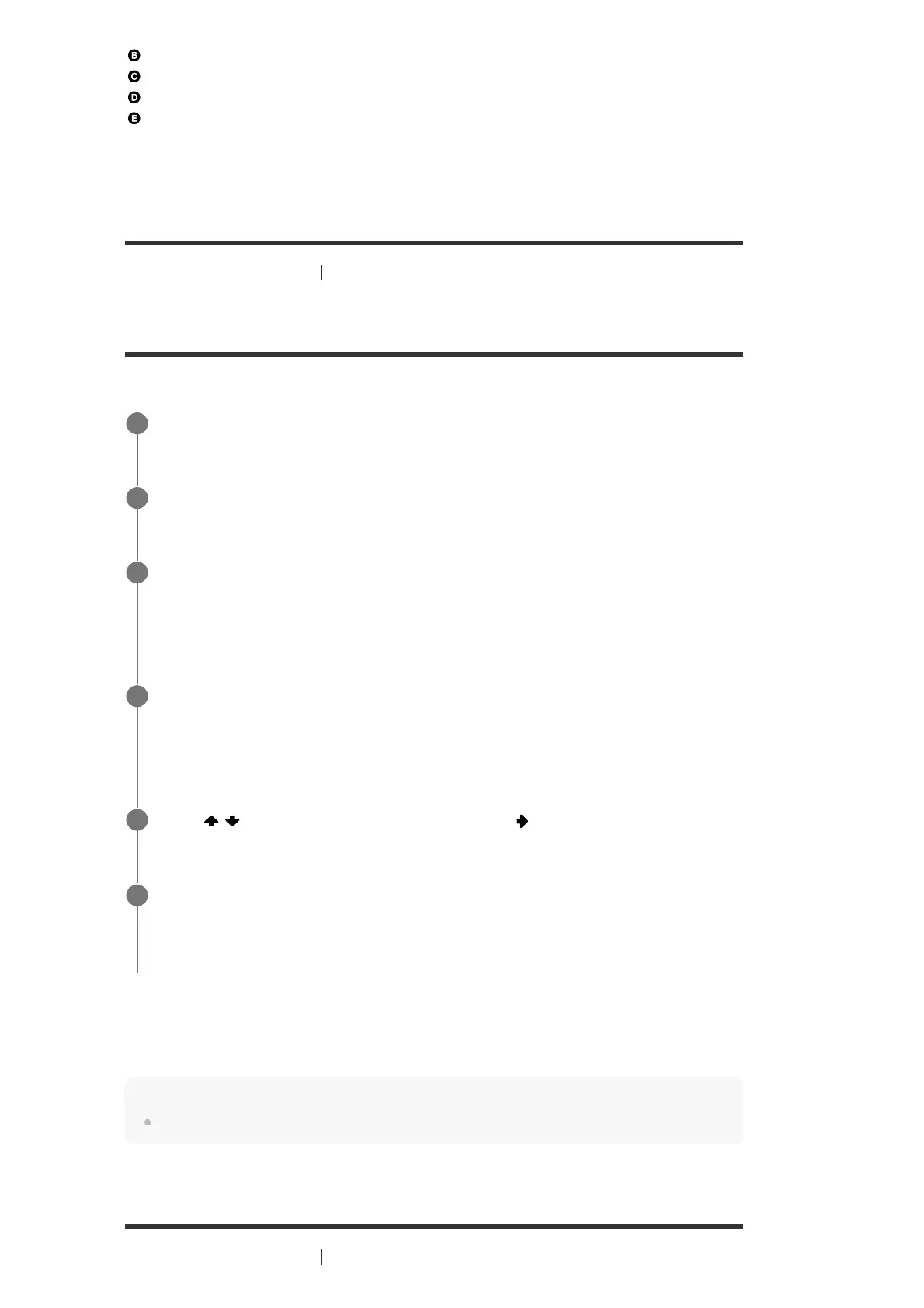
LAN cable (*) (not supplied)
Router
Modem
Internet
[85] Using Network Features
Setting up a wired LAN connection (for wired LAN connections
only)
Setting up a wired LAN connection
You can set up a wired LAN connection by the following procedure.
If using a fixed IP address
Select [Manual] in step 4 and follow the on-screen instructions.
Hint
See [Network Connection Status] when checking the network settings.
[86] Using Network Features Setting up a wireless LAN connection (for wireless LAN
We recommend using category 7 cables.
*
Select [Setup] - [Network Settings] from the home menu.
1
Select [Internet Settings].
2
Select [Wired Setup].
The screen for selecting the IP address acquisition method appears on the TV screen.
3
Select [Auto].
The confirmation screen appears.
4
Press
/ to browse information, and then press .
5
Select [Save & Connect].
The receiver starts connecting to the network. For details, refer to the messages that
appear on the TV screen.
6


 To Next Page