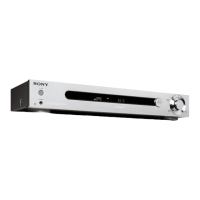
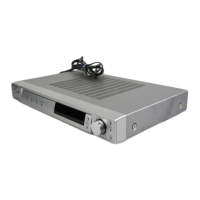
Hooking up the components
masterpage:Right
filename[\\Nas-data-server\SONY Current jobs\SONY STR-
LV500\_DTP\4248914121\424891412STRLV500CEL\GB03CON_STR-LV500-CEL.fm]
9
GB
model name1[STR-LV500]
[4-248-914-12(1)]
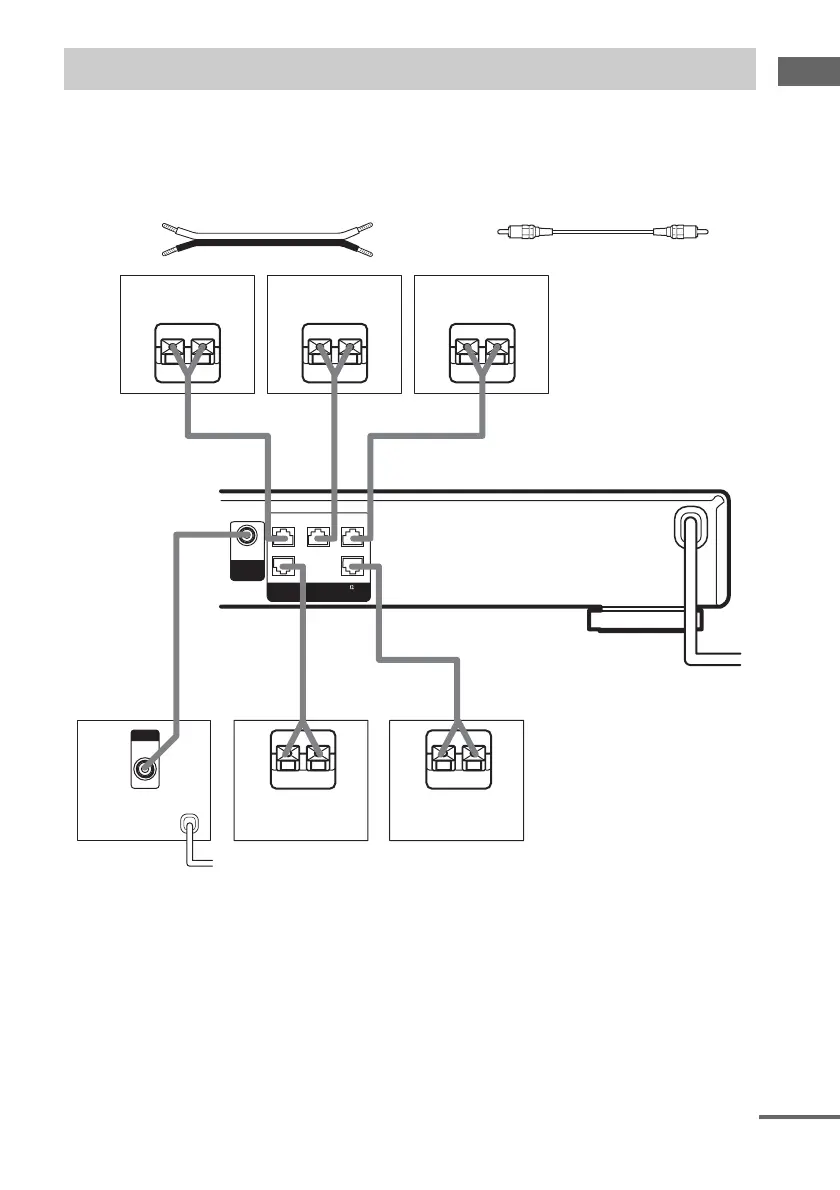
When connecting speaker cords, make sure to attach the supplied speaker plugs to the speaker cords.
For details on how to attach the speaker plugs, see the supplied flysheet.
Required cords
A Speaker cords (not supplied)
(+)
B Monaural audio cord (not supplied)
Black
(–)
Connecting speakers
SUB
WOOFER
(IMPEDANCE USE 4-16 )
SPEAKERS
SURR R
FRONT R
AUDIO
OUT
#3
3#
CENTER
3#
SURR L
FRONT L
#3
3#
Ee
AA
Ee
A
Ee
E
e
A
E
e
A
INPUT
AUDIO
IN
B
b
Surround speaker
(R)
Surround speaker
(L)
Sub woofer
Center speaker
Front speaker (L)
Front speaker (R)
To a wall outlet
(Switch the power
(POWER) to off before
connecting the power
cord).
continued



 To Next Page