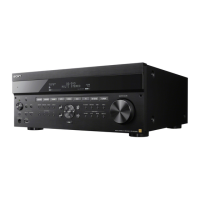
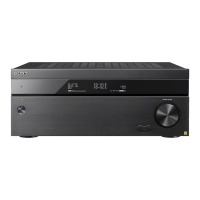
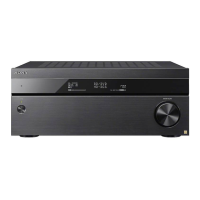
You can register up to 5 Video & TV SideView devices. If you want to add a new device when a
maximum of 5 devices are set, remove unnecessary devices before adding the new device.
[99] Using Network Features Using Video & TV SideView to control the receiver from a
smartphone or tablet device
Deleting Video & TV SideView device from device
list
You can check and delete the Video & TV SideView devices which are able to control the
receiver.
[100] Using Network Features
Using Chromecast built-in™ to enjoy audio content
from a smartphone or tablet device
You can play back audio/music content selected in a Chromecast-enabled app on a mobile
device by activating the Chromecast built-in function. You can also listen to the same music in
multiple rooms if you register devices that support the Chromecast built-in function such as the
receiver and wireless speakers located in another room, to a group in advance.
For details, refer to the following Chromecast website:
g.co/cast/audiolearn
Select [Setup] - [Network Settings] from the home menu.
1
Select [Registered Remote Devices].
2
Select the device you want to delete and press OPTIONS.
3
Select [Remove] from the options menu.
4
Select [OK].
The selected device is deleted from the device list.
5
Select [Listen] - [Music Service List] from the home menu.
The music service list appears on the TV screen.
1


 To Next Page