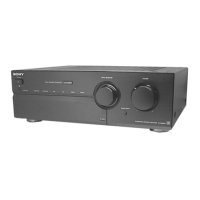
Basic Operations
7
GB
Basic Operations
Basic Operations
Listening to the Music
z To listen through the
headphones
Connect the headphones to
PHONES and set
SPEAKERS to OFF.
z To listen directly to the
input signal
Press SOURCE DIRECT so
that the indicator lights up.
Since the circuits of TONE
controls, BALANCE control,
LOUDNESS button, and
SUBSONIC button are
bypassed, you cannot adjust
bass, treble, the balance,
reinforce the bass and treble,
or reduce subsonic noise
components while listening
to a source directly.
Note
Avoid high speaker output at
which the sound is distorted.
High-frequency distortion may
damage the tweeters.
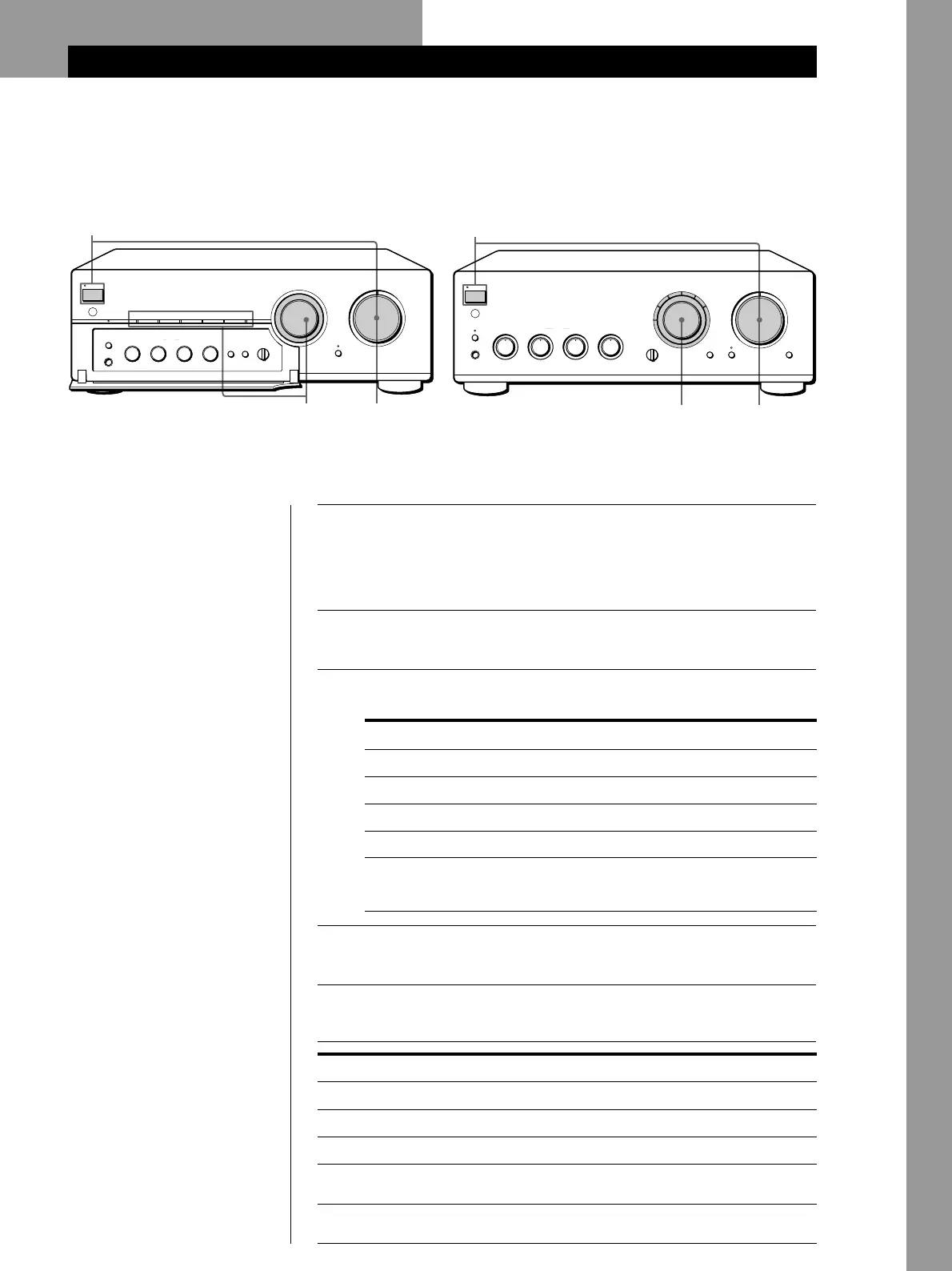
1
Press U to turn on the amplifier and turn VOLUME fully
counterclockwise to prevent damaging the speakers with
excessive output.
The PROTECTION indicator lights up, then goes off.
2
Turn on the programme source you want to listen to.
3
Set INPUT SELECTOR to the respective programme source.
The indicator for the programme source lights up.
4
Start the programme source.
5
Adjust the volume by turning VOLUME.
To
Press or turn
BASS
TREBLE
BALANCE
LOUDNESS
SUBSONIC
Adjust the bass
Adjust the treble
Adjust the balance
Reinforce the bass and treble at low
listening level
Reduce subsonic noise components
created by warped records, etc.
AUX
TAPE1/DAT
TAPE2/MD
Source connected to AUX
Record
Radio broadcast
Compact disc
To listen to a
Turn INPUT SELECTOR for
PHONO
TUNER
CD
Source connected to:
—TAPE1/DAT
—TAPE2/MD
5
1
3
PROTECTION
U
PHONES
SPEAKERS
A
•
•
•
•
OFF
A
+
B
–
10
+
10
TONE
SUBSONIC
EON LINK
INPUT SELECTOR
VOLUME
SOURCE DIRECT
010
B
g
SOURCE
•
•
•
TAPE1 TAPE2
BASS
0
•
•
•
–
10
+
10
TREBLE
0
•
•
•
LEFT RIGHT
BALANCE
•
•
•
TAPE MONITOR
TAPE1/DATEON LINK CD TUNER PHONOAUXTAPE2/MD
LOUDNESS
Ø ON ø OFF Ø ON ø OFF
5
1
3
PROTECTION
U
PHONES
SPEAKERS
A0
BASS
•
OFF
A
+
B
–
10
+
10
TONE
SUBSONIC
INPUT SELECTOR VOLUME
SOURCE DIRECT
EON LINK
010
Ø ON ø OFF
LOUDNESS
Ø ON ø OFF
B
g
SOURCE
TAPE1
0
TREBLE
•
–
10
+
10
•
BALANCE
TAPE MONITOR
CD
TUNERAUX
TAPE2/MD
TAPE1/DAT
PHONO
•
LEFT RIGHT
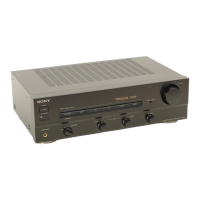
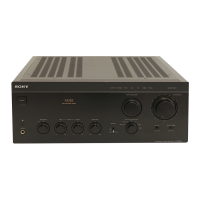
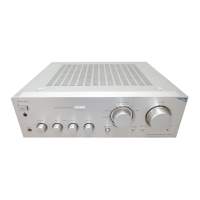
TA-FB920R TA-FB820R/FB720R


 To Next Page