29
EN
Getting Started
Additional Information
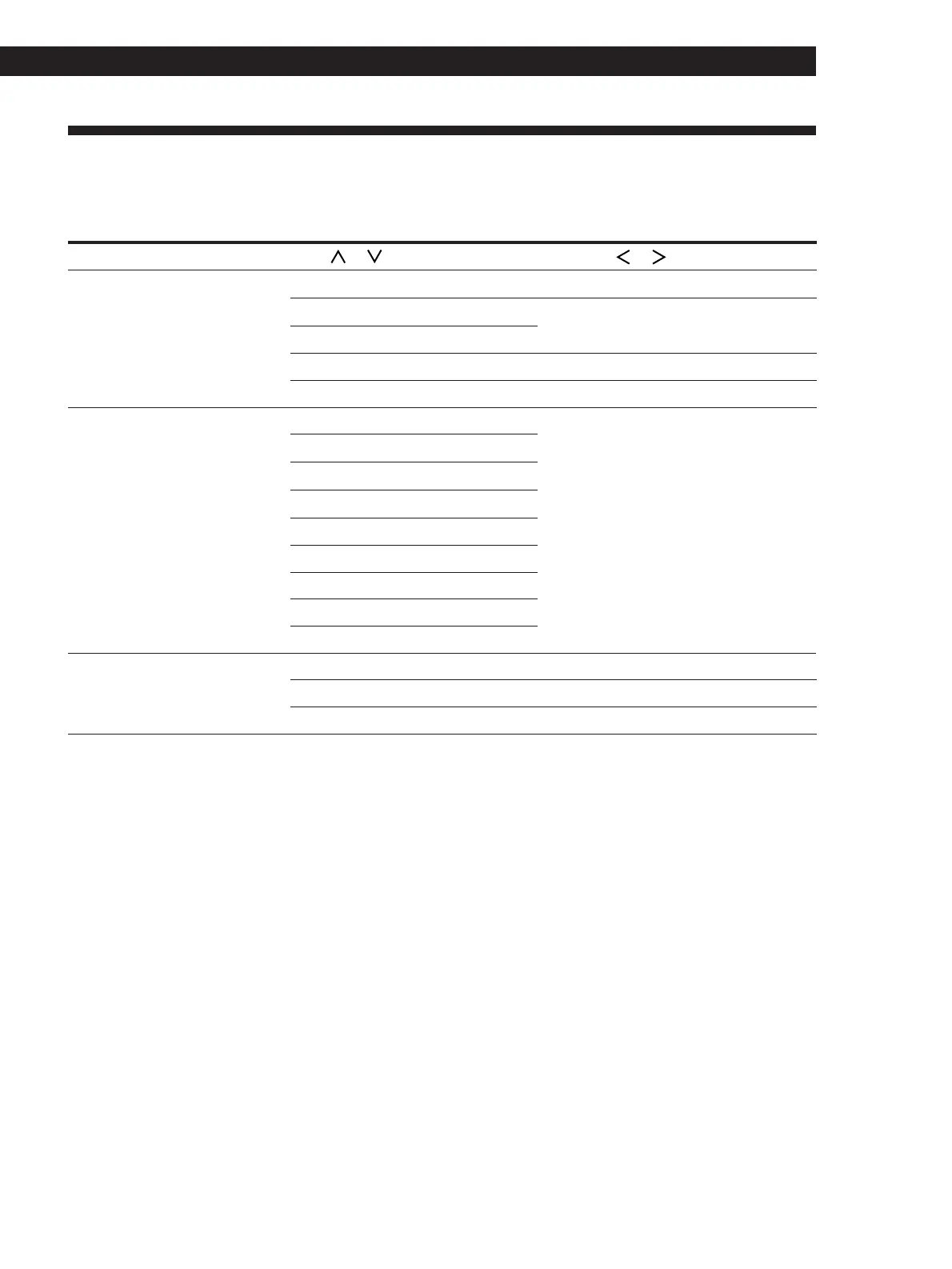
Table of Functions of the SET UP Button
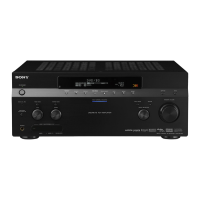
You can make various settings using the SET UP button on the main unit and the digital processing control buttons.
Operations related to each menu are explained in the previous sections. The table below describes how to access
each menu.
Press SET UP repeatedly to select* Press or to select Then press or to select See page
FUNCTION HOOKUP VIDEO 1 CONNECT or NO 13
VIDEO 2
TV
TAPE
DAT/MD
CD
SPEAKER SETUP
FRONT SP. LARGE or SMALL 16
CENTER SP. LARGE, SMALL, or NO 16
REAR SP.
REAR SP. SIDE or BEHIND 16
SUB WOOFER YES or NO 16
LD
TUNER
OTHER SETUP CENTER DELAY 0 to 5ms (in 1 ms steps)
PHONO
12
16
REAR DELAY 0 to 15ms (in 5 ms steps)
16
DIMMER
among 4 levels of brightness
* “PLEASE PUSH CURSOR” appears in the display after 4 seconds you press the SET UP button.


 To Next Page