EasyManua.ls Logo

Sony TC-252 D - TC-252 D Tape Operations Guide; Playback Procedures

Sony TC-252 D
19 pages
Print Icon
To Next Page IconTo Next Page
To Previous Page IconTo Previous Page
Loading...
amt
©
©
Microphone
Microphone
Mikrophon
Stereo
microphone
mixer
MX-6S
Melangeur
de
microphone
stereo
MX-6S
Stereo
Mikrophon
Mischpult
MX-6S
STEREO
PLAYBACK
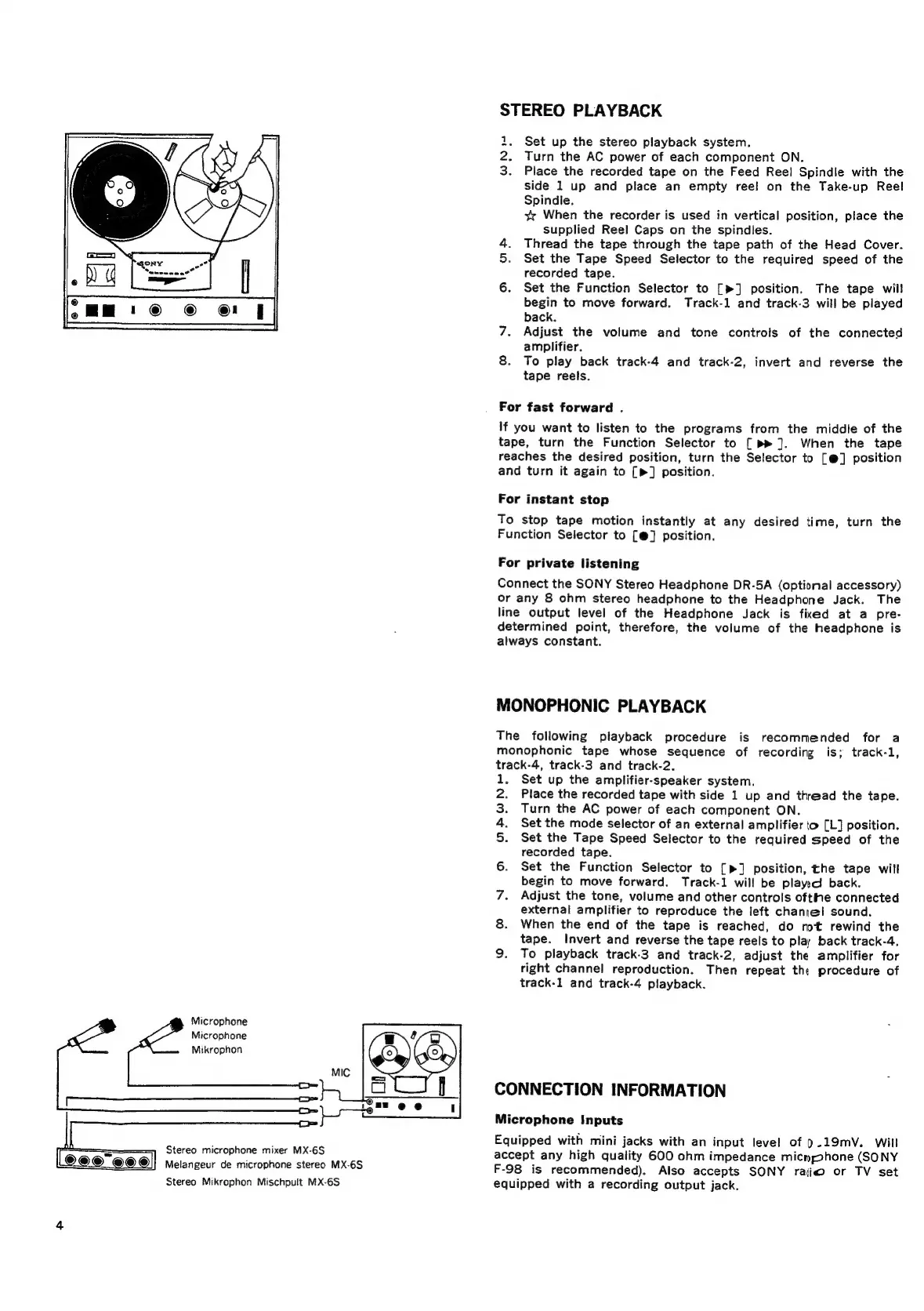
Set
up
the
stereo
playback
system.
Turn
the
AC
power
of
each
component
ON.
Place
the
recorded
tape
on
the
Feed
Reel
Spindle
with
the
side
1
up
and
place
an
empty
reel
on
the
Take-up
Reel
Spindle.
vv
When
the
recorder
is
used
in
vertical
position,
place
the
supplied
Reel
Caps
on
the
spindles.
4.
Thread
the
tape
through
the
tape path
of
the
Head
Cover.
5.
Set
the
Tape
Speed
Selector
to
the
required
speed
of
the
recorded
tape.
6.
Set
the
Function
Selector
to
[>]
position.
The
tape
will
begin
to
move
forward.
Track-1
and
track-3
will
be
played
back.
7.
Adjust
the
volume
and
tone
controls
of
the
connected
amplifier.
8.
To
play
back
track-4
and
track-2,
invert
and
reverse
the
tape
reels.
WN
i
For
fast
forward
.
If
you
want
to
listen
to
the
programs
from
the
middle
of
the
tape,
turn
the
Function
Selector
to
[
].
When
the
tape
reaches
the
desired
position,
turn
the
Selector
to
[@]
position
and
turn
it
again
to
[»]
position.
For
instant
stop
To
stop
tape
motion
instantly
at
any
desired
time,
turn
the
Function
Selector
to
[@]
position.
For
private
listening
Connect
the
SONY
Stereo
Headphone
DR-5A
(optional
accessory)
or
any
8
ohm
stereo
headphone
to
the
Headphone
Jack.
The
line
output
level
of
the
Headphone
Jack
is
fixed
at
a
pre-
determined
point,
therefore,
the
volume
of
the
headphone
is
always
constant.
MONOPHONIC
PLAYBACK
The
following
playback
procedure
is
recommended
for
a
monophonic
tape
whose
sequence
of
recording
is;
track-1,
track-4,
track-3
and
track-2.
Set
up
the
amplifier-speaker
system.
Place
the
recorded
tape
with
side
1
up
and
thread
the
tape.
Turn
the
AC
power
of
each
component
ON.
Set
the
mode
selector
of
an
external
amplifier
to
[L]
position.
Set
the
Tape
Speed
Selector
to
the
required
speed
of
the
recorded
tape.
Set
the
Function
Selector
to
[>]
position,
the
tape
will
begin
to
move
forward.
Track-1
will
be
play:d
back.
Adjust
the
tone,
volume
and
other
controls
ofthe
connected
external
amplifier
to
reproduce
the
left
channel!
sound.
When
the
end
of
the
tape
is
reached,
do
mt
rewind
the
tape.
Invert
and
reverse
the
tape
reels
to
play
back
track-4.
To
playback
track-3
and
track-2,
adjust
the
amplifier
for
right
channel
reproduction.
Then
repeat
the
procedure
of
track-1
and
track-4
playback.
oS
oe
N
fF
APYWNE
CONNECTION
INFORMATION
Microphone
Inputs
Equipped
with
mini
jacks
with
an
input
level
of
9.19mV.
Will
accept
any
high
quality
600
ohm
impedance
micnphone
(SONY
F-98
is
recommended).
Also
accepts
SONY
raiio
or
TV
set
equipped
with
a
recording
output
jack.

Related product manuals